EasyManua.ls Logo

Iridium Extreme - Conditions of Use and Liability Limitations

Iridium Extreme
230 pages
Print Icon
To Next Page IconTo Next Page
To Previous Page IconTo Previous Page
Loading...
188 Iridium Extreme™ User Manual
15: Using the Security Menu
Old PIN
Change PIN
OK Clear
New PIN
Verify PIN
Old PIN
Change PIN
OK Clear
New PIN
Verify PIN
****
****
****
PIN changed OK
Change PIN
Yes No
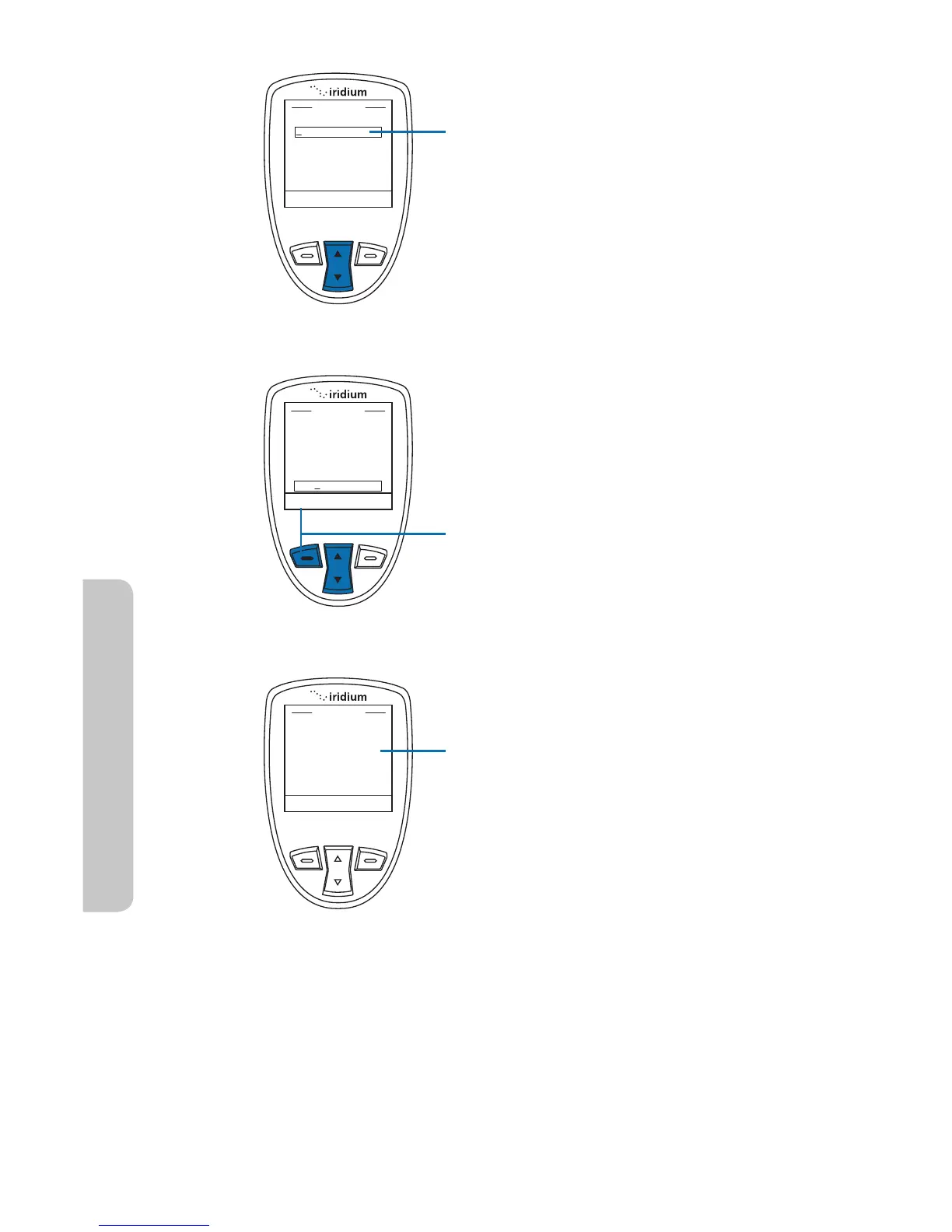
7. Enter your current PIN in the Old
PIN field. Use the 2-way Navi-key
to move to the next field and enter
your new PIN into the New PIN field.
Move to the Verify PIN field and
enter the new PIN again.
8. When all fields are complete, press
the left soft key, labeled OK.
9. The screen displays PIN changed
OK then returns to the Change PIN
menu.


Table of Contents

Other manuals for Iridium Extreme

Related product manuals