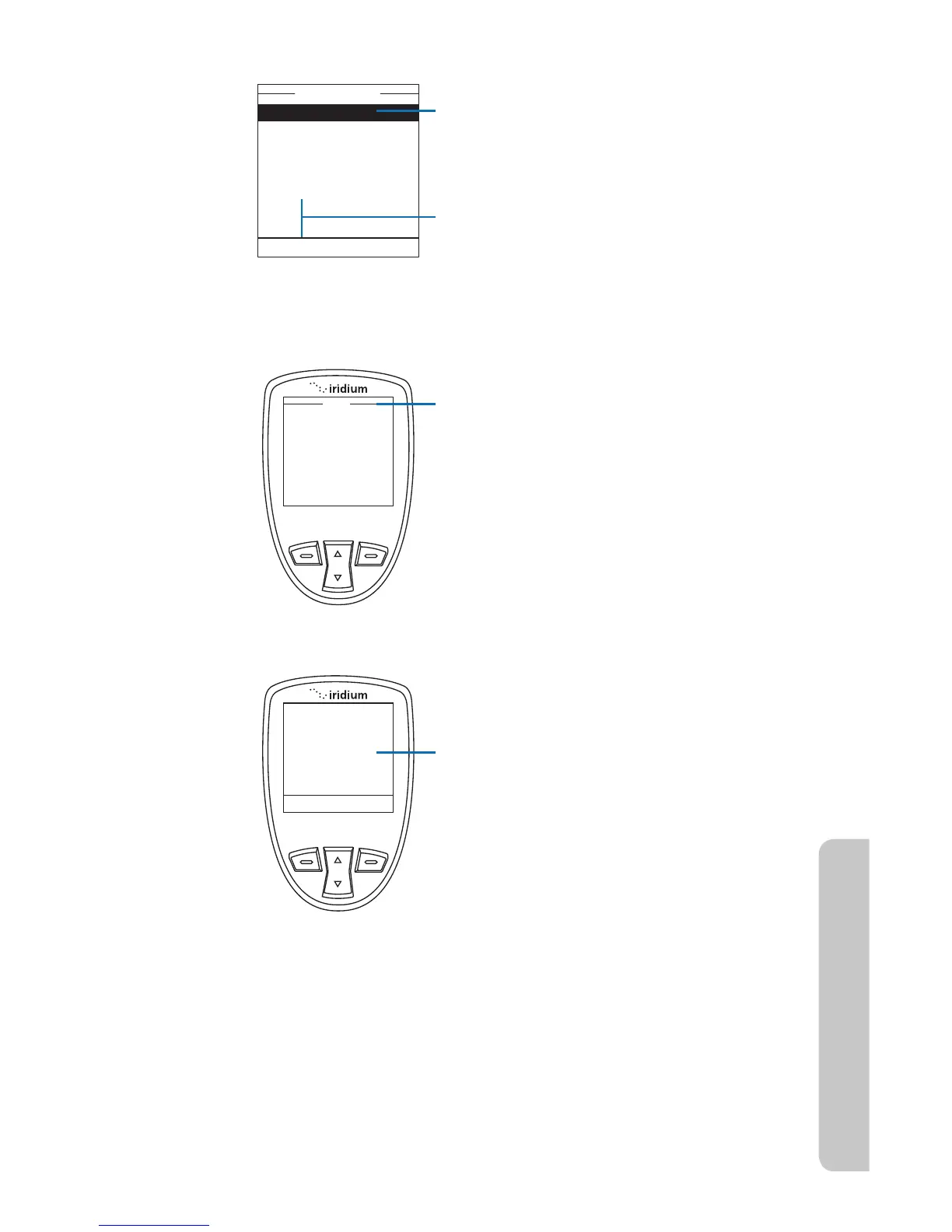
4. The Phonebook options are displayed.
5. With the Call option highlighted,
press the left soft key labeled Select.
Note: If an entry has more than one
number, for example, Home, Work and
Mobile, then all numbers are displayed.
Using the 2-way Navi-key, highlight the
number to be called and press Select.
Note: If your antenna is not extended
you receive an alert message telling you
to extend the antenna.
6. Calling followed by the number you
dialed is displayed. The call is then
connected.



 To Next Page