USER MANUAL
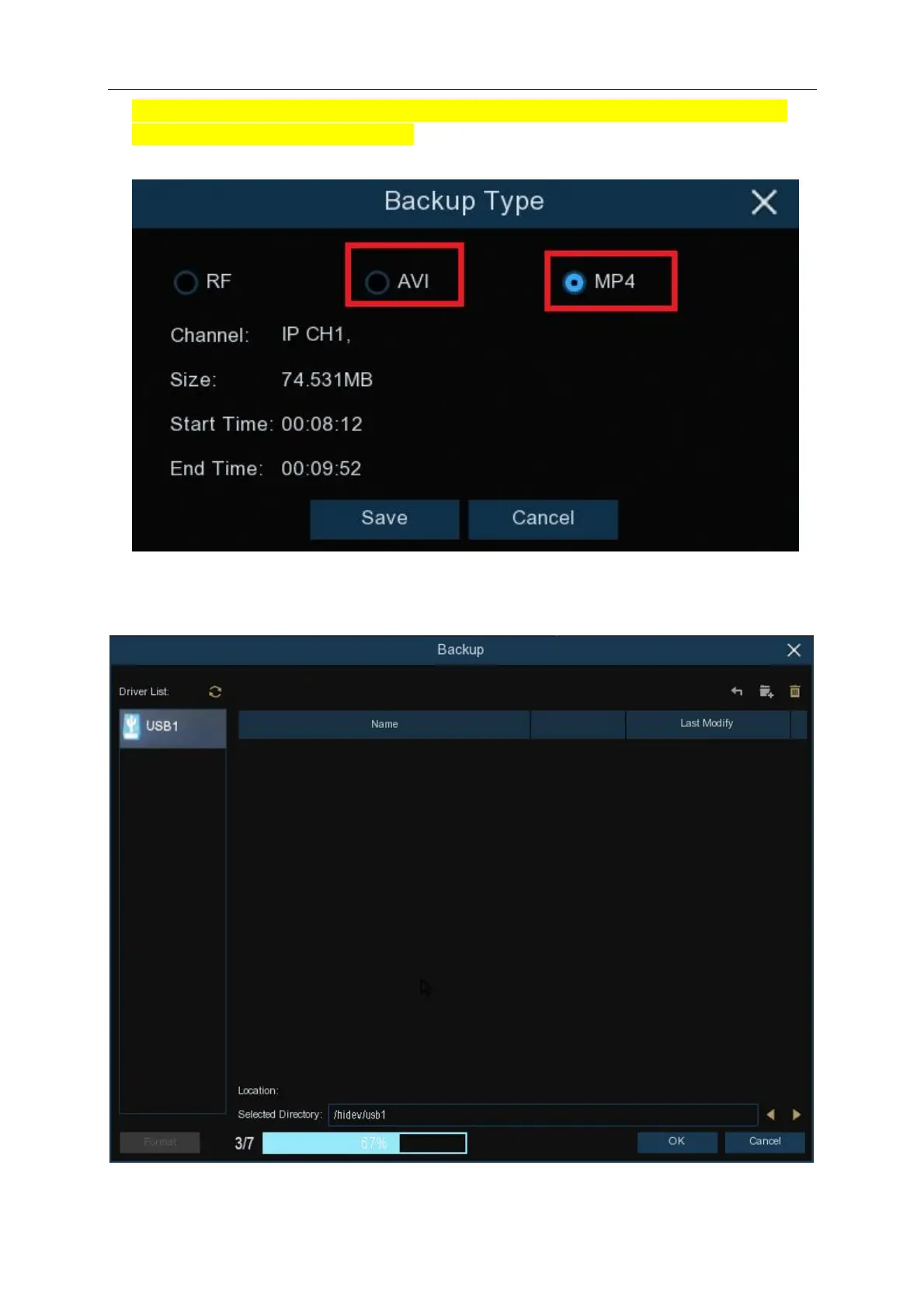
8. Important: If you need to backup footage that will be provided to Police or other authorities
please select MP4 or AVI video format. Click Save button to save the video clips. Please make
sure your USB device has enough space to save the video clips.
9. The backup drive menu appears. Navigate to the folder you want the backup files to save in.
10. Click OK to begin. The progress bar at the bottom of the window shows you the progress of
the backup.



 To Next Page