USER MANUAL
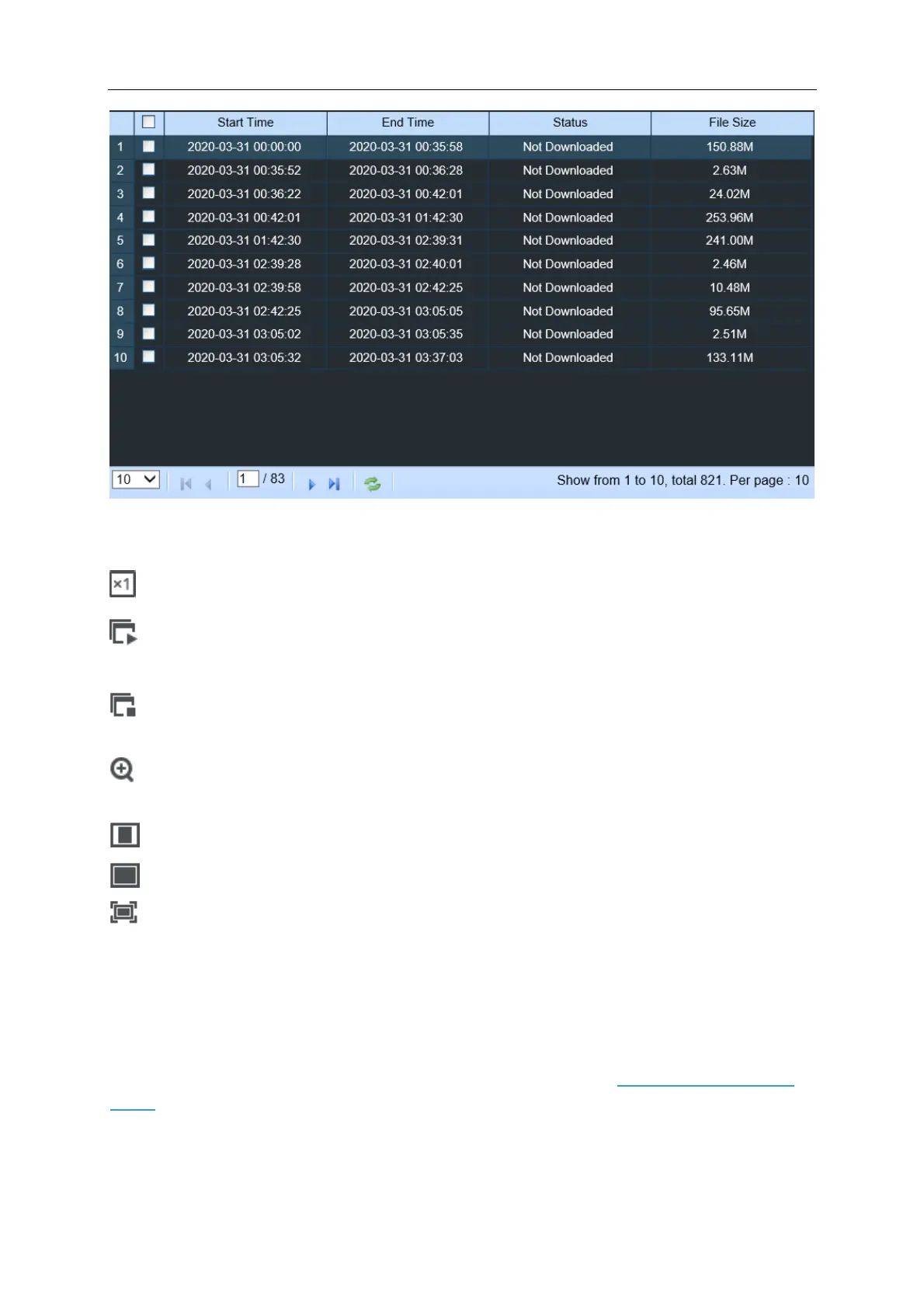
Choose the files you want to download, press Start Download button to begin, you will see the
download status. Press Stop Download button to stop.
Playback Speed. Click to choose the playing speed.
Play All Channels: Click to play all channels you have chosen to searched. Only available
when the Synchronous playback option is not checked.
Stop All Channels: Click to stop playing all channels. Only available when the
Synchronous playback option is not checked.
Digital Zoom: Click upon on a playing video, then click-and-drag over an area of the video to
enlarge. Right-click to return to the normal display.
Original Proportions: Shows the playing video at the original proportions
Stretch: Stretch the playing video to fit the full area for each channel on screen.
To enlarge the web client to full screen.
7.3.3 Remote Setting
Here you can remotely configure the settings of the NVR. Please see “Chapter 5 NVR System
Setup” for more details on the NVR settings.



 To Next Page