USER MANUAL
Chapter 4 NVR Starting up
4.1 Before you Begin
Ensure that you have connected an LCD / TV using a HDMI or VGA cable as well as a USB mouse
to the NVR
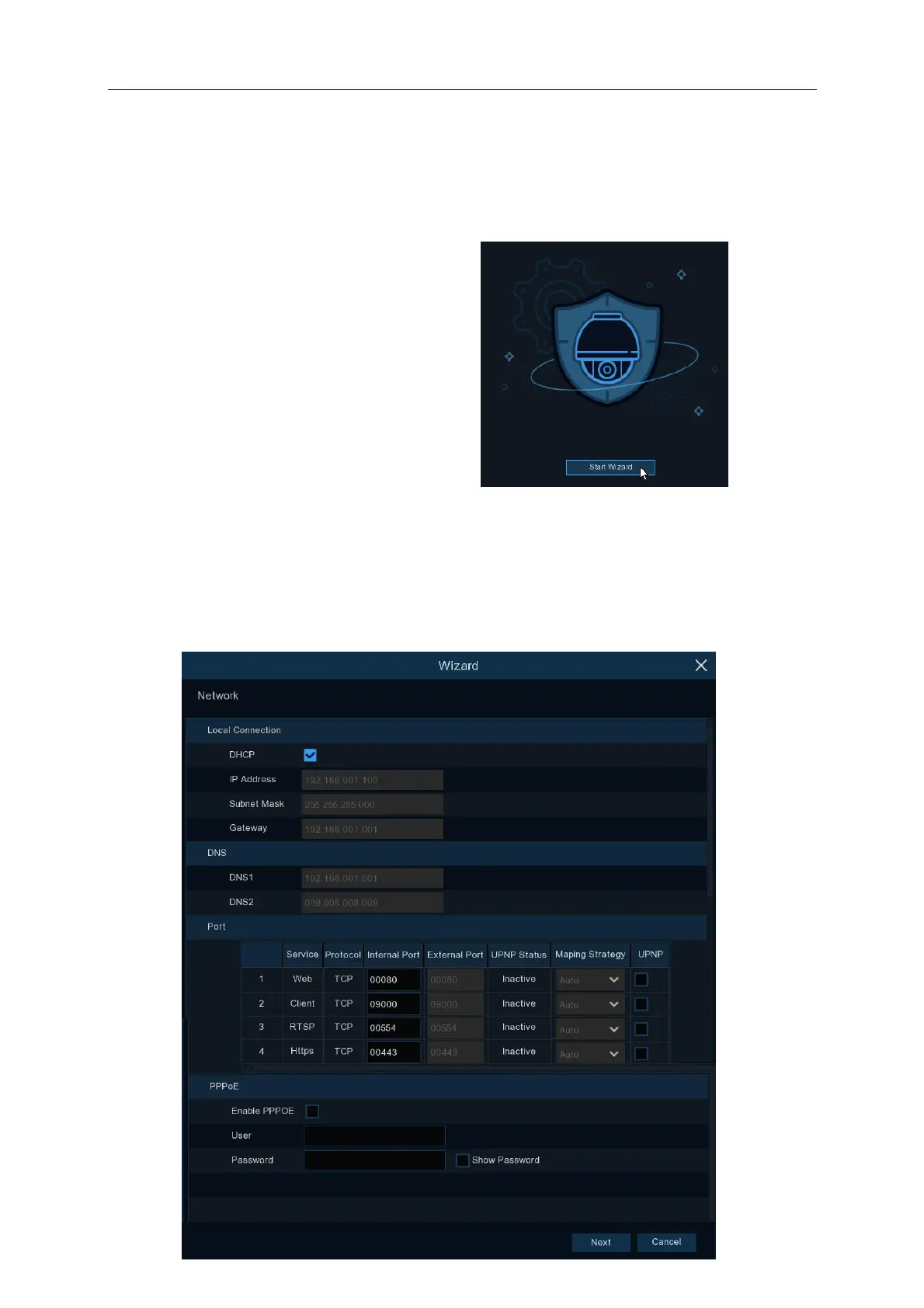
4.1.1 Start Wizard
Click the Start Wizard to proceed to the next step
4.1.2 Network Configuration
Connect an Ethernet cable from the WAN port on the rear of the NVR to your modem / router LAN
port. The WAN port should be flashing orange and green lights once the cable is connected.
Ensure that DHCP is ticked during the initial configuration:



 To Next Page