USER MANUAL
3.2 Using the Virtual Keyboard
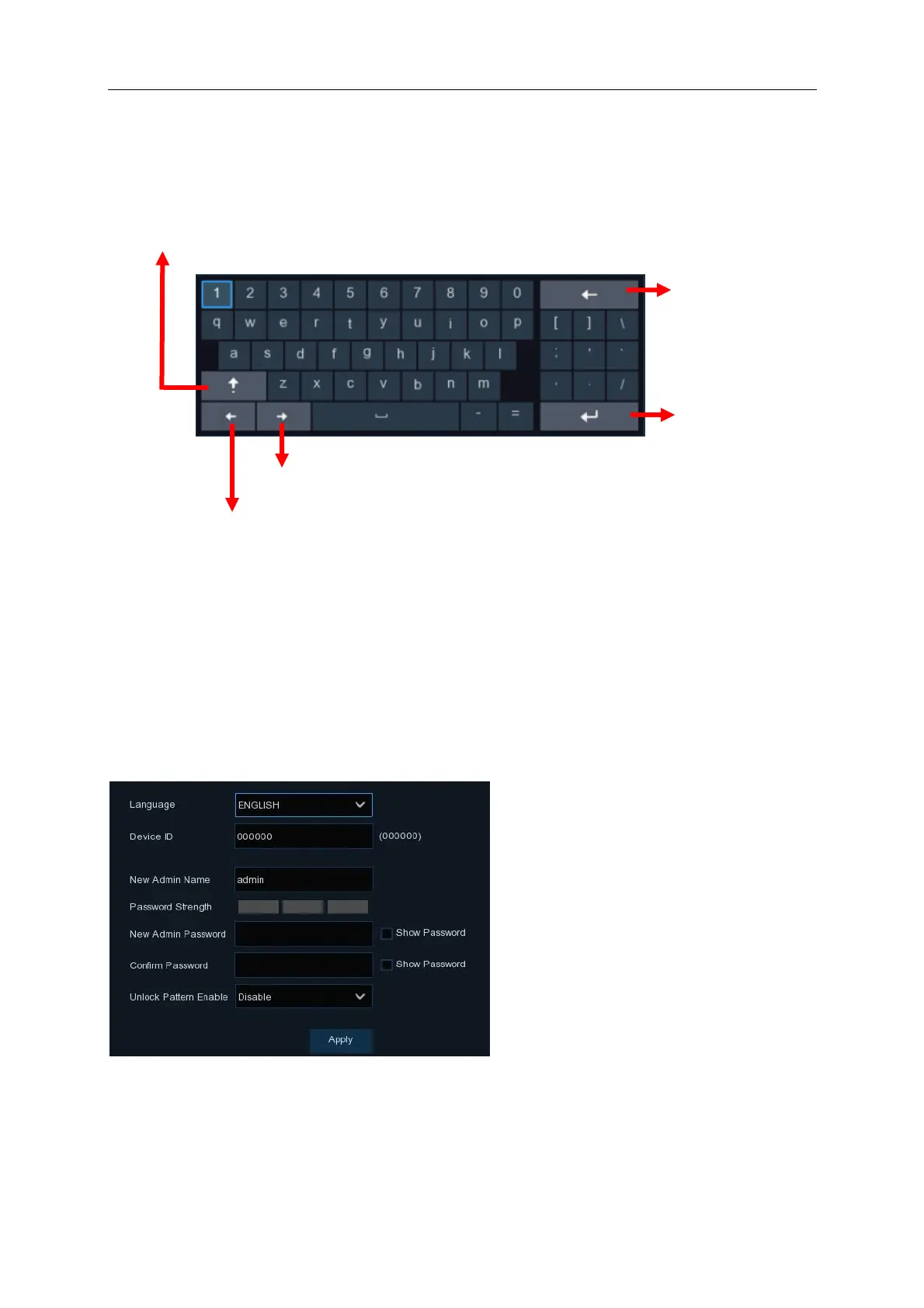
The virtual keyboard will appear automatically when you are prompted to enter a password or
other details. Use the mouse to control the virtual keyboard
Clicking on the Shift key will allow you to access upper case letters and other special characters
3.3 Password
The first time the NVR is powered on you must enter your login password (there is no default
password). This password will be used to access the NVR menus as well as for the Android / IOS
mobile application.
Language: Choose your preferred language. English is set as Default
Device ID: It is recommended not to change this setting. Only in the event that you have more
than one NVR onsite, it may be useful to give each device a unique ID.
New Admin name: The default setting is “admin”. Please do not change this setting



 To Next Page