USER MANUAL
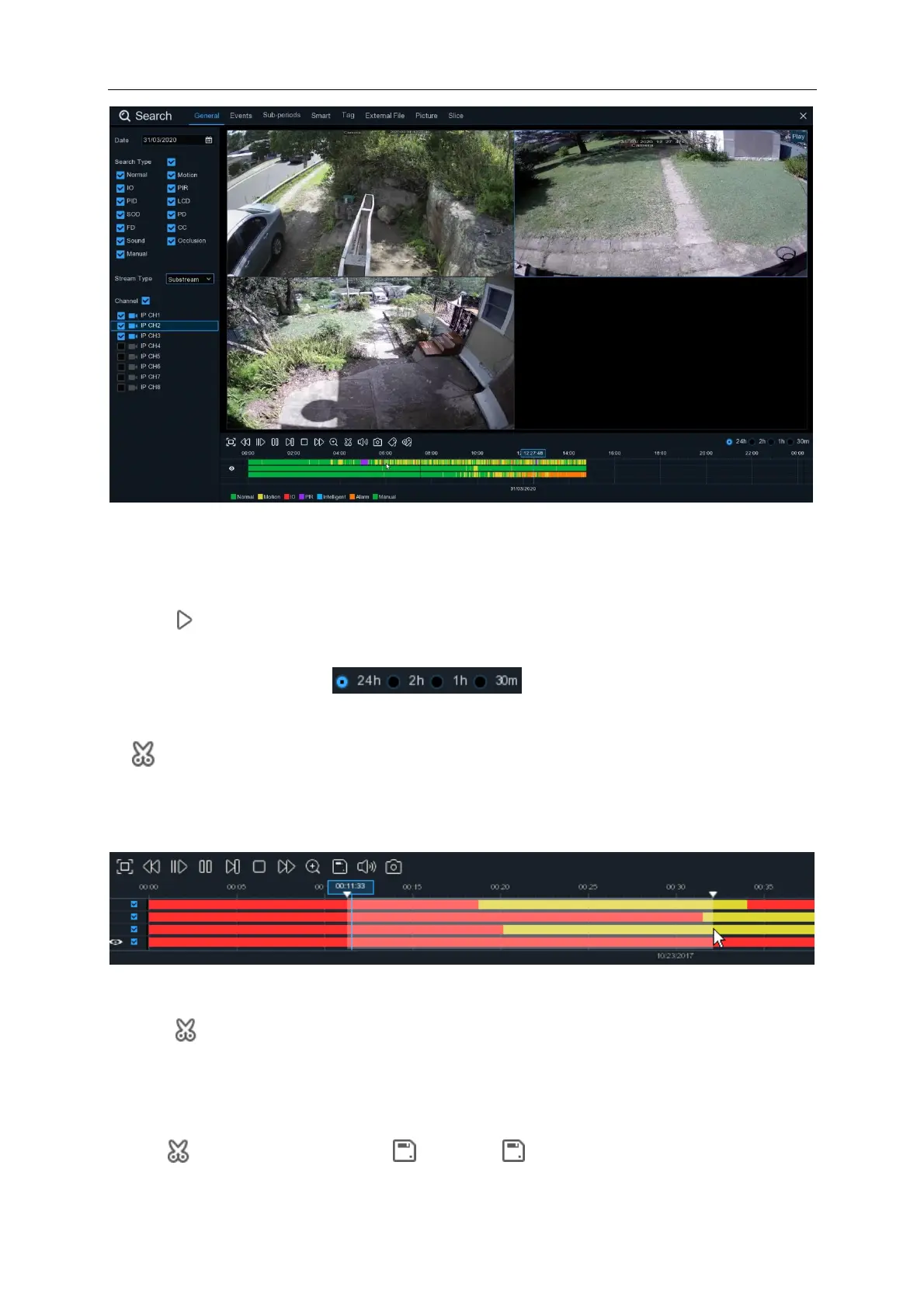
1. Select a date to search for video recording from the calendar.
2. Choose a search type.
3. Check channels you would like to search, or check Channel to search all connected channels.
4. The search result will display on the timeline from 00:00 to 24:00.
5. Click button to start playback.
6. Control the playback with buttons on Video Playback Controls.
7. Use the timeframe options ( ) to view a smaller or larger time period.
8. If you want to quickly save a section of video during playing back to a USB flash drive, use the
Video Clip backup function.
6.1.1.1 Video Clip Backup
1. Insert your USB flash drive to the NVR.
2. Start a video recording playback.
3. Click icon.
4. Check the channel(s) you want to make a video clip backup.
5. Move the mouse cursor to the timeline where you want to start the video clip.
6. Press and hold the left button of your mouse, and drag the drag the cursor to the timeline where
you want to end the video clip.
7. The icon has been changed to icon, click to save the video clip.



 To Next Page