USER MANUAL
Record Path: Click to browse for and select the folder where you would like the manual video
recordings to be saved on your computer.
Download Path: Click to browse for and select the folder where you would like to save the
download video recordings to your computer.
Snapshot Path: Click to browse for and select the folder where you would like the manual
capture snapshots to be saved on your computer.
File Type: Choose your preferred file type for manual recordings. (RF, AVI or MP4)
Capture Type: Choose your preferred snapshot file type (JPG, BMP or PNG)
Save: Click to save the modifications.
Chapter 8
Viewing Backed Up Video on
PC/Mac
To view footage that has been exported in AVI or MP4 format simply download and install VLC
media player (available for Windows and MAC) https://www.videolan.org
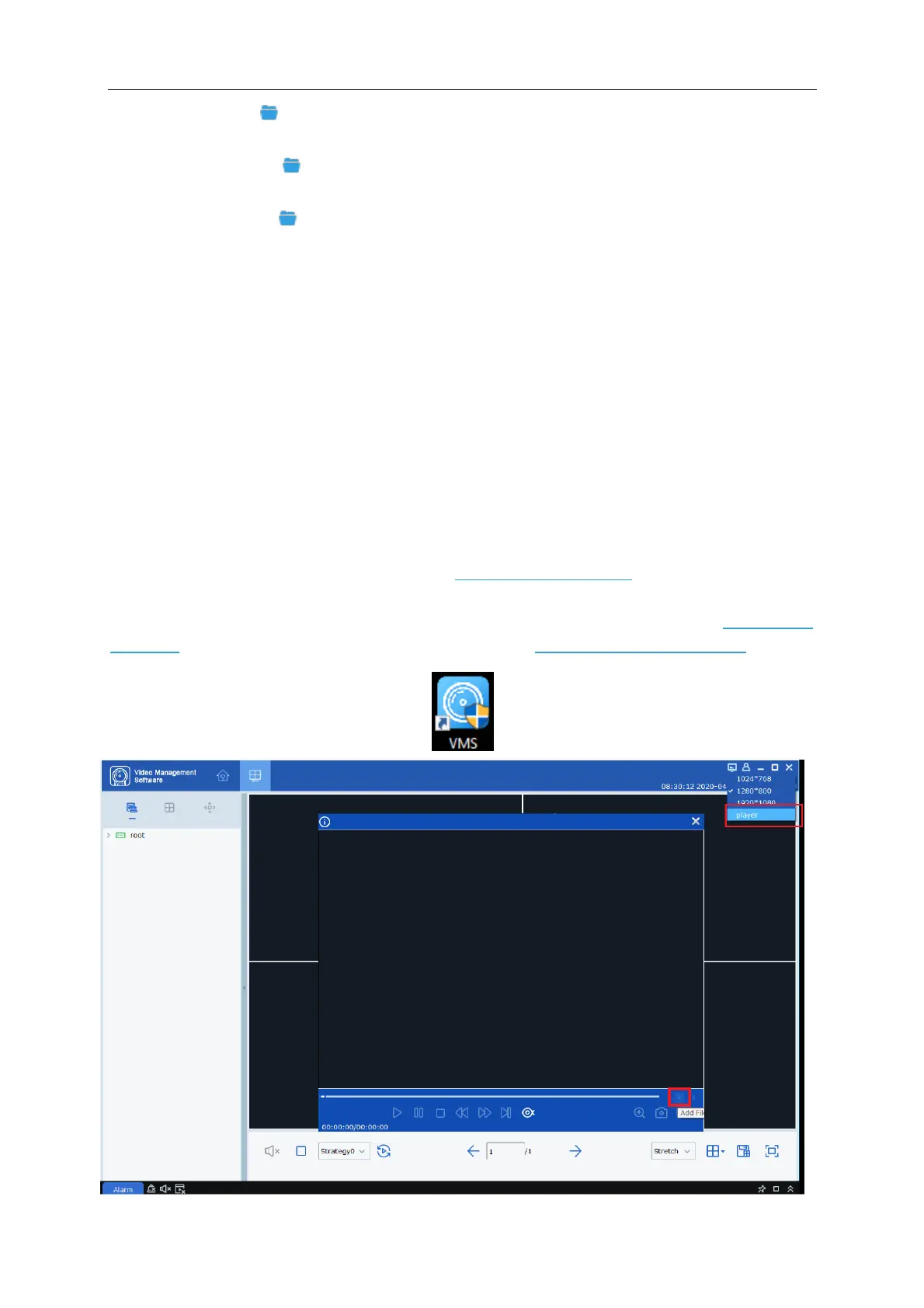
Alternatively, you can review RF, AVI and MP4 footage using the inbuilt VMS player. Click here to
download. For VMS installation instructions please refer to https://youtu.be/jy5cYr93bUY



 To Next Page