USER MANUAL
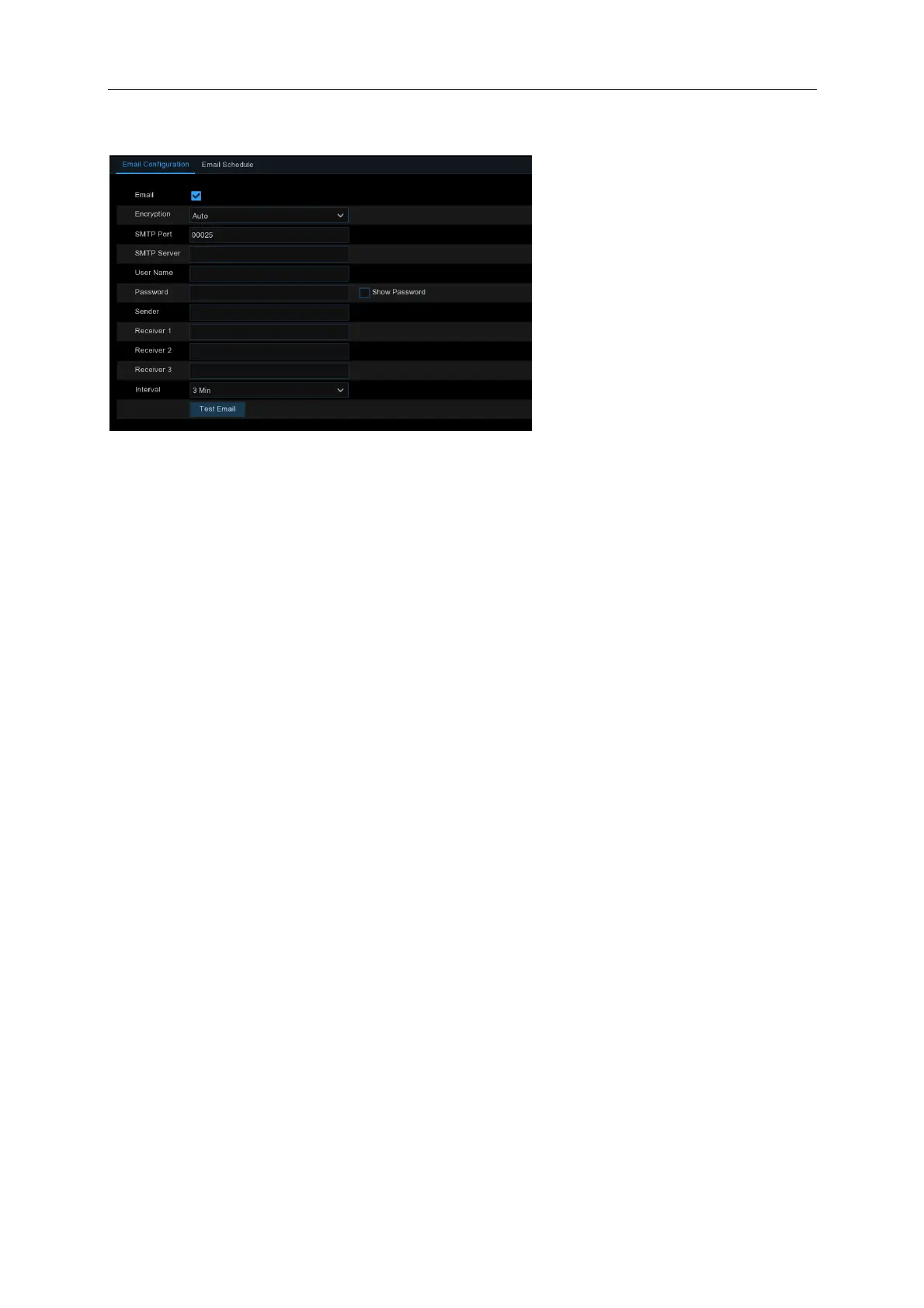
5.4.3.1 Email Configuration
Email: Check to enable.
Encryption: Enable if your email server requires the SSL or TLS verification. If you are not sure,
set to be Auto.
SMTP Port: Enter the SMTP port of your email server.
SMTP Server: Enter the SMTP server address of your email.
User Name: Enter your email address.
Password: Enter the password of your email.
Receiver 1~3: Enter the email address where you want to receive the event notifications from the
NVR.
Interval: Configure the length of the time interval between the notification emails from the NVR.
To make sure all settings are correct, click Test Email. The system sends an automated email
message to your inbox. If you received the test email, it means the configuration parameters are
correct.
5.4.3.2 Email Schedule
You need to configure the schedule to fully implement the Email notification.



 To Next Page