USER MANUAL
6. If you want to adjust the size of the region, click the red box in the region, the borders of the
region will be changed to red colour. Long press the left button of your mouse to move the
whole region, or drag the corners to resize the region.
7. If you want to remove one of the regions from the camera picture, click the red box in the
region and then click Remove button. Click Remove All will delete all regions.
Notice:
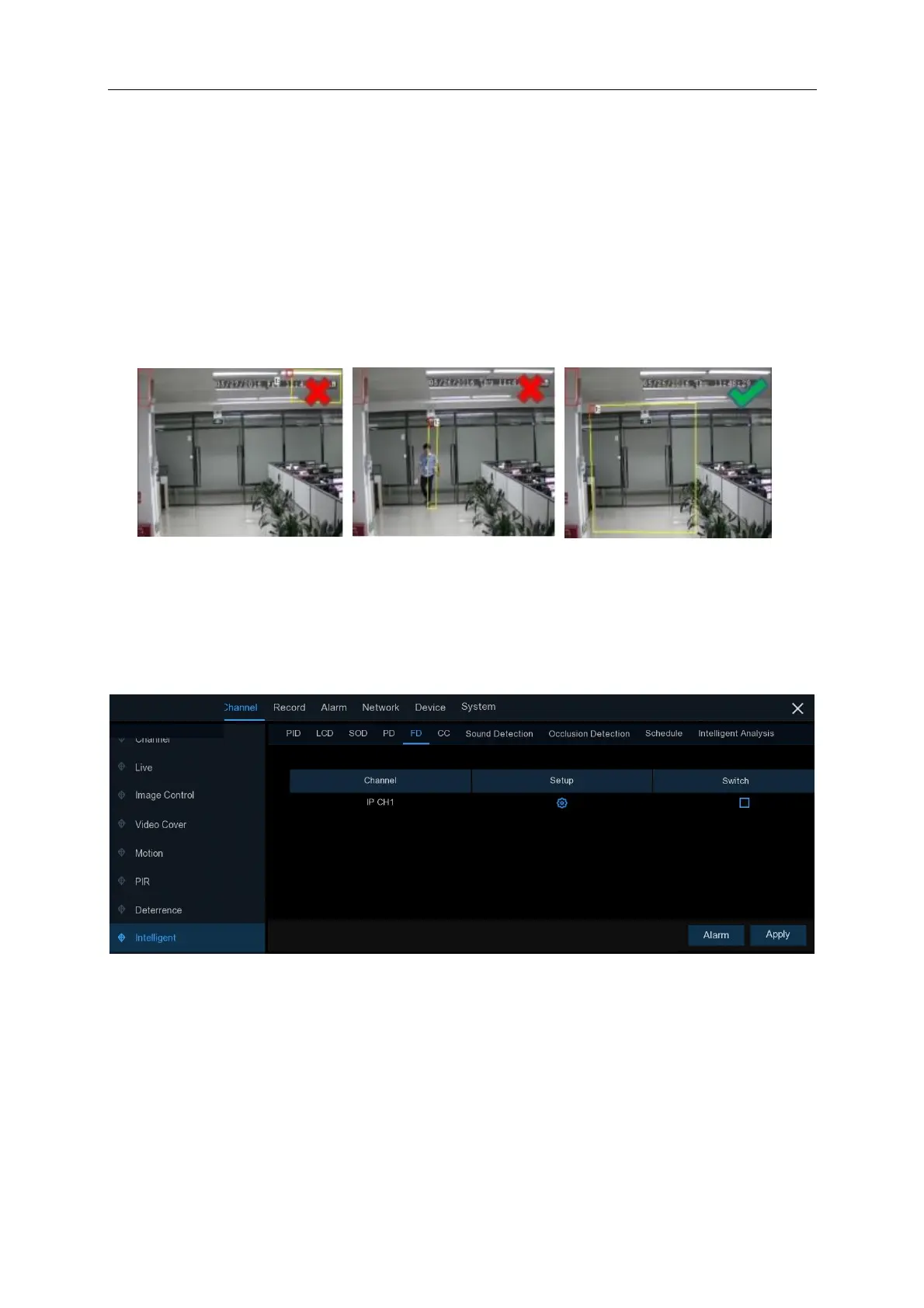
1) The region for detection shall not be in the area that people cannot reach.
2) The detected people should be completely surrounded in the region.
5.1.10.5 FD (Face Detection)
Face Detection function detects the faces of moving people appear in a pre-defined region, and a
series of actions can be taken when the alarm is triggered.
Channel: to select the channel you want to configure
Switch: to enable or disable the FD function
Click on the “Alarm” button on the bottom right hand of the screen for the menu (below) to appear



 To Next Page