USER MANUAL
Enable DST: You can select how Daylight Saving starts and ends:
Week: Select the month, a particular day and time when Daylight Saving starts and ends. For
example, 3 a.m. on the first Sunday of a particular month.
Date: Select the start date (click the calendar icon), end date and time when Daylight Saving starts
and ends.
Start Time / End Time: Set the start time and end time for Daylight Saving.
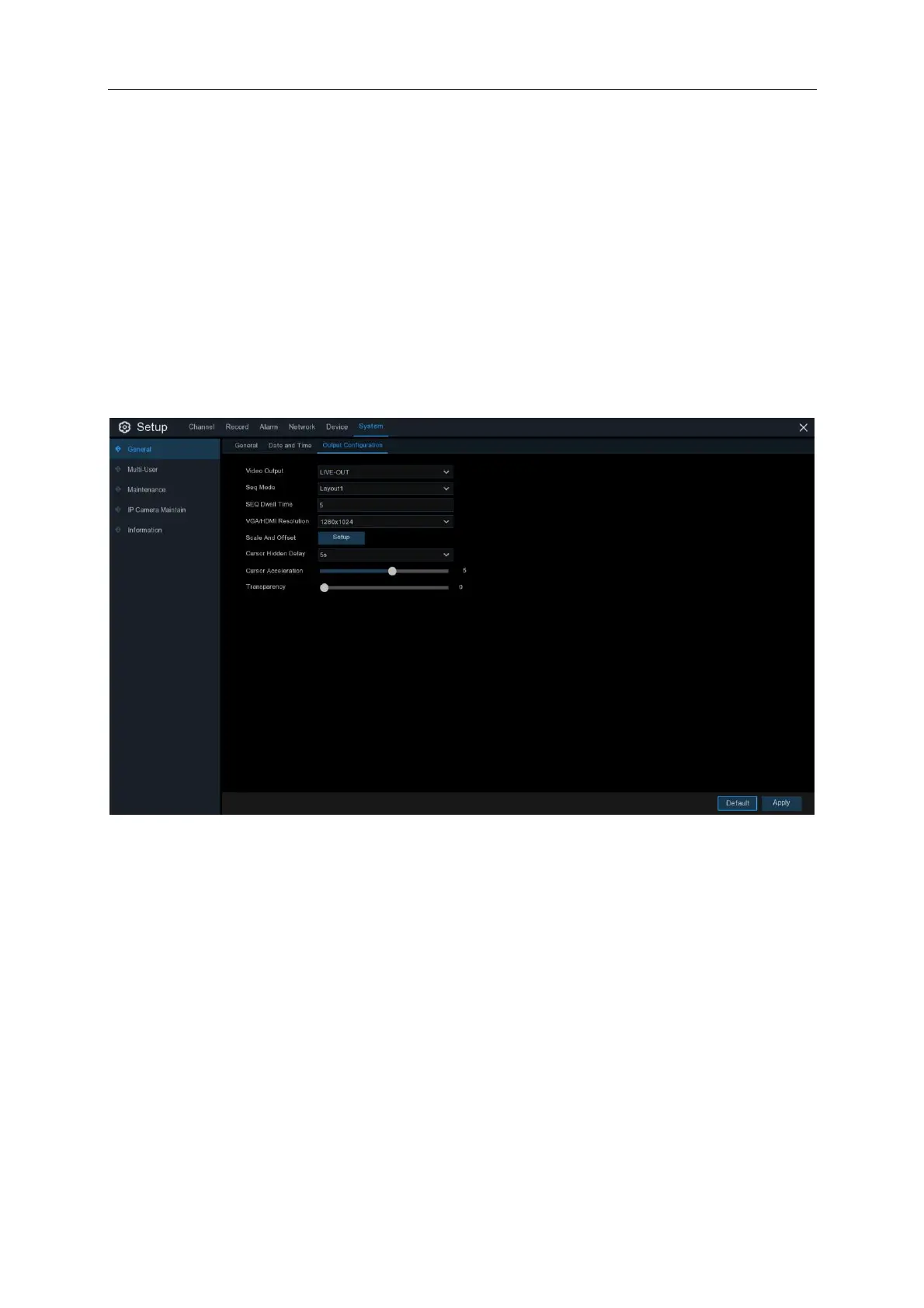
5.6.5 Output Configuration
This menu allows you to configure video output parameters.
Video Output: To choose the output options:
LIVE-OUT is used to configure the main output parameters.



 To Next Page