USER MANUAL
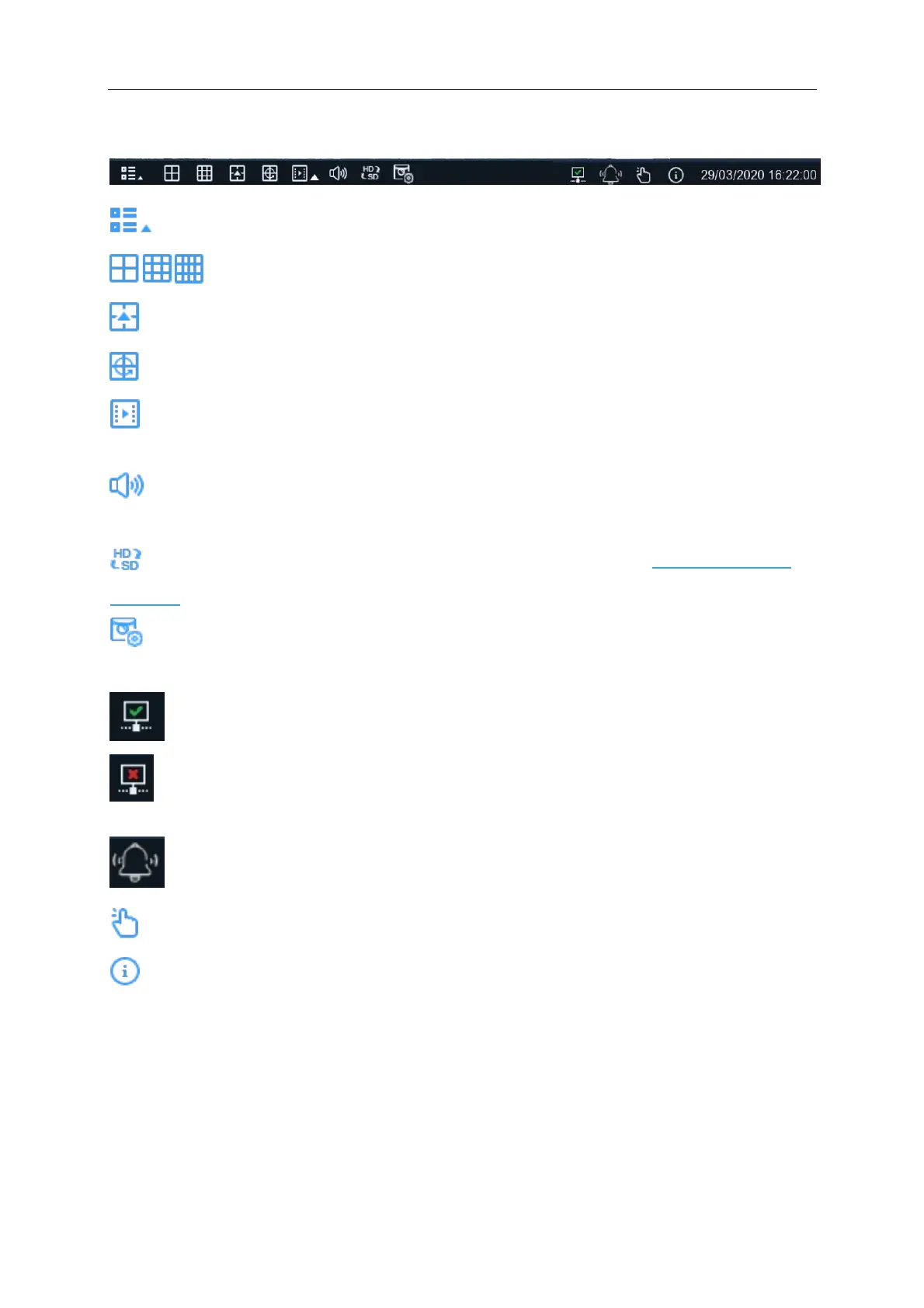
4.3.4 Taskbar
Click to open the Start Menu
Click to choose different layout options for live view
Click to choose more layout options for live view
Click to start viewing channels in a sequence
Quick playback. You can choose to play the latest recording for all channels from the beginning
of the day, or you can choose the playback from the latest 5s, 10s, 30s, 1Min, 5Min.
Click to adjust audio volume (external speakers required). Only cameras with inbuilt
microphones will be able to transmit audio
Click to switch all IP channels between mainstream and substream). See 4.3.5 Mainstream in
Live View
Click to switch among real-time, balanced, or smooth view. The view effect modes affect only
the live view video quality by bitrate and frame rate but do not affect the recording quality.
Connect Status – An active Ethernet cable is connected to the WAN port of the NVR
Not connected – No active cable is connected to the WAN port of the NVR or the network is
down
Light & Siren – Manually activate light and siren
To start or stop Manual Record and Manual Alarm.
To view system information, channel information, record info and network state.



 To Next Page