USER MANUAL
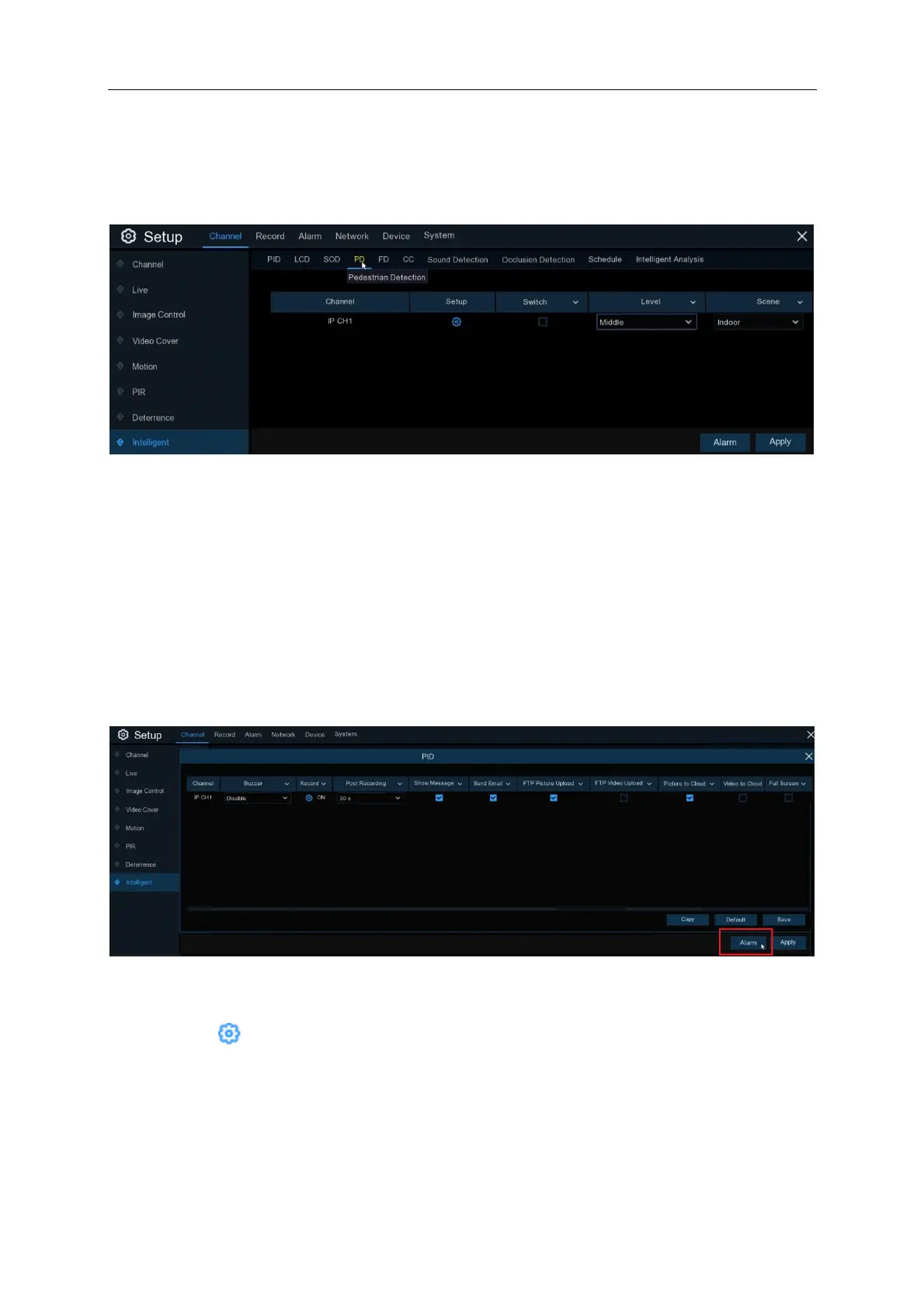
5.1.10.4 PD (Pedestrian Detection)
Pedestrian Detection function detects the moving people in a pre-defined region, and a series of
actions can be taken when the alarm is triggered.
Channel: to select the channel you want to configure
Switch: to enable or disable the PD function
Level: Small, Middle & Big. Small level is recommended to detect objects in long distance. Big
level is recommended to detect objects in short distance.
Scene: Scene setting includes Indoor and Outdoor. Please choose the scene to match with the
place your camera installed.
Click on the “Alarm” button on the bottom right hand of the screen for the menu (below) to appear
Buzzer: Disable or to active the buzzer to emit an alarm tone in 10, 20, 40 or 60 seconds when the
detection is triggered
Record: Click icon and choose which channel(s) you want to record when the PID event is
triggered.



 To Next Page