USER MANUAL
4.3.5 Mainstream in Live View
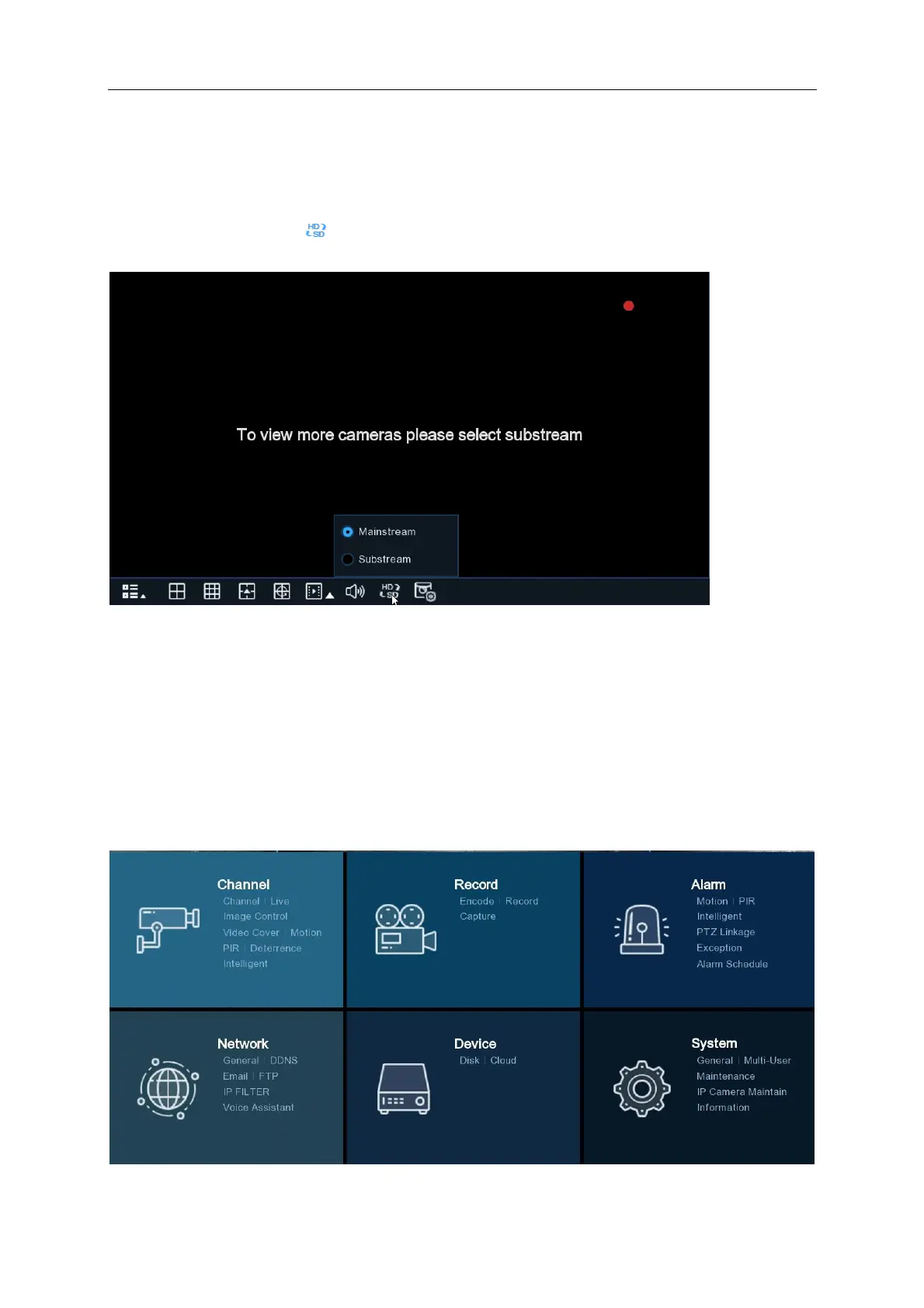
If you select Mainstream for all cameras in Live view you will receive a message “To view more
cameras please select substream” or “Resource is not enough”. To resolve this message
select substream from the menu.
Chapter 5 NVR System Setup
To configure channel, record, alarm, network, device and system settings click on the Start Menu
Setup.



 To Next Page