USER MANUAL
3.4 Password Recovery
If you forget your password you can click on the “Forgot Password” option at the login screen. A
temporary password will be sent to your email address. Please note that this option will only work
if you have previously configured your email address into the NVR. If this is not already configured
you will not be able to access the NVR.
Before contacting IVSEC for assistance you will be required to email the following details to
service@ivsecurity.com.au
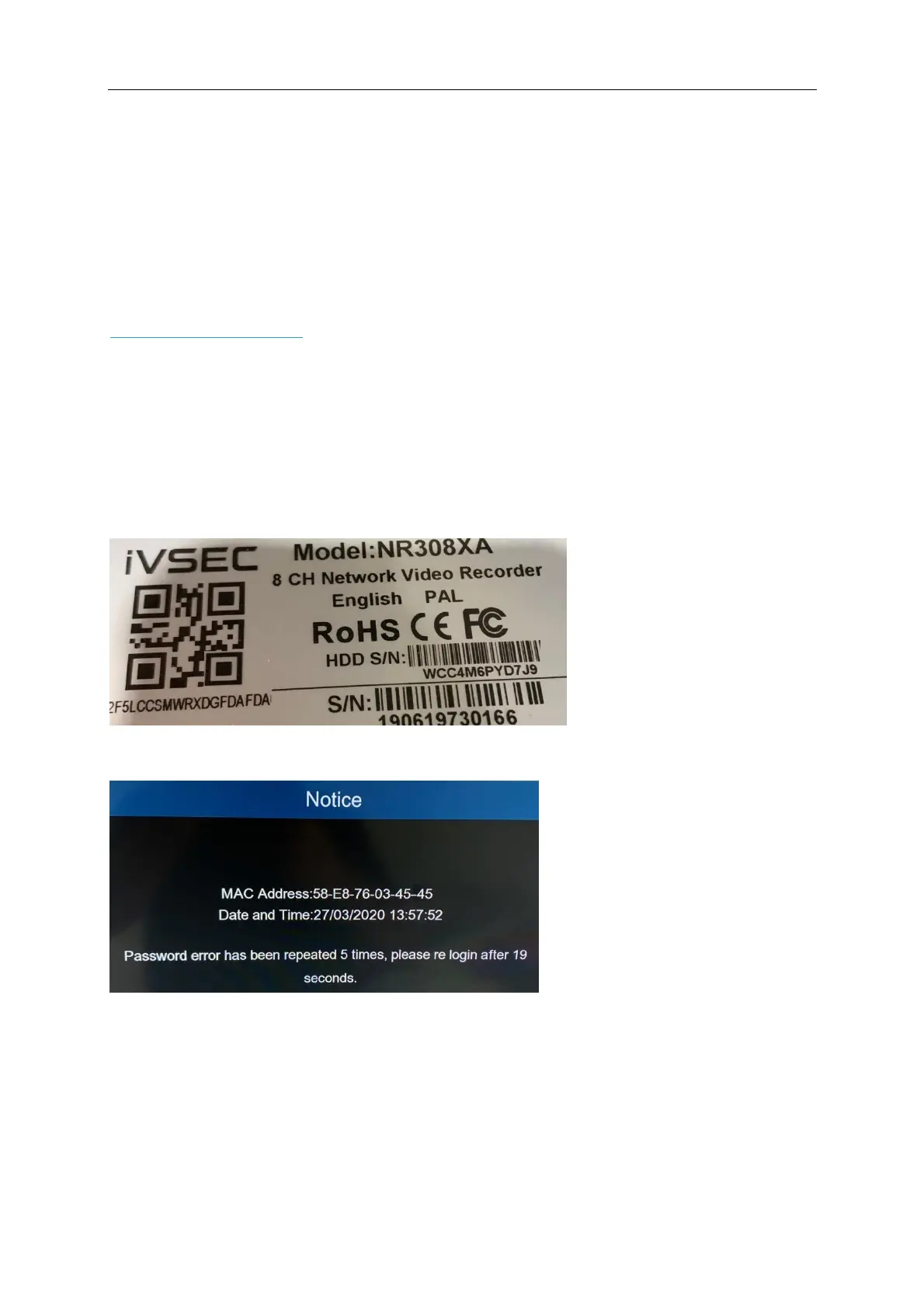
A photo of the NVR serial number sticker.
A photo of the MAC Address Notice that appears on the screen after entering an incorrect
password 5 times.
Your Business Name, contact name, phone number and where you purchased the IVSEC
product from.
NVR Serial Number Sticker (Located on the top cover of the NVR)
MAC Address Notice (Appears after entering an incorrect password 5 times.)



 To Next Page