USER MANUAL
Overwrite: Default setting is "Auto".
This setting will automatically record over the oldest footage when the hard drive becomes full.
A new hard drive installed into the NVR must be formatted during the initial setup. Any existing
data on the hard drive will be erased
Select the hard drive number (e.g. 1, if you have multiple drives installed select the additional
numbers)
Click the "Format HDD" button and enter your password. The hard drive will now format. Click
"Next" when complete.
Record On ESATA: Option only available on the NR532X* and NR564X* NVR. When this option
is enabled you can record the video to an e-SATA device.
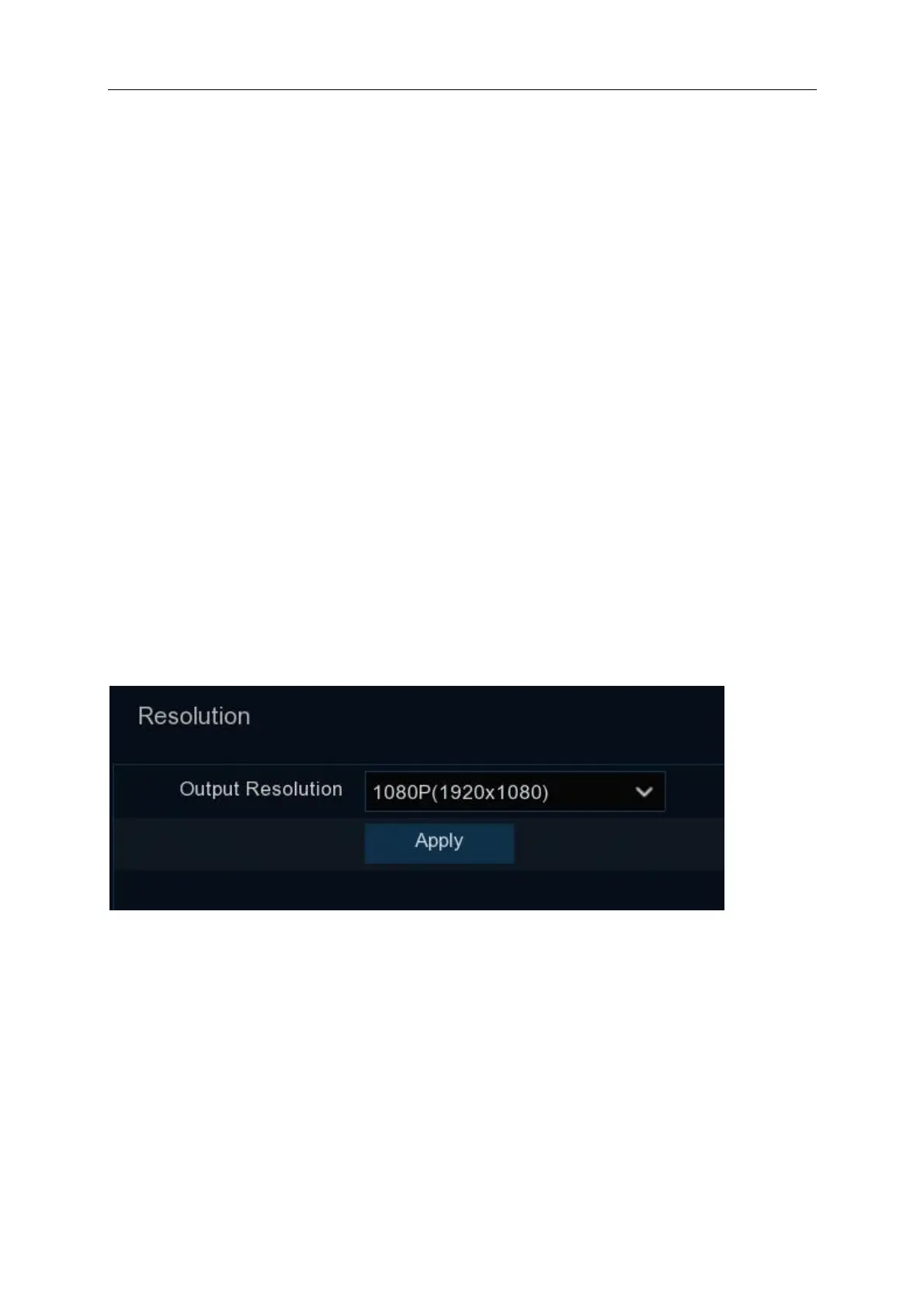
4.1.6 Resolution
Choose an output resolution that matches to your LCD monitor capabilities. The NVR supports to
adjust the output resolution automatically to match the best resolution of your monitor when the
system is starting up. A window will appear asking you to confirm the change to the Output
Resolution, confirm this and when the window closes click Next
4.1.7 Mobile
Scanning the QR ID is required to access the NVR using the IVSEC X Mobile application; you can
scan the QR code using the mobile app.



 To Next Page