USER MANUAL
DHCP: Enabling DHCP will automatically request an IP address from your modem / router.
IP Address: The default IP address of the NVR is 192.168.001.100. This address should change
automatically when DHCP is ticked.
Port
Web Port: The default web port is 80. Only a qualified IT Support technician should change this
setting
Client Port: The default port is 9000 and can be changed as required. This port number is
required to setup the Android / IOS mobile application
RTSP Port: The default port is 554
HTTPS: The default port is 443
UPNP: Disabled by default
PPPOE: Disabled by default. Normally this setting is not used by users. Simply ticking the DHCP
box will be sufficient for most scenarios.
4.1.3 Date/Time / NTP / DST
Date & Time
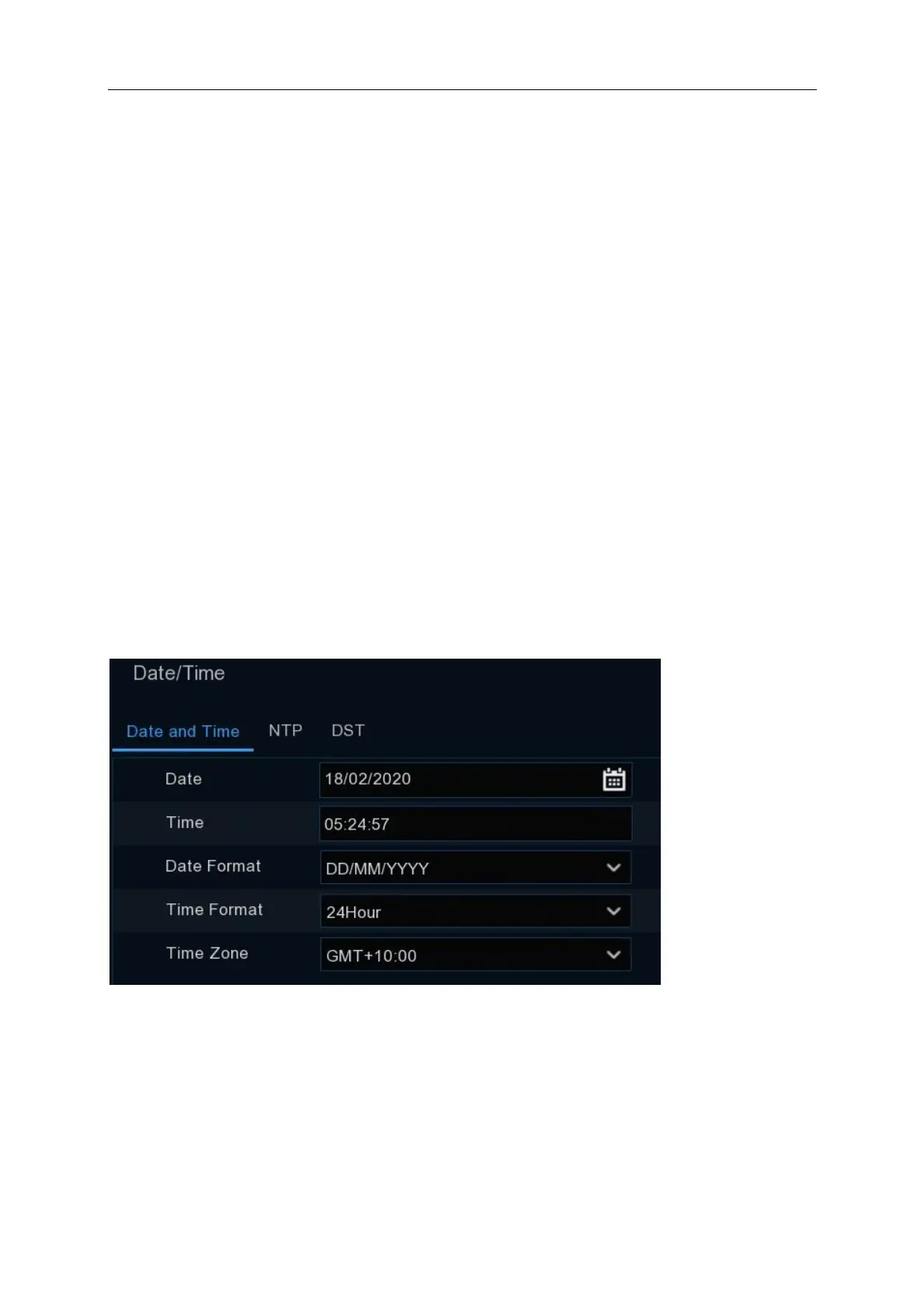
This menu allows you to configure the Date, Time, Date Format and Time Format, Time Zone,
NTP and Daylight savings (DST). It is important to configure the correct date / time and DST.
Date: Click on the calendar icon to set the current system date.
Time: Click to set the system time.
Date Format: Choose from the dropdown menu to set preferred date format.
Time Format: Default is 24Hour.



 To Next Page