USER MANUAL
5.2 Record
This menu allows you to configure the recording parameters
5.2.1 Encode
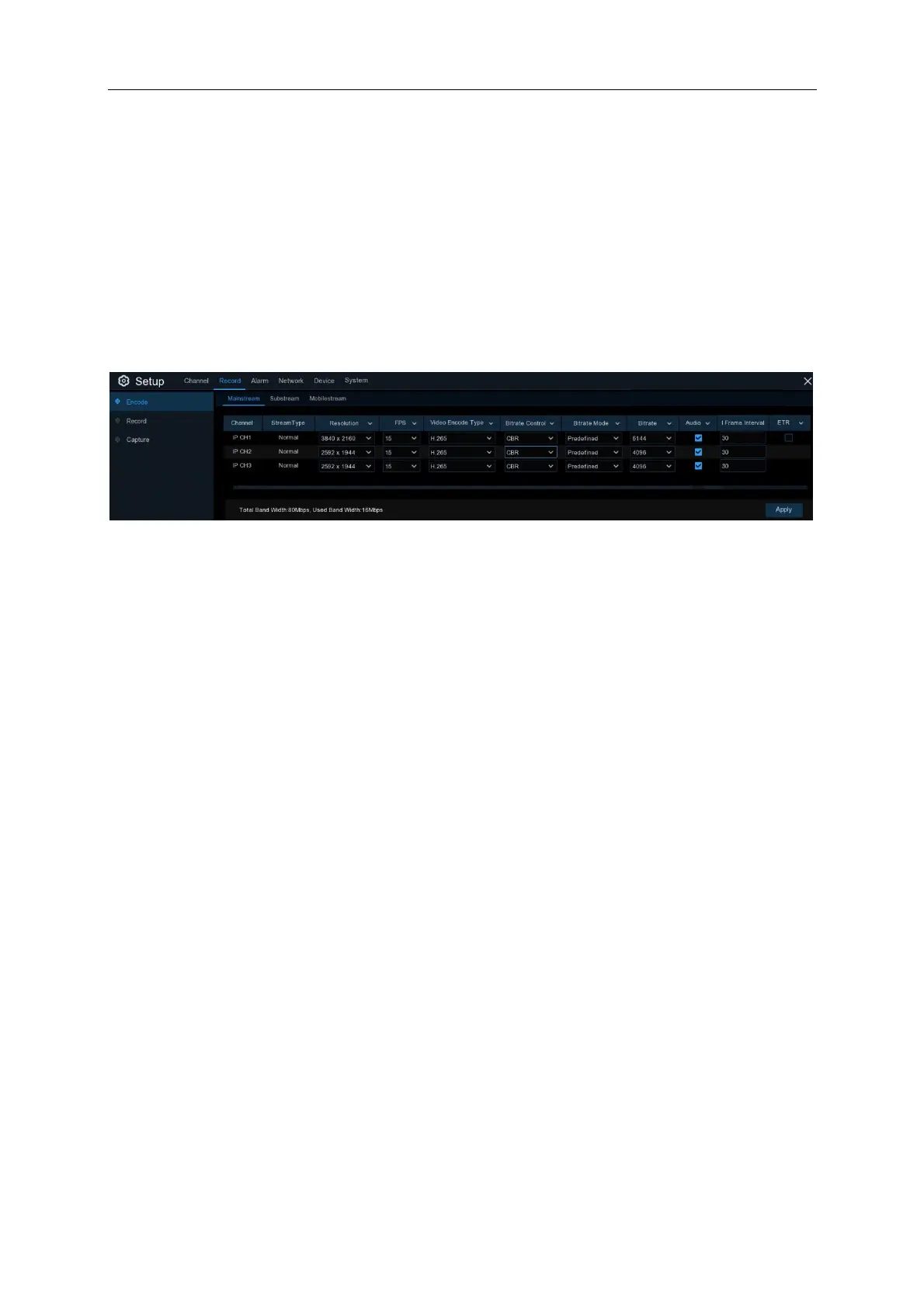
This menu allows you to configure the recording video or network transmission picture quality.
Generally, Mainstream defines the recording video quality which will be saved in the HDD;
Substream defines the video quality which is being viewed via remote access, for example web
client & CMS; Mobilestream defines the video quality which is being viewed via remote access via
mobile devices.
Resolution: This parameter defines how large the recorded image will be.
FPS: This parameter defines the number of frames per second the NVR will record.
Video Encode Type: NVR supports H.265 for mainstream and H.264 for substream and
mobilestream.
Bitrate Control: Select the bitrate level. For a simple scene, such as a gray wall is suitable
constant bitrate (CBR). For more complex scene, such as a busy street is suitable variable bitrate
(VBR).
Bitrate Mode: If you want to set the bitrate by yourself, then choose User-defined mode. If you
want to select the predefined bitrate, choose Predefined mode.
Bitrate: This parameter corresponds to the speed of data transfer that the NVR will use to record
video. Recordings that are encoded at higher bitrates will be of better quality.
5.2.1.1 Event Trigger Recording (ETR)
When Event triggered Recording (ETR) function is enabled it allows you to choose a lower
resolution for normal recording and a higher resolution for alarm triggered recording. It will then
record based on the resolution, frame rate and bitrate specifications you have selected. This can
help to save hard drive storage.
Instructions:
1. On the NVR Click Setup——Record——Encode, enter into the interface of Mainstream,
enable ETR option



 To Next Page