USER MANUAL
2. After installing the plug-in, open Internet Explorer and repeat step 1 to open the login page.
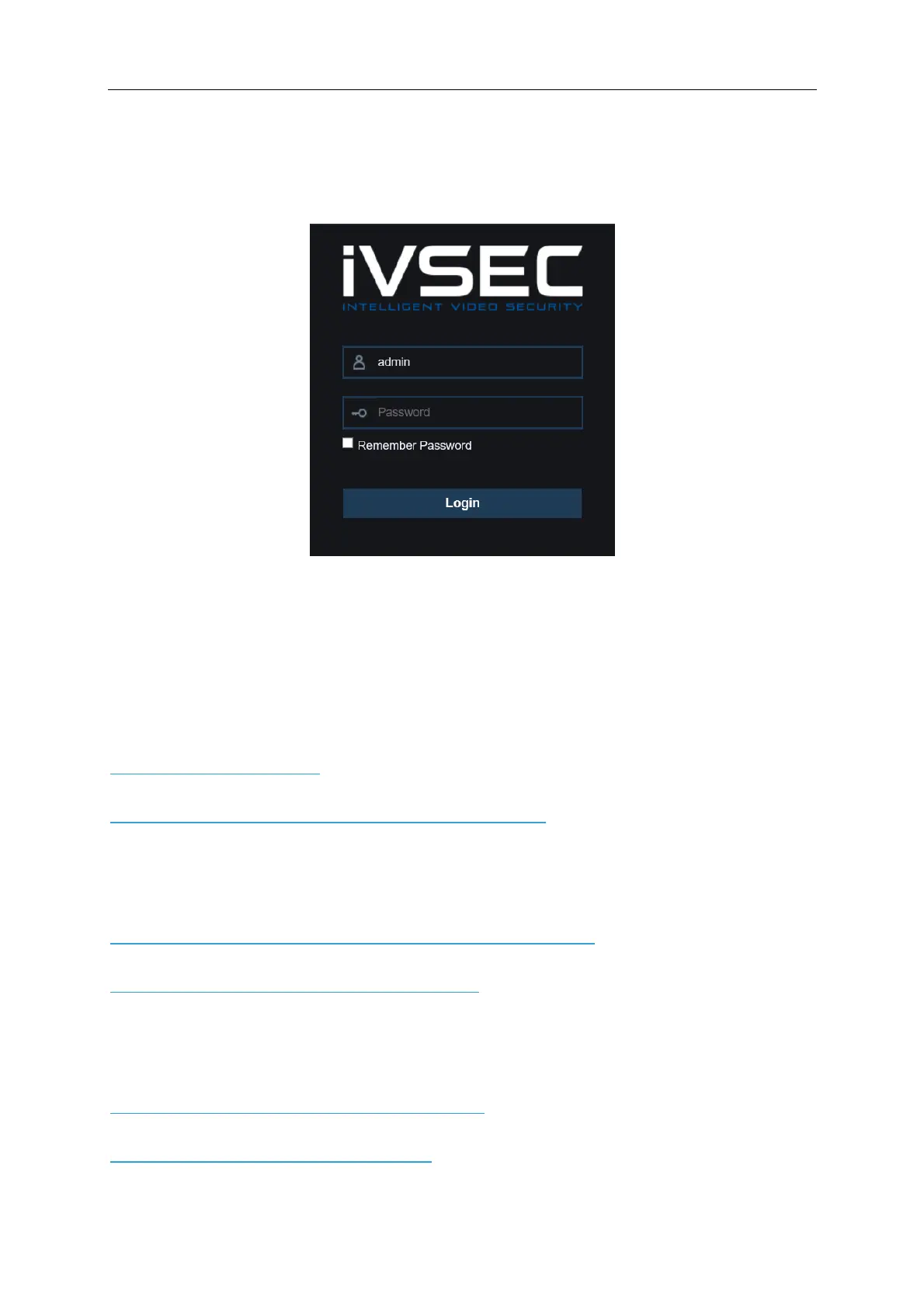
You may be prompted to allow the Plugin to run. Click “Allow” . Enter your user name and
password to login the web client.
For Chrome (Windows)
1. Watch the video below which demonstrates how to access the NVR through Chrome using the
IE Tab Extension
https://youtu.be/H-3uULjk0Lk
Click here to download Chrome IE Tab Extension (Windows)
For Mac Users:
1. Watch the video below which demonstrates how to install Surveillance Client on a MAC
https://www.youtube.com/watch?v=_sJovaT-oD8&feature=youtu.be
Click here to download Surveillance Client for MAC
2. Watch the video which demonstrates how to playback and export footage from the
Surveillance Client on a MAC
https://www.youtube.com/watch?v=gOwoQZA9CRY
Click here to download video player for MAC



 To Next Page