USER MANUAL
Chapter 10 Appendix
10.1 FAQ
1. Q: How to setup the IVSEC X app on my Smartphone
A: Please refer to YouTube link: https://youtu.be/71mvg5QdsfY
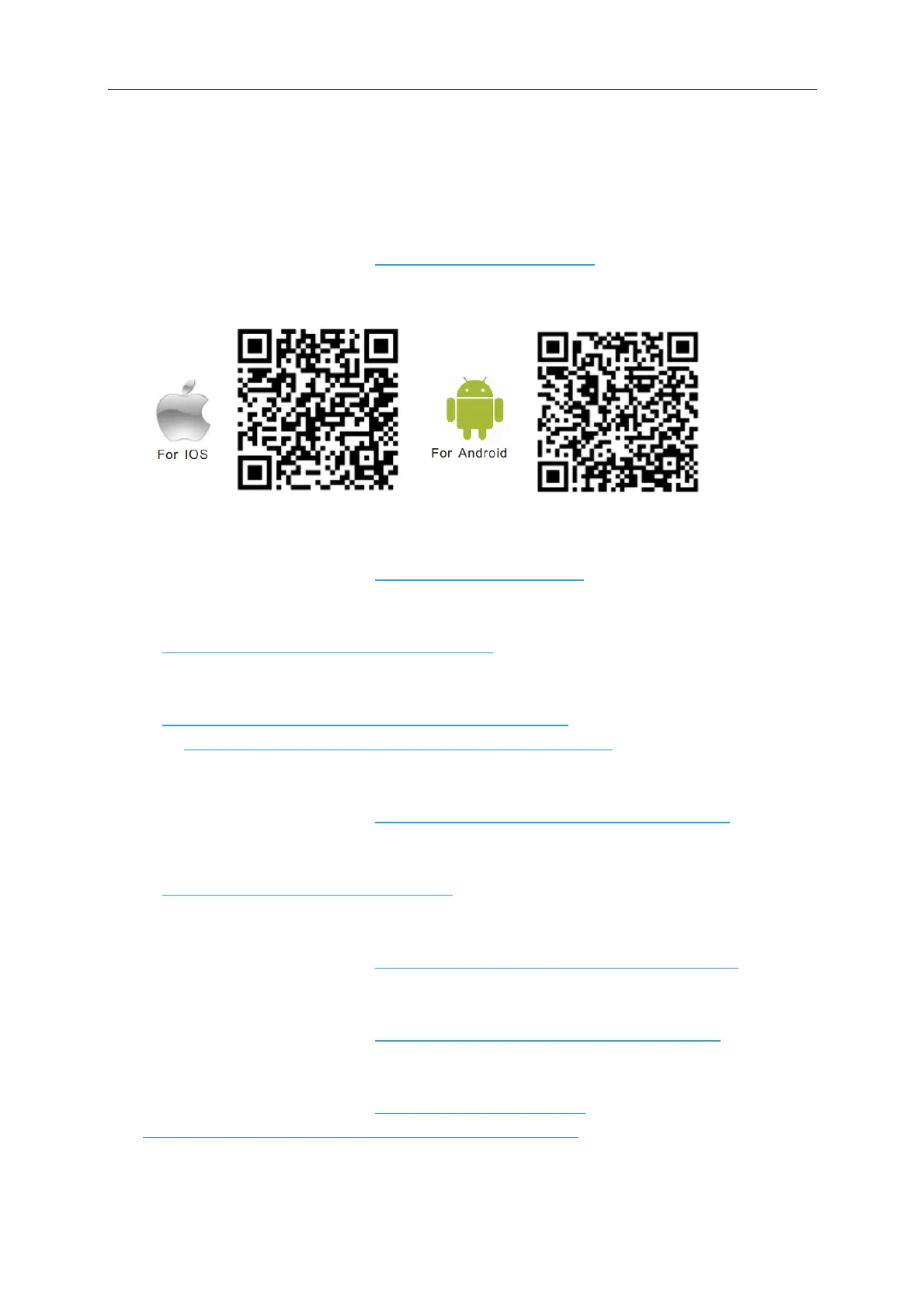
Scan the appropriate QR code below to download the IVSEC X app
2. How to reduce camera buffering when accessing IVSEC cameras on the mobile app
A: Please refer to YouTube link: https://youtu.be/fPismrsE3q8
3. Q: Where can I download the IVSEC X-Range NVR User manual
A: Click here to download IVSEC X User Manual
4. Q: Where can I download the IVSEC X NVR / Camera Quick User Guide
A: Click here to download IVSEC X NVR Quick User Guide
Click here to download IVSEC X Camera Quick User Guide
5. Q: How to setup motion detection on an IVSEC X-Range NVR
A: Please refer to YouTube link: https://www.youtube.com/watch?v=HpR8Jvz2iD8
6. Q: How to configure Event Triggered Recording
A: Click here to download ETR Instructions
7. Q: How to export footage from an IVSEC X-Range NVR
A: Please refer to YouTube link: https://www.youtube.com/watch?v=NYxL970aR6E
8. Q: How to factory default an IVSEC X-Range NVR
A: Please refer to YouTube link: https://www.youtube.com/watch?v=JJdXepypFlI
9. Q: How to login to an IVSEC NVR or camera using Internet Explorer or Chrome
A: Please refer to YouTube link: https://youtu.be/H-3uULjk0Lk
Click here to download Chrome IE Tab Extension (Windows)



 To Next Page