USER MANUAL
Switch the live view video stream between HD & SD. HD is mainstream live view, SD is
substream live view. Limit of 2 cameras running in HD resolution on the live view. Switching
too many cameras to HD mode will result in the errors “To view more cameras please select
substream” or “resource is not enough” to appear.
Light – Deterrent feature available in selected camera models, similar to a floodlight.
Siren - Deterrent feature available in selected camera models. Caution must be taken when
activating the siren as it is noisy.
Add customized tag - will allow you to create an individual name for the tag to make it easier
to identify in the Tag menu.
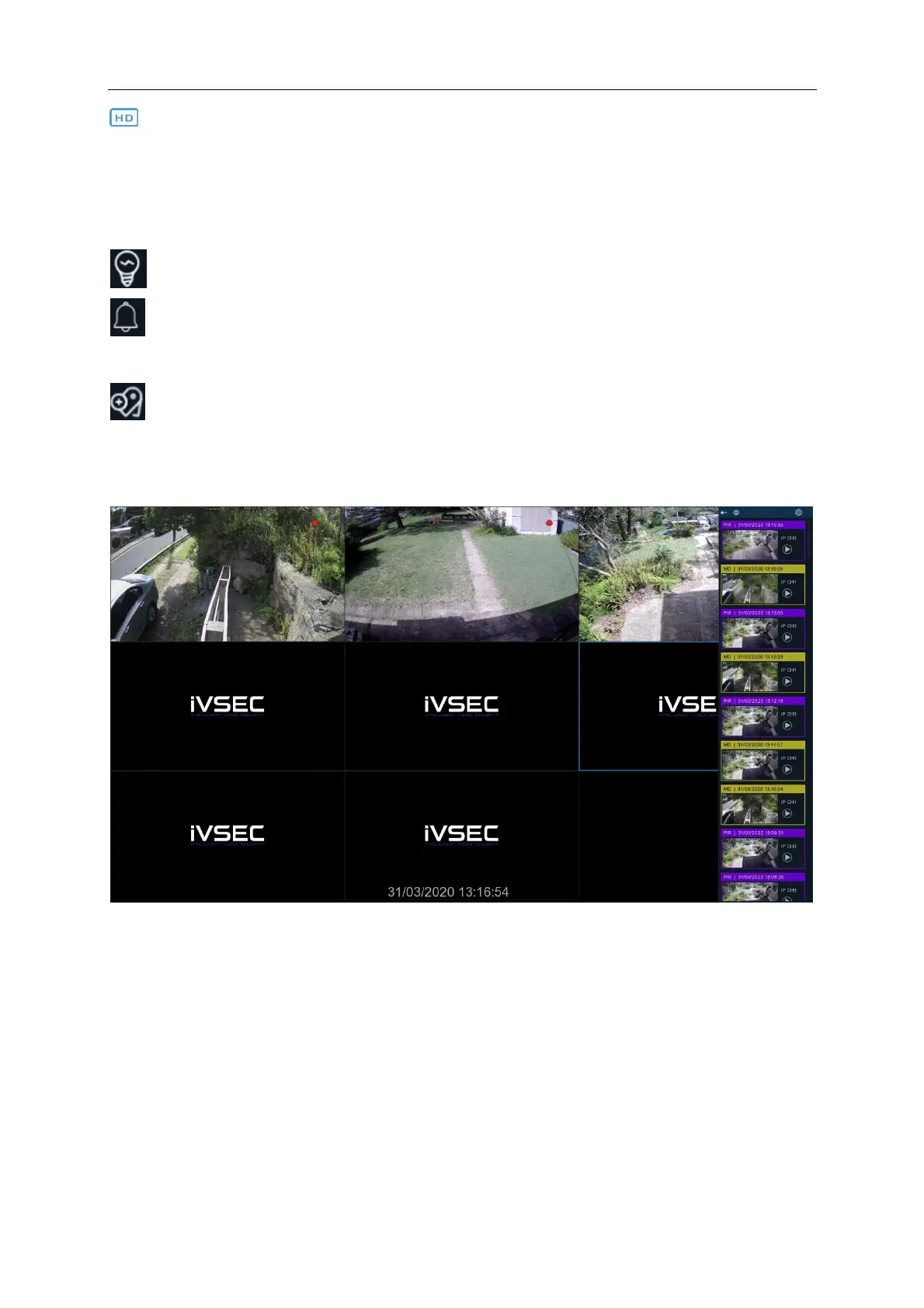
Recent recordings will show up on a scroll bar on the right hand side of the screen. This will show
the channel name, a still image of the channel, the time of the event and will be colour coded
based on the event type. You can choose to pin this menu otherwise it will collapse after a few
minutes until the next activity is recorded.



 To Next Page