7 Setup program
88 2011-07-01/00561073 [SCR Power Controller TYA202]
7.5 Changing the language of the device texts
The factory set language is specified in the order details. Only one language
can be transmitted to the device with the setup program.
h Connect the device to the PC using the USB cable
h Start the setup program
h Perform a Data transfer
➔ From the device
h Edit
➔ Execute hardware and the hardware assistant will start
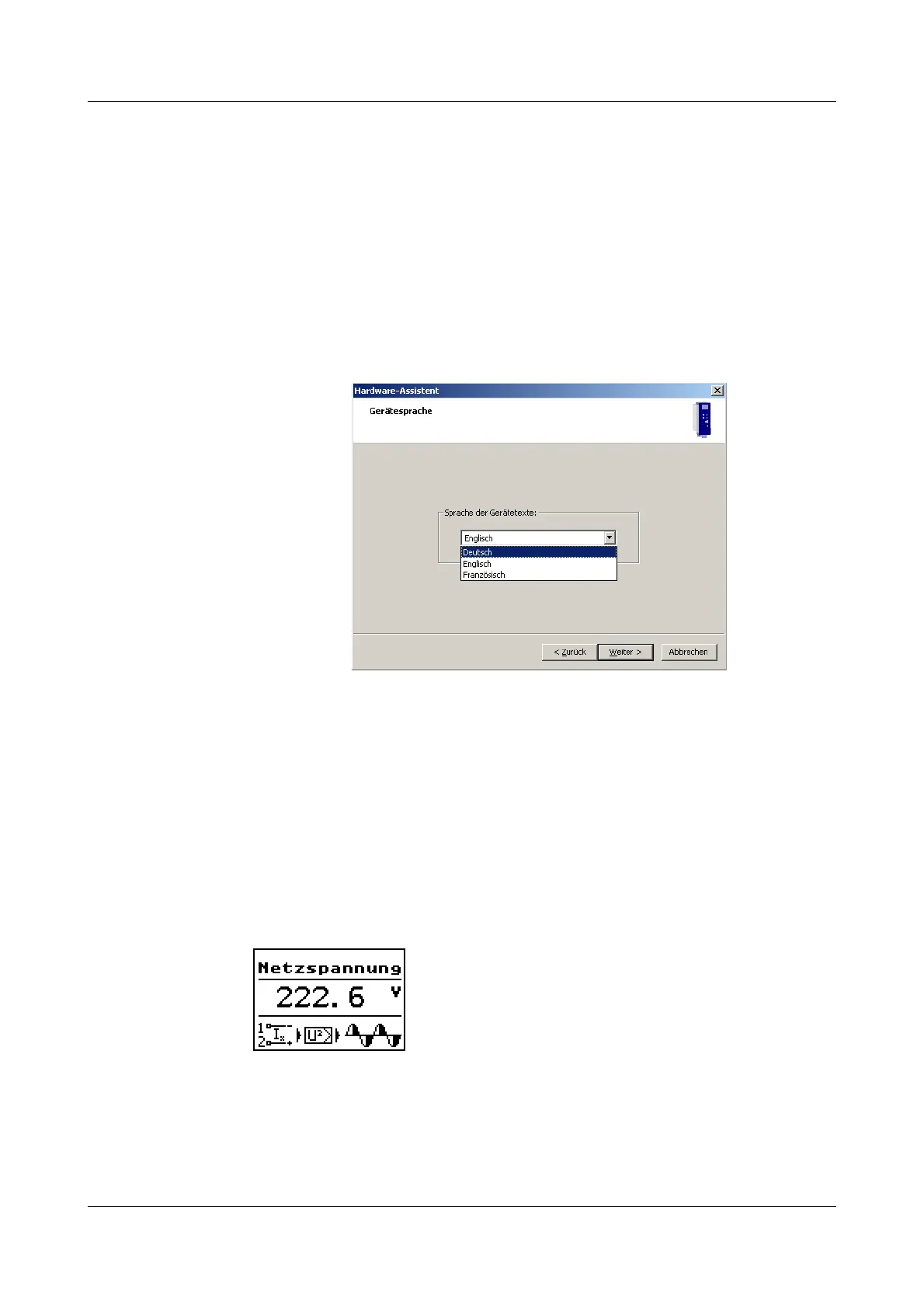
h Click Automatic detection and the dialog for the device language will
appear.
h Select the desired language
h Continue in the hardware assistant by clicking Continue until it is
completed.
Now the device texts in the selected language have been transferred to the
setup file.
h Perform a Data transfer
➔ To the device
h Save the setup file and wait until the data transmission has been
successfully completed.
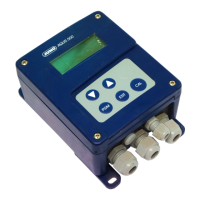
Now the device will perform a restart and texts will appear on the display in the
desired language.


 To Next Page