EasyManua.ls Logo

KCP 113 - Control Panel

Default Icon
107 pages
Print Icon
To Next Page IconTo Next Page
To Previous Page IconTo Previous Page
Loading...
KCP Heavy Industries Co., Ltd. General technical description
3-5
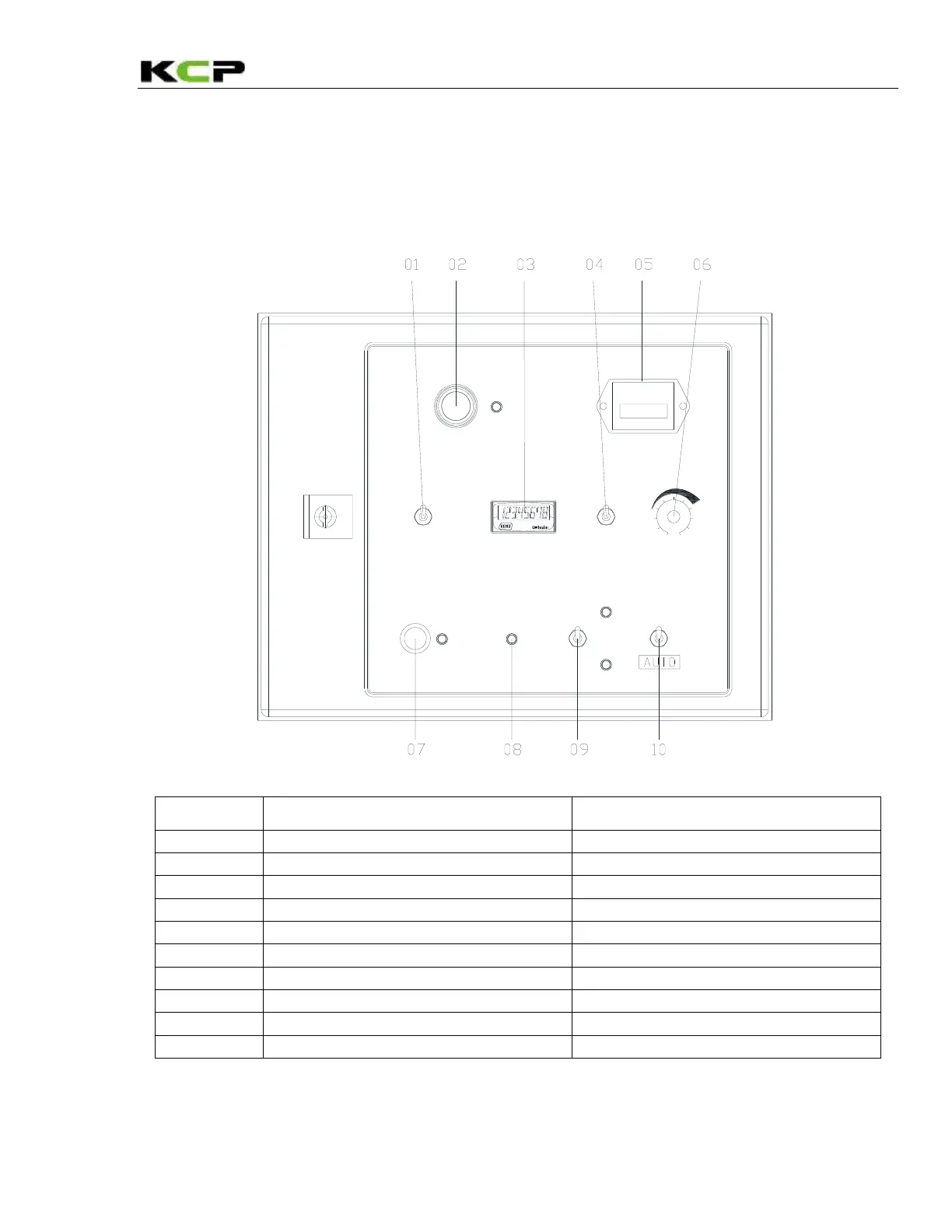
3.4.1 Control Panel
You can control the pump functions from the control panel and determine some of the operating
states of the machine from the indicator lamps. Some of the control and operating elements illustrated
below may not be present in the equipment of your machine. The hole will be covered with a blanking
plug if a control or operating element is omitted.

QUARTH
Honeywell
HOURS
1 2 3 4 5 0
OFF
ON
COOLER
PUMPING
REMOTE
PANEL
CONCRETE OUTPUT
REV.
FOR.
ON
E - STOP
Pumping
stop
RPM MAX
RPM MIN
TCS must
be off to use
RPM switch
MAIN POWER
No
Operating/control element
Meaning / Function
1
Toggle switch
RPM MAX / MIN
2
Button
E/G STOP
3
Display
COUNTER DISPLAY
4
Toggle switch
REMOTE/PANEL
5
Operating hour meter
OPERATING HOUR DISPLAY
6
Rotary switch
CONCRETE OUTPUT +/-
7
Rotary switch
MAIN POWER
8
Red indicator lamp
PUMPING STOP
9
Toggle switch
PUMPING / BACK PUMPING
10
Toggle switch
COOLER ON / AUTO

Table of Contents