KCP Heavy Industries Co., Ltd. General technical description
3-9
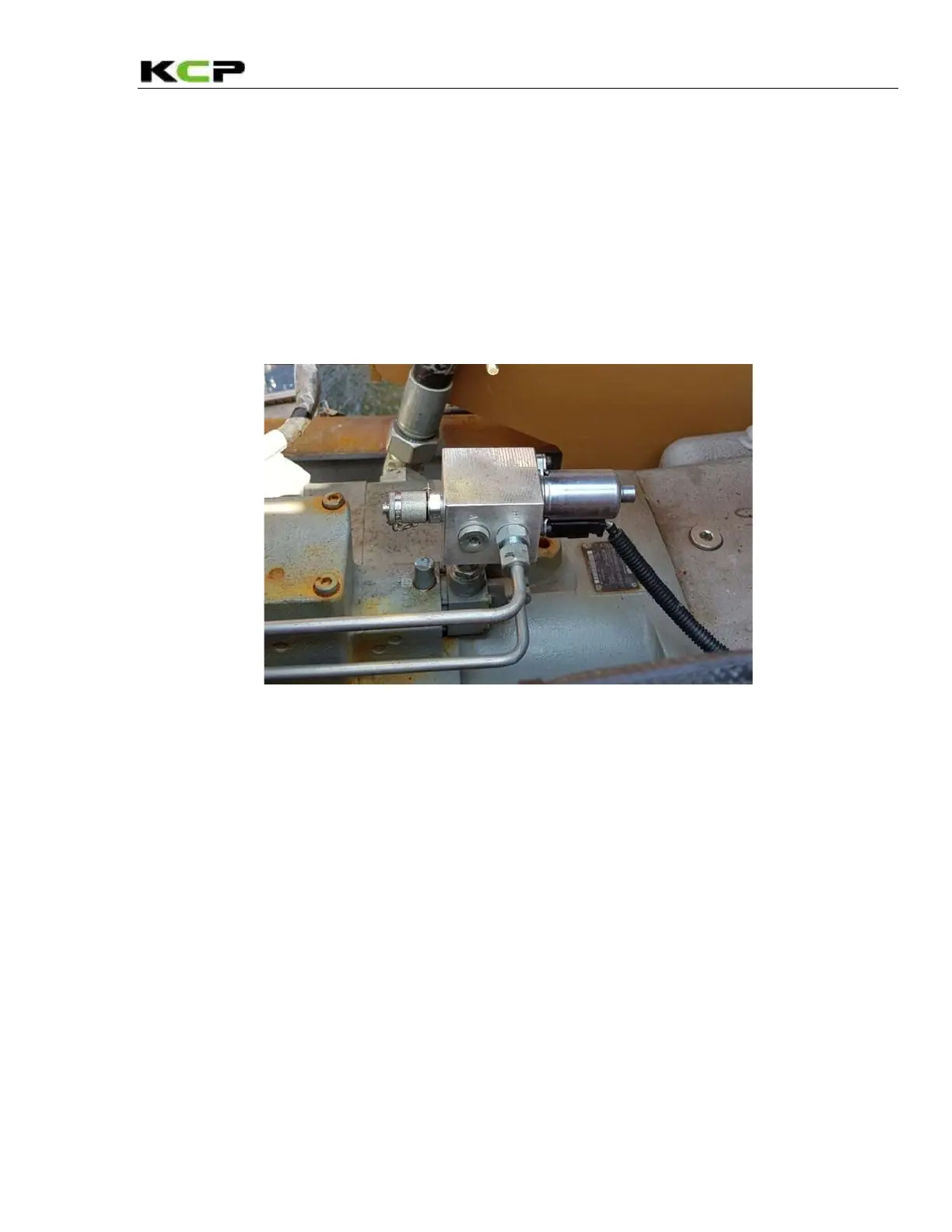
3.5.1 Output controller
Use the output controller to increase or reduce the pumping rate. Depending on the machine version,
the output controller is located either:
- On the right of the hydraulic block, viewed in the direction of travel.
In this case, the output controller is intended only for emergency
operation, as the pumping rate can be adjusted from the remote control.
- At the rear on the steps
The pumping rate can only be adjusted manually at the output
controller.
Output controller illustrated by way of example on the hydraulic block
Clockwise rotation – Increase pumping rate
Counter – clockwise rotation – Reduce pumping rate



 To Next Page