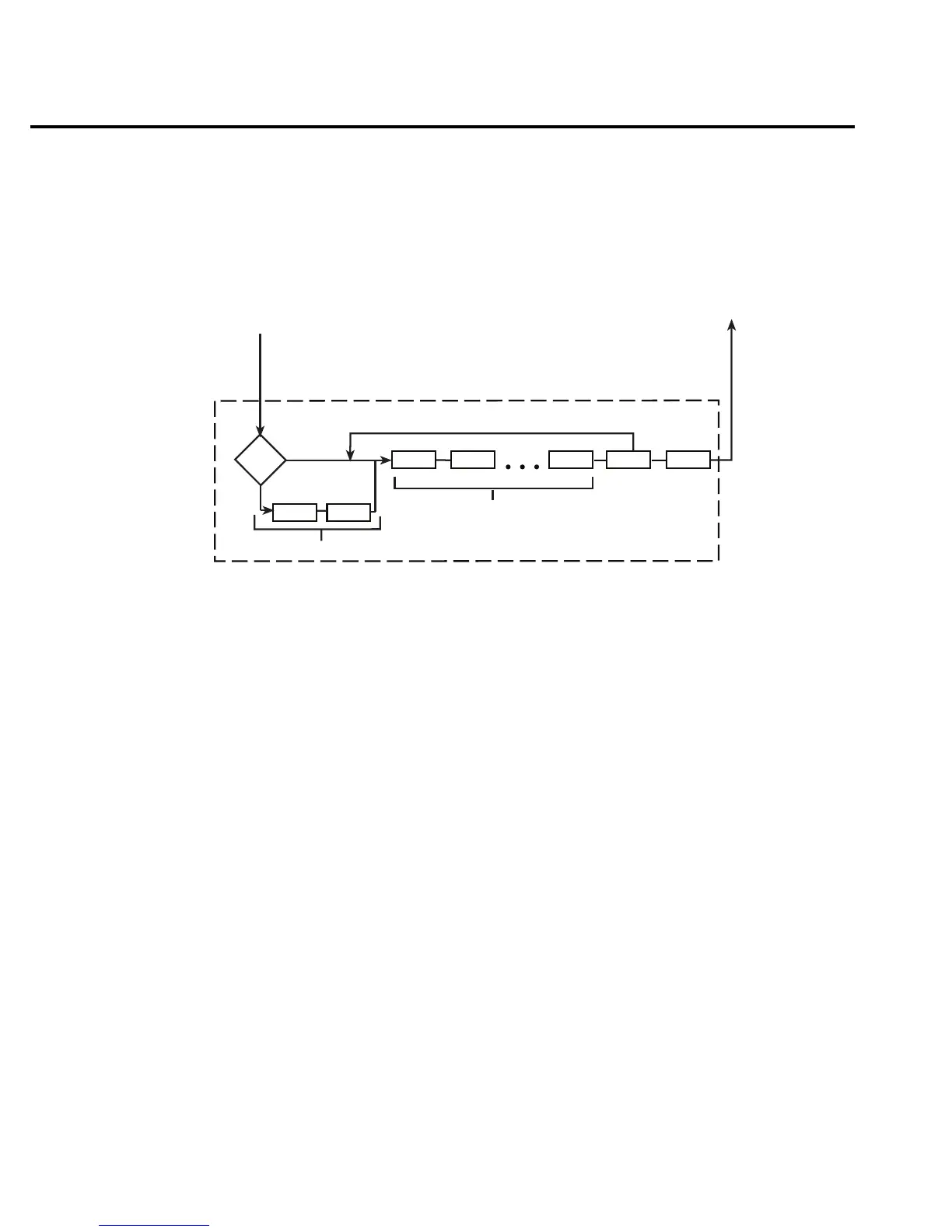
Device Action — Figure 4-12 provides a detailed look at the device action. If the repeat filter
is enabled, then the instrument samples the specified number of reading conversions to yield a
single filtered reading. If the moving filter is active, or filter is disabled, then only one reading
conversion is performed.
If the hold feature is enabled (see :HOLD commands in Section 5), then the first processed
reading becomes the “seed” reading and operation loops back to the beginning of the device
action. After the next reading is processed, it is compared to the programmed hold window
(0.01% to 20%). If the reading is within the window, then operation again loops back to the
beginning of the device action. This looping action continues until the specified number (2 to
100) of valid hold readings (readings within the window) have occurred. If one of the hold
readings is not within the window, then the instrument acquires a new “seed” reading and repeats
the hold process. After the hold is released, an audible beep is sounded to signal a valid
measurement. The use of Hold is explained in Section 3.
If the instrument is performing a step or scan, then the next task for device action is to open
the previous channel (if closed) and close the next channel.
If the filter, hold feature, and scanning are disabled, the device action would simply be a
single reading conversion.
If in sweeping mode, source and delay, perform the sweep function for the number of sweep
points (trigger count * sample count). If in fixed mode, source and delay are bypassed.
From Delay block of
Trigger Model (See Figure 4-11)
Device Action
To Output Trigger block of
Trigger Model (See Figure 4-11).
Conv
Filtering Process
(Filter enabled)
Conv = Reading conversion
Hold = Hold Feature process (if enabled)
Chan = Close channel (if scanning)
Conv Conv
MODE
LIST
FIXED
Source
Delay
Sweeping enabled
Hold Chan
igure 4-12
evice action
(trigger
model)
4-26 Remote Operation



 To Next Page