5-56 SCPI Command Reference
Operation Event Register:
Bits B0 through B3 — Not used.
Bit B4, Measuring (Meas) — Set bit indicates that the instrument is
performing a measurement.
Bit B5, Triggering (Trig) — Set bit indicates that the instrument is in the
Device Action block of the Trigger Model.
Bits B6 through B9 — Not used.
Bit B10, Idle — Set bit indicates that the instrument is in the idle state.
Bits B11 through B15 — Not used.
:ENABle command
:ENABle <Nrf>
:STATus:MEASurement:ENABle <NRf> Program Measurement Event Enable Register
:STATus:QUEStionable:ENABle <NRf> Program Questionable Event Enable Register
:STATus:OPERation:ENABle <NRf> Program Operation Event Enable Register
Parameters <NRf> = 0 Clear register <NRf> = 128 Set bit B7
1 Set bit B0 256 Set bit B8
2 Set bit B1 512 Set bit B9
4 Set bit B2 1024 Set bit B10
16 Set bit B4 16384 Set bit B14
32 Set bit B5 65535 Set all bits
64 Set bit B6
Query :ENABle? Query enable register
Description These commands are used to set the contents of the event enable registers
(see Figure 5-7, Figure 5-8, and Figure 5-9). An :ENABle command is sent
with the decimal equivalent of the binary value that determines the desired
state (0 or 1) of each bit in the appropriate register.
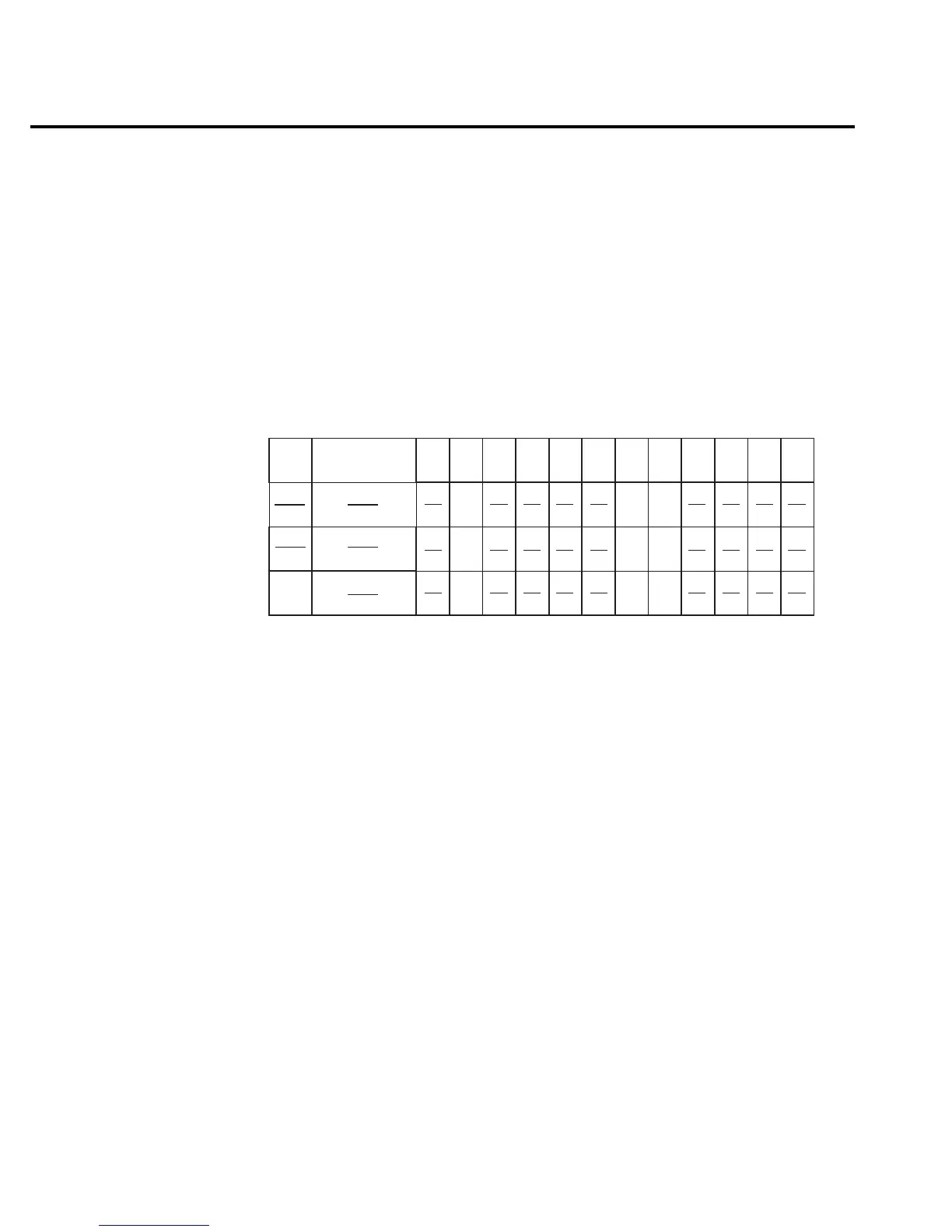
Trig
B15
B14 - B12
B10
B9 B8
B7 B6 B5 B4 B3
B2 B1 B0
(2 )
5
32
0/1
Bit Position
Event
Decimal
Weighting
Value
Value : 1 = Measurement Event Set
0 = Measurement Event Cleared
Events : Idle = Idle state of the 2016
Meas = Measuring Overflow
Trig = Triggering
B11
0/1
Meas
(2 )
4
16
Idle
10
1024
0/1
0
(2 )
igure 5-6
Operation event
register



 To Next Page