Storing readings
Use the following procedure to store readings:
1. Set up the instrument for the desired configuration.
2. Press the STORE key.
3. Using the , , ▲, and ▼ keys, select the number of readings desired.
4. Press ENTER. The asterisk (*) annunciator turns on to indicate a data storage operation.
It will turn off when the storage is finished.
Recalling readings
Use the following steps to view stored readings and buffer statistics:
1. Press RECALL. The BUFFER annunciator indicates that stored readings are being
displayed. The arrow annunciator indicates that more data can be viewed with the ,
, ▲, and ▼ keys.
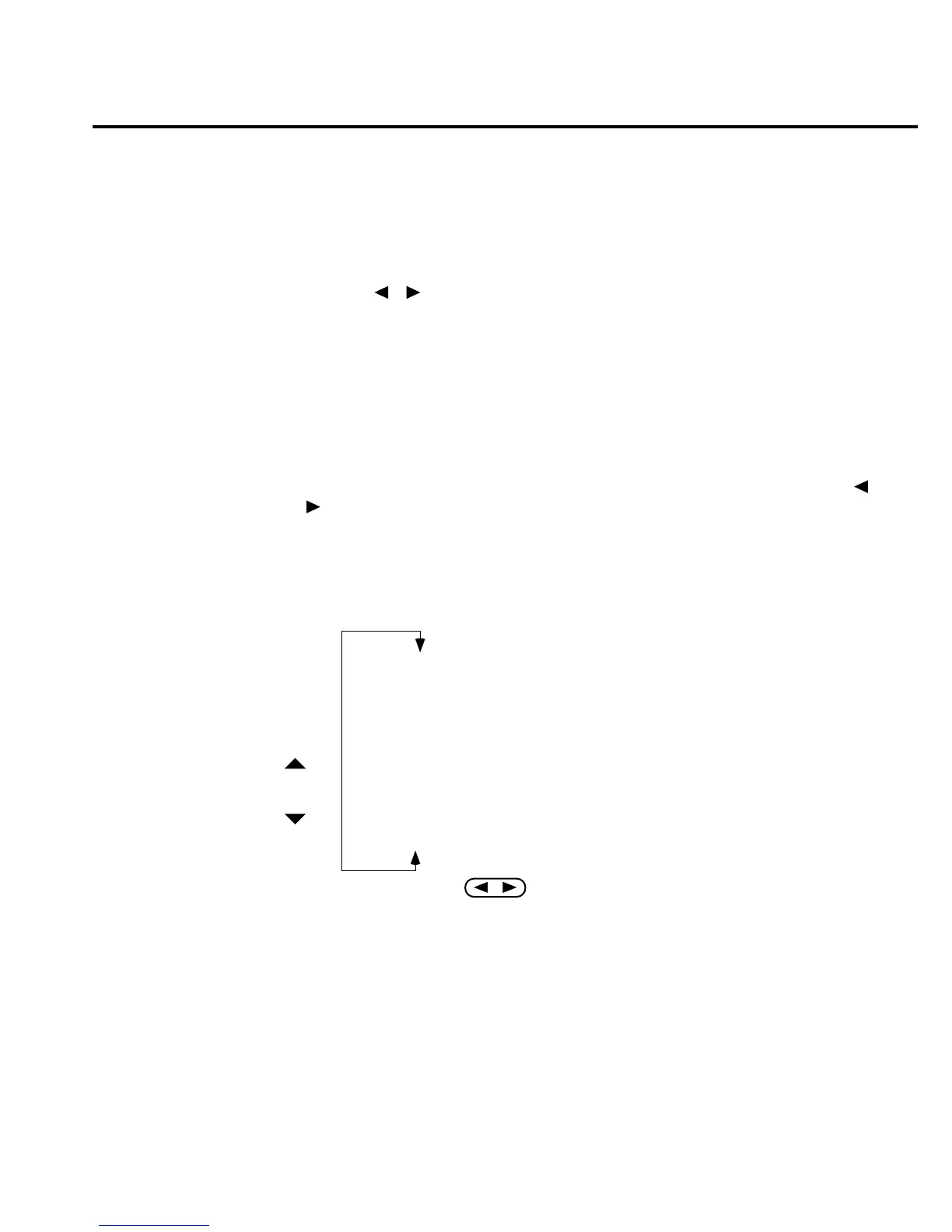
2. As shown in Figure 3-10, use the cursor keys to navigate through the reading numbers,
reading values, and statistics. For any of the buffer statistics (maximum, minimum,
average, standard deviation), the STAT annunciator is on.
3. Use the EXIT key to return to the normal display.
RDG NO. 10 Reading Value
RDG NO. 9 Reading Value
RDG NO. 8 Reading Value
RDG NO. 7 Reading Value
RDG NO. 6 Reading Value
RDG NO. 5 Reading Value
RDG NO. 4 Reading Value
RDG NO. 3 Reading Value
RDG NO. 2 Reading Value
RDG NO. 1 Reading Value
STD DEV Standard Deviation Value
Average Average Value
Min At XX Minimum Value
Max At XX Maximum Value
RANGE
RANGE
igure 3-10
uffer locations
Measurement Options 3-17



 To Next Page