5-58 SCPI Command Reference
:CONDition? command
:CONDition?
:STATus:MEASurement:CONDition? Read Measurement Condition Register
:STATus:QUEStionable:CONDition? Read Questionable Condition Register
:STATus:OPERation:CONDition? Read Operation Condition Register
Description These query commands are used to read the contents of the condition
registers. Each set of event registers (except the Standard Event register set)
has a condition register. A condition register is similar to its corresponding
event register, except that it is a real-time register that constantly updates to
reflect the current operating status of the instrument. See [:EVENt] for
register bit descriptions.
After sending one of these commands and addressing the Model 2016 to talk,
a decimal value is sent to the computer. The binary equivalent of this decimal
value indicates which bits in the register are set.
For example, if sending :stat:meas:cond? returns a decimal value of 512
(binary 0000001000000000), bit B9 of the Measurement Condition Register
is set indicating that the trace buffer is full.
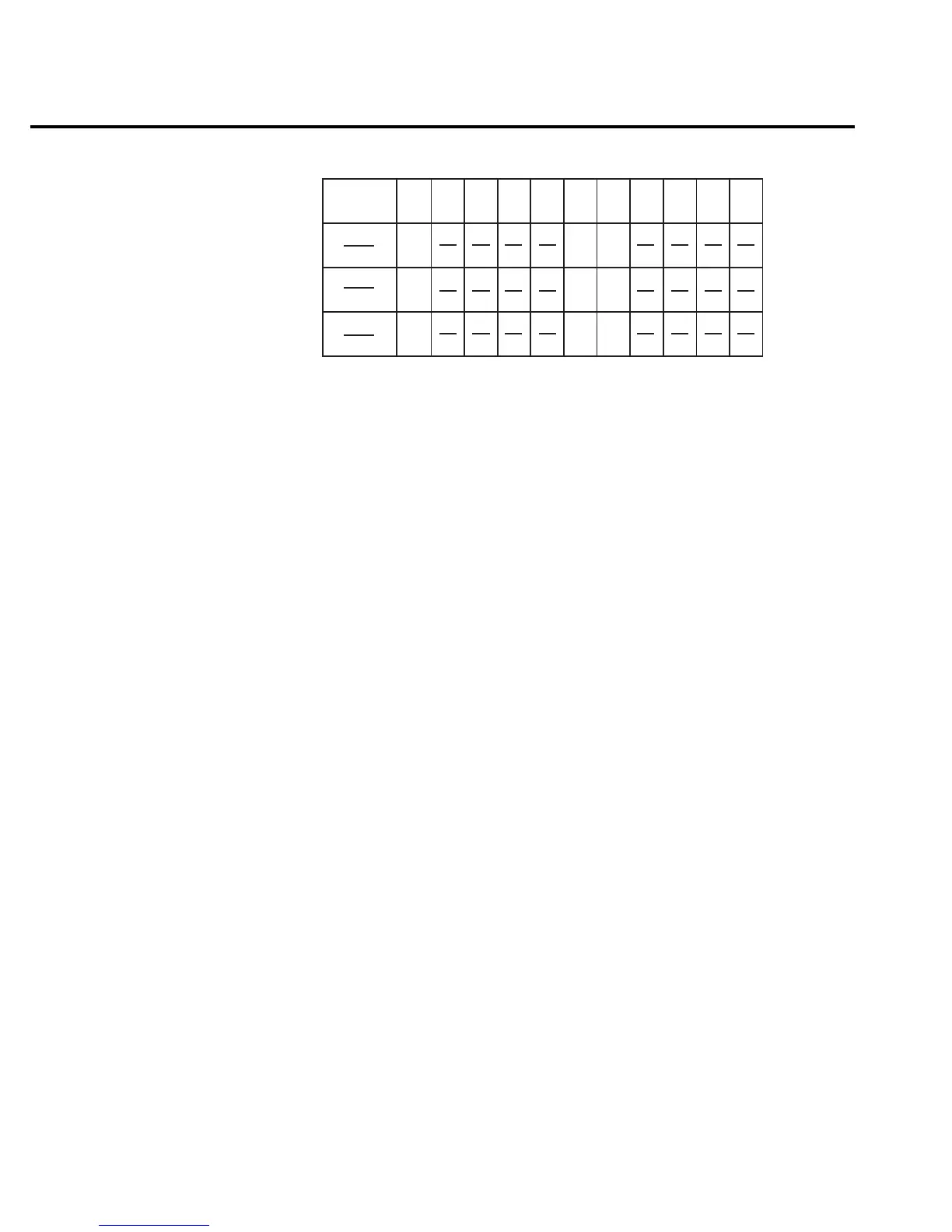
Trig
B10
B9 B8
B7 B6 B5 B4 B3 B2 B1 B0
(2 )
5
32
0/1
Bit Position
Event
Decimal
Weighting
Value
Value : 1 = Enable Operation Event
0 = Disable (Mask) Operation Event
Events : Idle = Idle state of the 2016
Meas = Measuring Overflow
Trig = Triggering
0/1
Meas
(2 )
4
16
Idle
10
1024
0/1
(2 )
B15 - B11
gure
-
Operation event
enable register



 To Next Page