EN UG-020 Link 6 user guide r1.0 121
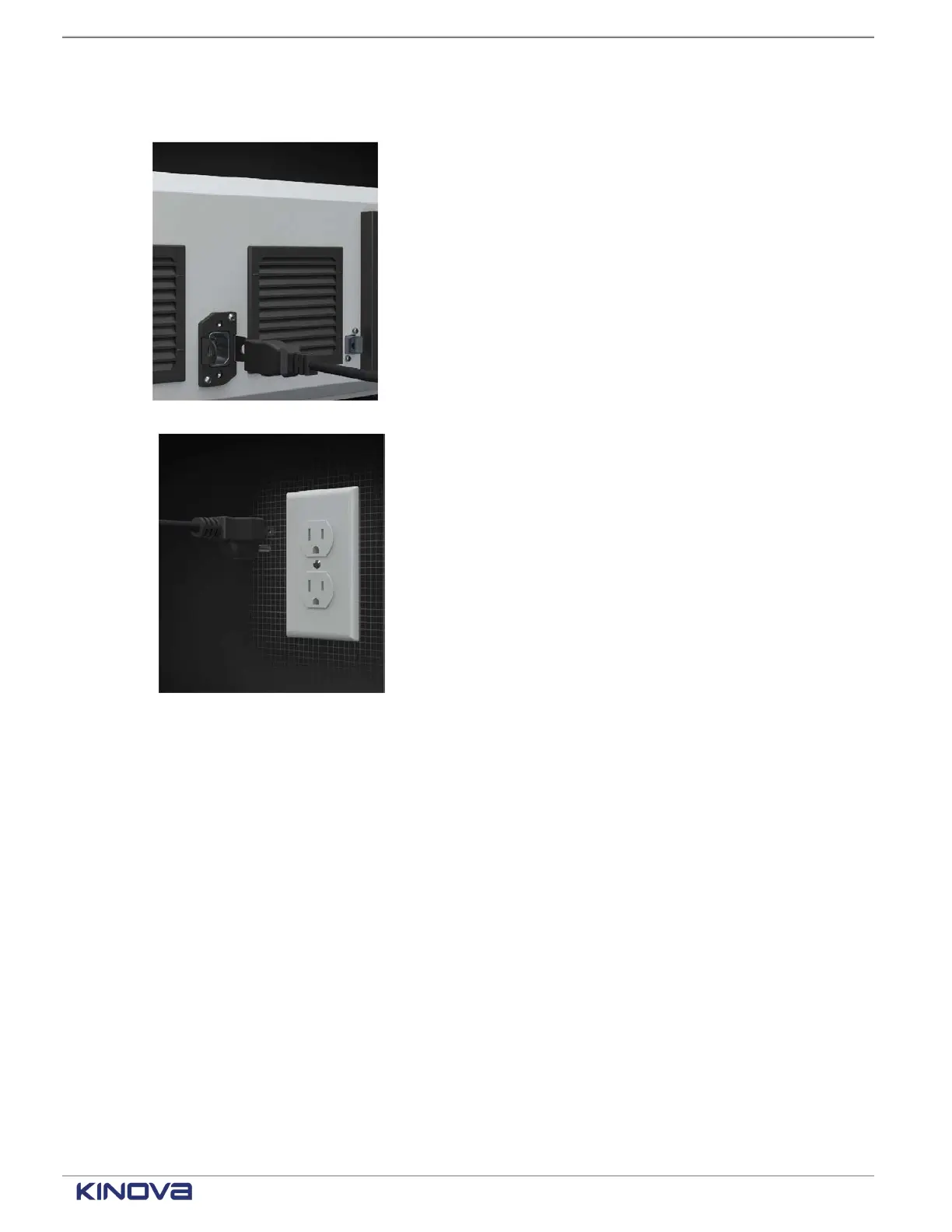
Procedure
1. Plug one end the AC cord into the back of the controller.
2. Plug the other end of the AC cord into an electric socket.
Connecting a computer to the controller
KortexWebApp may be run on a computer, but it works only if the computer is connected to the
controller.
Before you begin
You need to have an Ethernet CAT5 cable.
About this task
You can use a computer to program Link6, particularly when you want to program the robot with
minimal downtime.
Procedure
1. Connect one end of the cable to the Gigabit Ethernet port on the front or back of the controller.
2. Connect the other end of the cable to the computer.
+1 514-277-3777 kinovarobotics.com
© 2022 Kinova inc. All rights reserved.



 To Next Page