EN UG-020 Link 6 user guide r1.0 143
Procedure
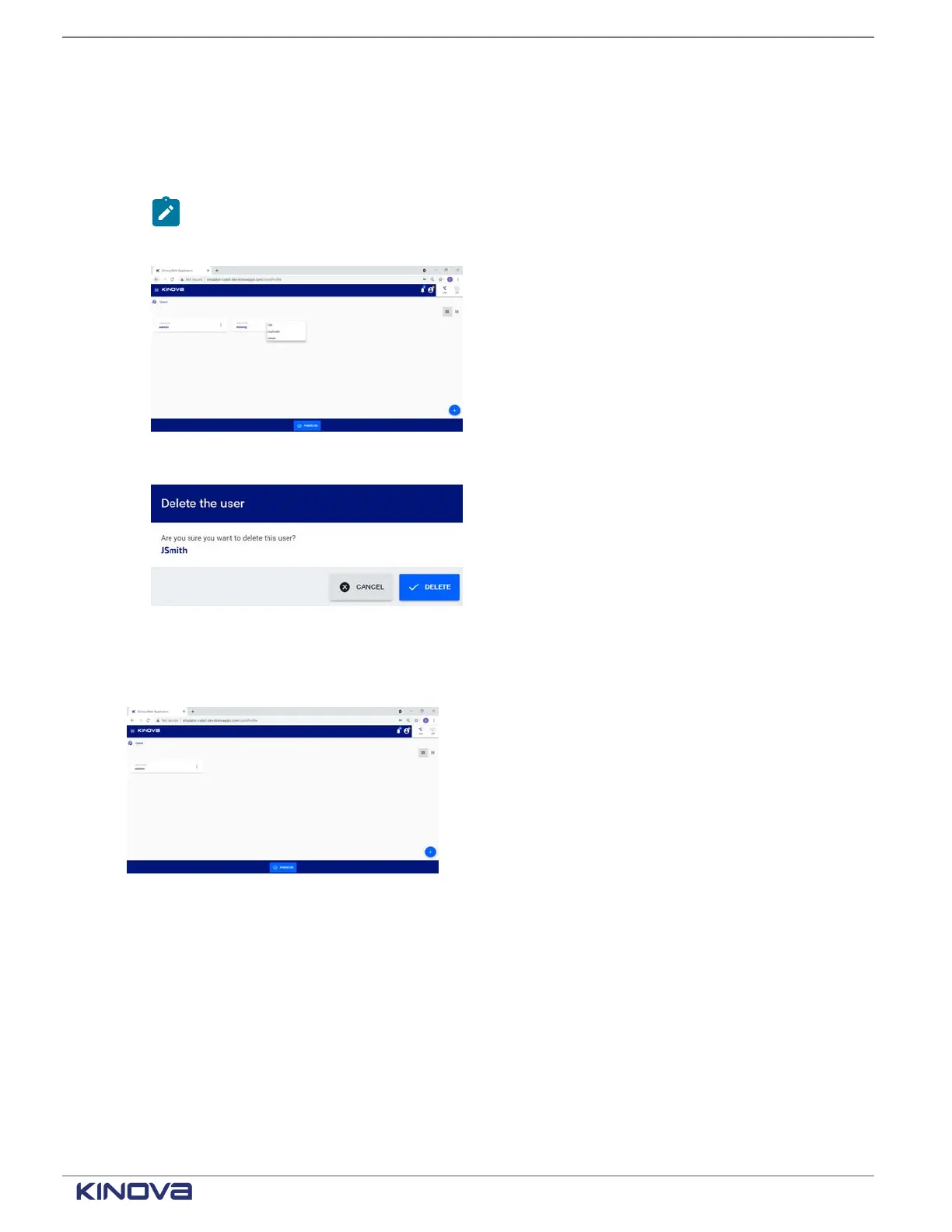
1. Tap Systems > Users.
All users are displayed on the Users page.
2. Tap the kebab menu of the user to be deleted.
Note: Administrator accounts cannot be modified or deleted. The content of the kebab
menu is not selectable.
A contextual menu launches, one of the choices being to delete the user.
3. Tap Delete.
A Delete the user confirmation dialog launches.
4. Tap Delete to delete the selected user.
Results
The selected user is deleted from the system.
Elevating permissions
The role of a user may need to change from operator to admin user.
Before you begin
Log in KortexWebApp as an operator.
About this task
An operator can elevate their permissions to the administrator level only when the operator
knows the admin password.
+1 514-277-3777 kinovarobotics.com
© 2022 Kinova inc. All rights reserved.



 To Next Page