EN UG-020 Link 6 user guide r1.0 214
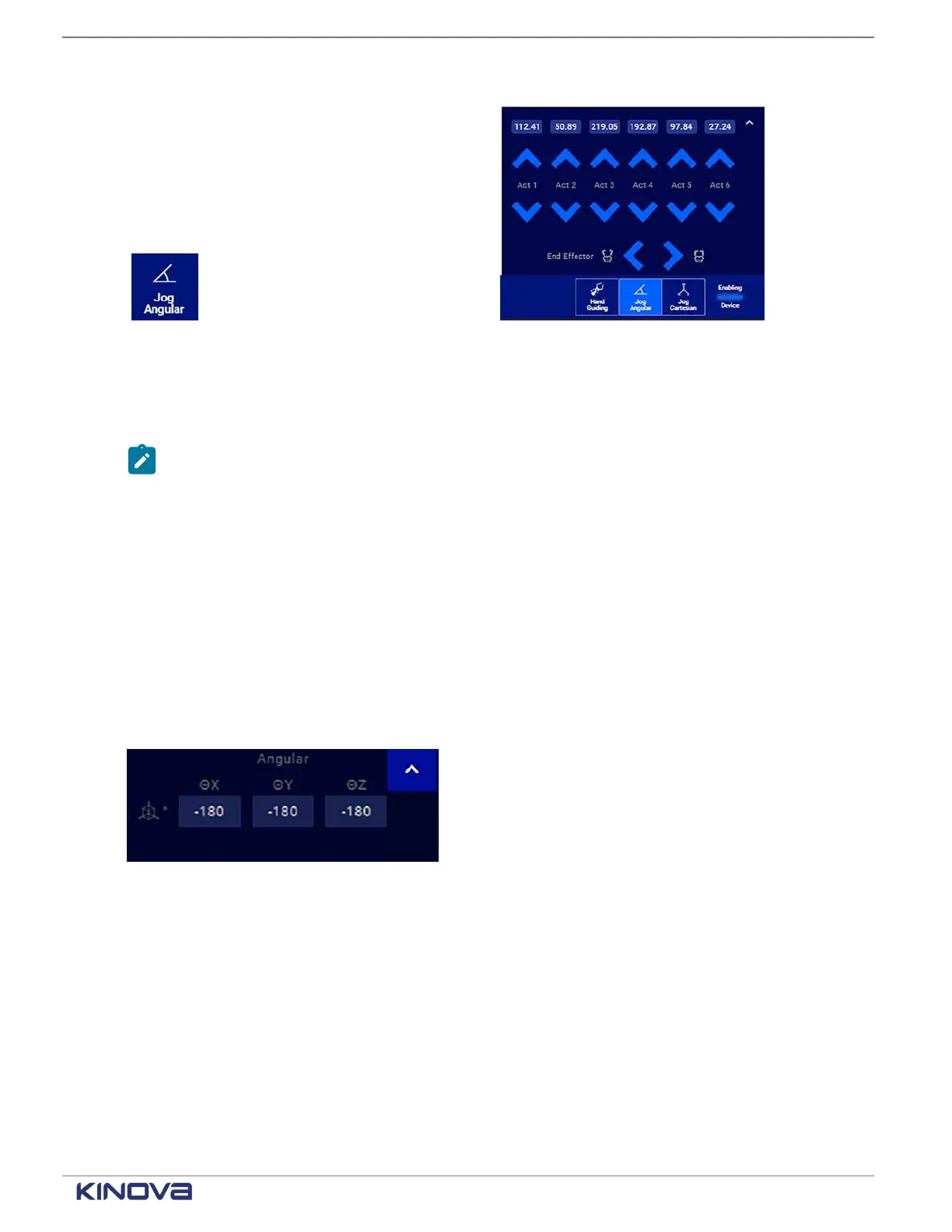
Figure 180: Jog Angular button in the panel Figure 181: Jog Angular panel
The joint angles are controlled through angular velocity. Control the angle of each actuator, as
well as end effectors. The robot arm responds to the virtual angular manipulation.
Note: For joints with joint rotation limits, the robot enforces software joint angle limits to
prevent these joints from reaching the physical limits. When you control these joints, the
software causes the arm joints to stop responding when the limits are reached.
Each angle is measured in degrees. The value displayed is restricted to minus or plus a full
rotation; that is, -360° to +360°.
Related topics
Mode: Manual Jog on page 100
Additional settings
Maximum speeds for actuators and fingers are not modified as often as other angular settings,
but can be modified in the Jog Angular panel.
There is an up arrow in the upper right corner.
Figure 182: Jog Angular panel up arrow
Tapping it unveils additional settings available in Jog Angular mode.
• Maximum speed for each actuator
• Maximum speed for fingers when a gripper is installed
+1 514-277-3777 kinovarobotics.com
© 2022 Kinova inc. All rights reserved.



 To Next Page