EN UG-020 Link 6 user guide r1.0 229
Cause
Manual control and trajectories can drive the robot in configurations where self-collisions can
occur.
Procedure
• Modify your trajectory accordingly when it is clear from observing the pose of the robot which
links are at risk of entering in contact.
• Validate the size of your Tool Sphere in the Protection Zones page.
Related topics
Protection zones on page 69
Status of the actuators
The status of each actuator is displayed on the Actuators pane of the Status page.
The status of the actuators summarizes the state of the actuators.
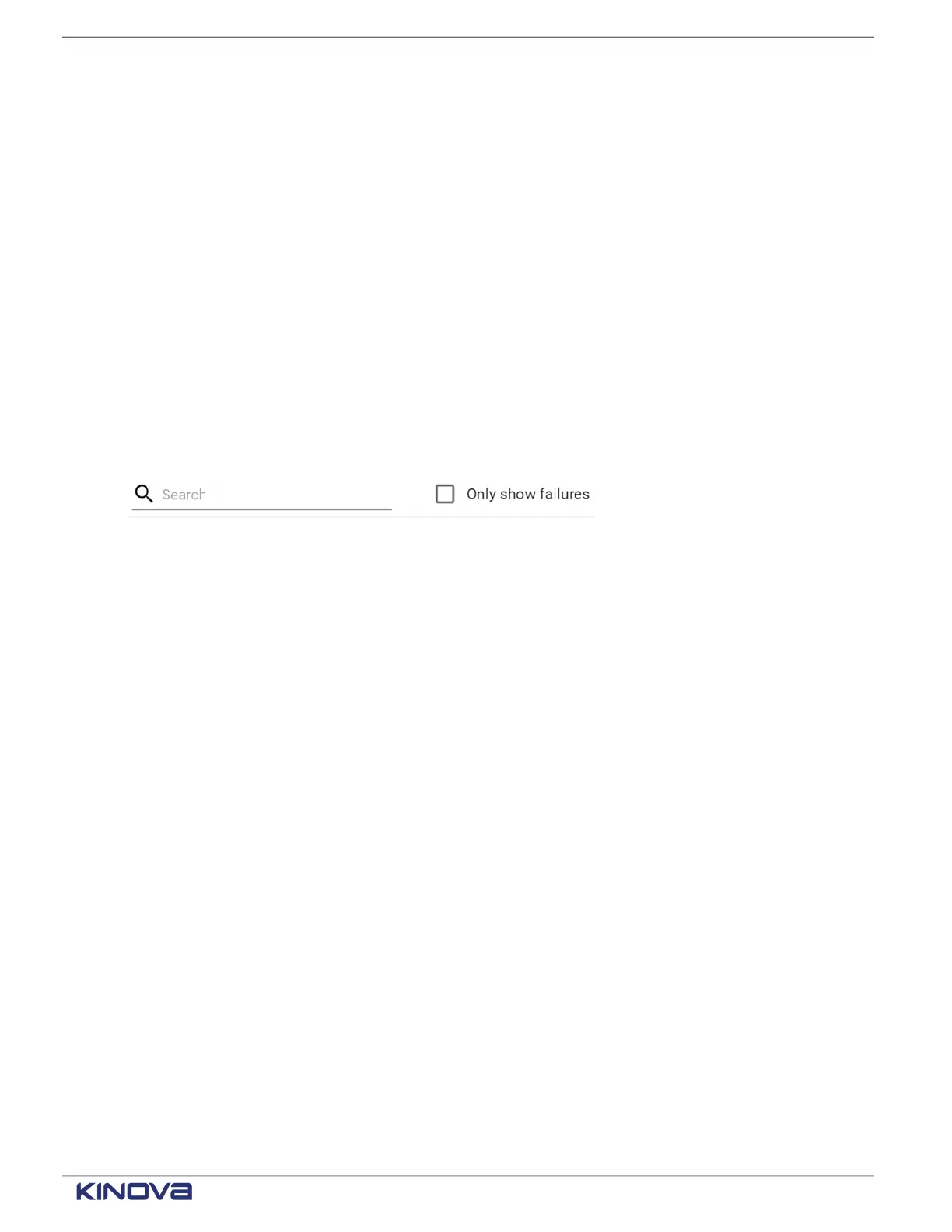
On the Actuators pane, you can search for different issues or view only what is failing.
Figure 190: Search and filter on Actuators pane
Some status have an information icon beside them. Tap them to view the thresholds associated
with the status.
Figure 191: Status page of the actuators with an actuator pane expanded
+1 514-277-3777 kinovarobotics.com
© 2022 Kinova inc. All rights reserved.



 To Next Page