EN UG-020 Link 6 user guide r1.0 77
3. Browse to the location where the protection zone XML or JSON files are stored.
4. Select the desired file.
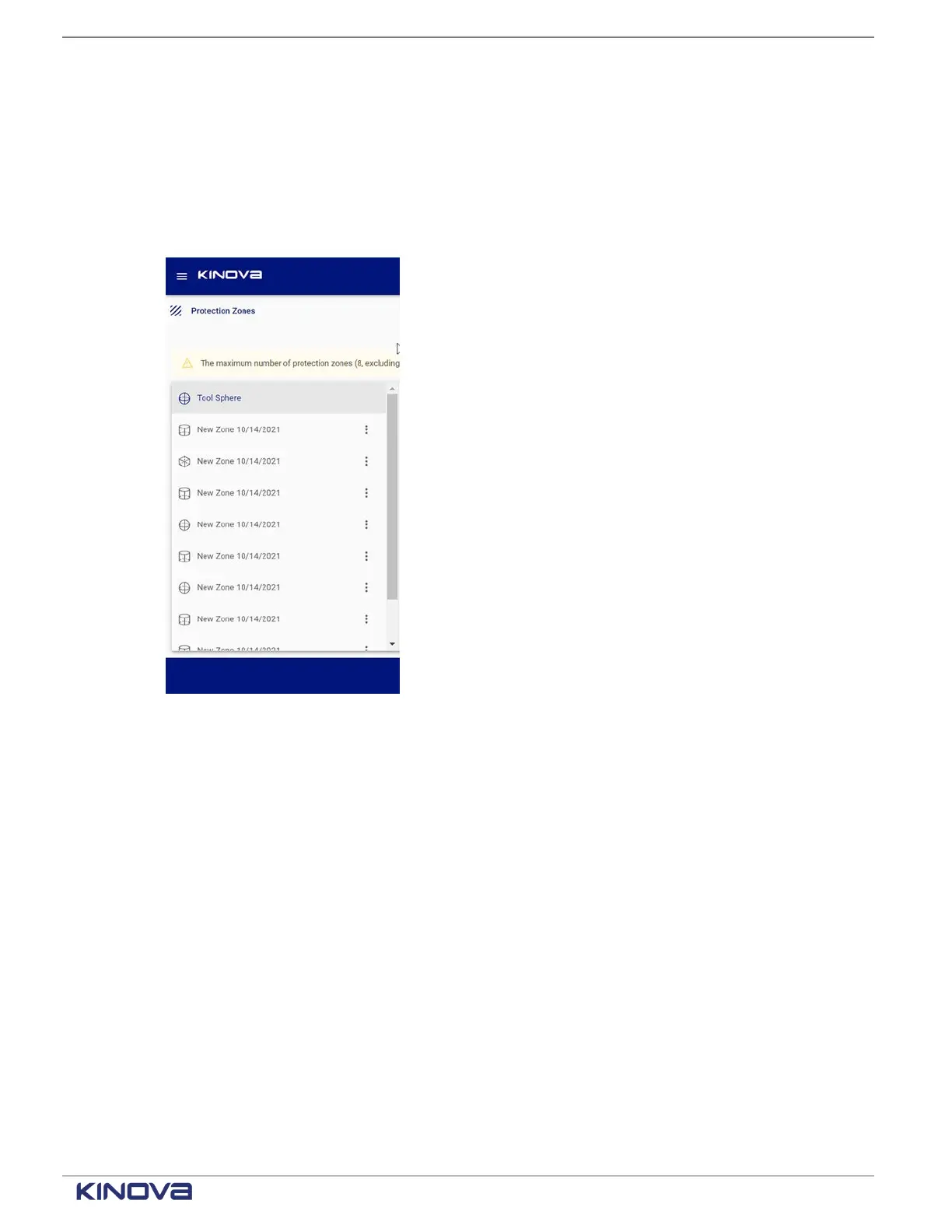
Results
The Zones pane populates with all the zones defined in the file.
Example
Visualization pane
A visualization of the defined protection zones, as well as the arm of Link6 in its current position,
is in the Visualization pane. The view helps to determine the protection zones in a 3-dimensional
space with respect to the robot.
+1 514-277-3777 kinovarobotics.com
© 2022 Kinova inc. All rights reserved.



 To Next Page