EN UG-020 Link 6 user guide r1.0 141
3. Enter information in the fields.
• Username
• Password
• Retype Password
• First Name
• Last Name
• Notes
Important: The username and password are case sensitive.
4. Tap CREATE.
Results
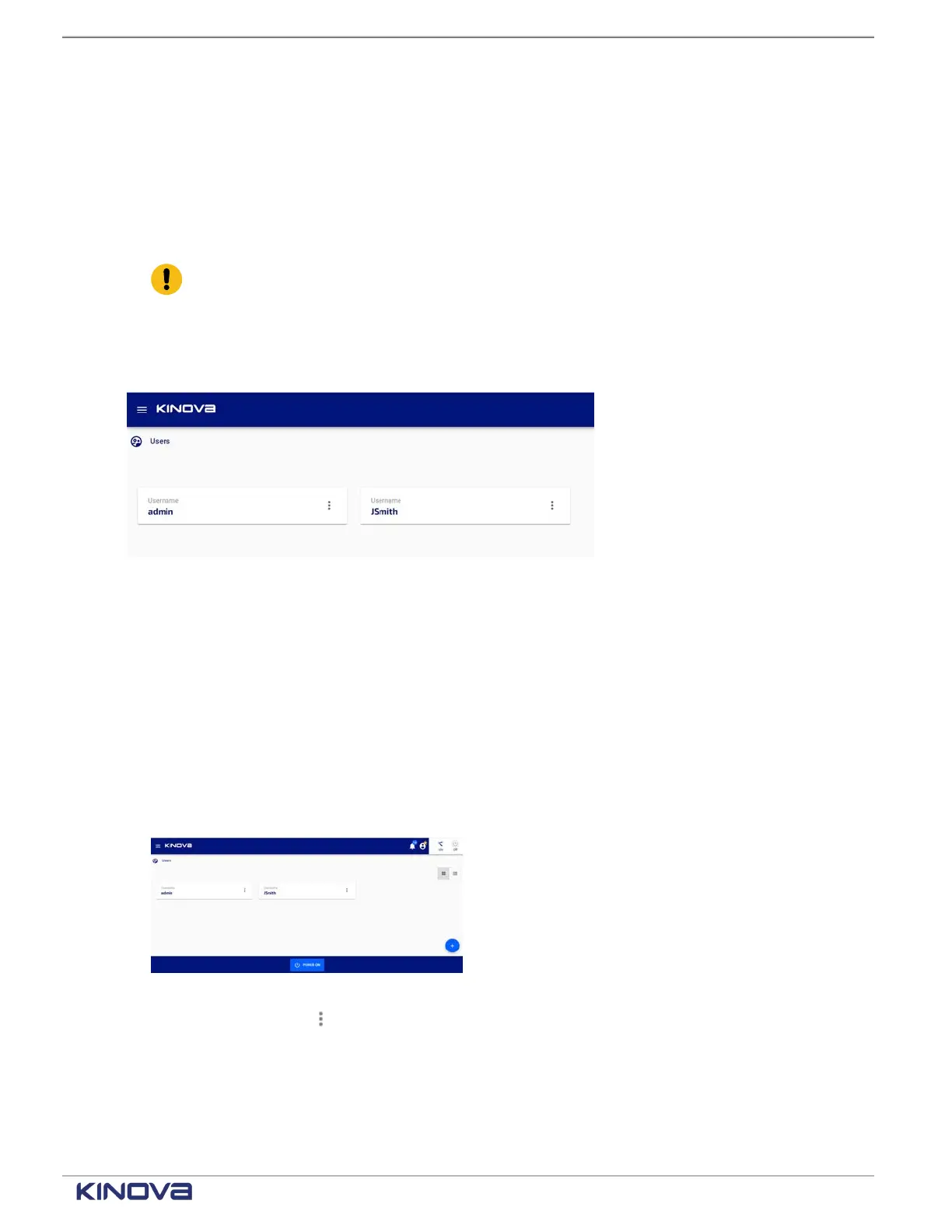
A user is added to the list of current users.
Editing a user
When a user is created in the system, it is possible that the user's name was misspelled, a
different username needs to be used, the password needs to be updated, or the user wants to
work in a different language. In all these cases, the admin must edit the user information.
About this task
The admin edits users in the system.
Procedure
1. Tap Systems > Users.
All users are displayed on the Users page.
2. Tap on a user's name.
3.
Tap the kebab menu ( ).
+1 514-277-3777 kinovarobotics.com
© 2022 Kinova inc. All rights reserved.



 To Next Page