EN UG-020 Link 6 user guide r1.0 66
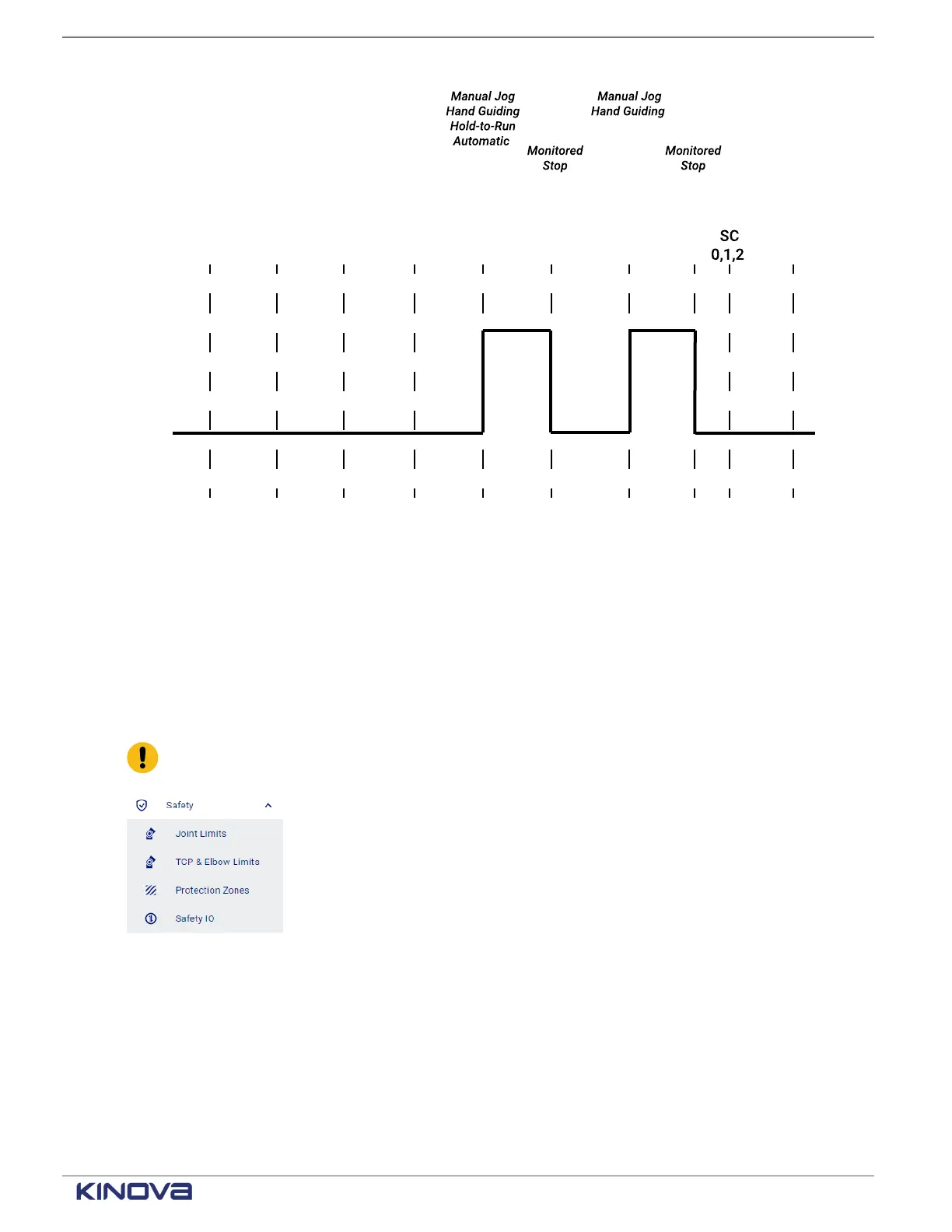
Figure 48: Timeline for SF07 before and after being triggered
Related topics
State timeline for the safety output Normal Speed Mode on page 85
Robot safety protections and limits
To make sure the robot operates safely in its working environment, configure joint limits, TCP and
elbow limits, protection zones, and safety I/Os.
All tasks related to configuring the robot with respect to safety are performed by the integrator.
Important: Safety parameters can be modified only when there is no power in the arm.
Figure 49: Accessing the safety pages
The controller prevents movement, speed, and force outside of the configured limits. The
configured limits are monitored by certain safety functions.
• Emergency stop
• Protective stop
• Joint position
• Joint speed
+1 514-277-3777 kinovarobotics.com
© 2022 Kinova inc. All rights reserved.



 To Next Page