EN UG-020 Link 6 user guide r1.0 85
Trigger off The robot must be in one of the arm states to exit the Arm Moving
state.
• Initialization
• Idle
• Maintenance
• Brake Release
• Fault power off
• Fault power on
Alternatively, the robot must be in the operating mode Monitored
Stop.
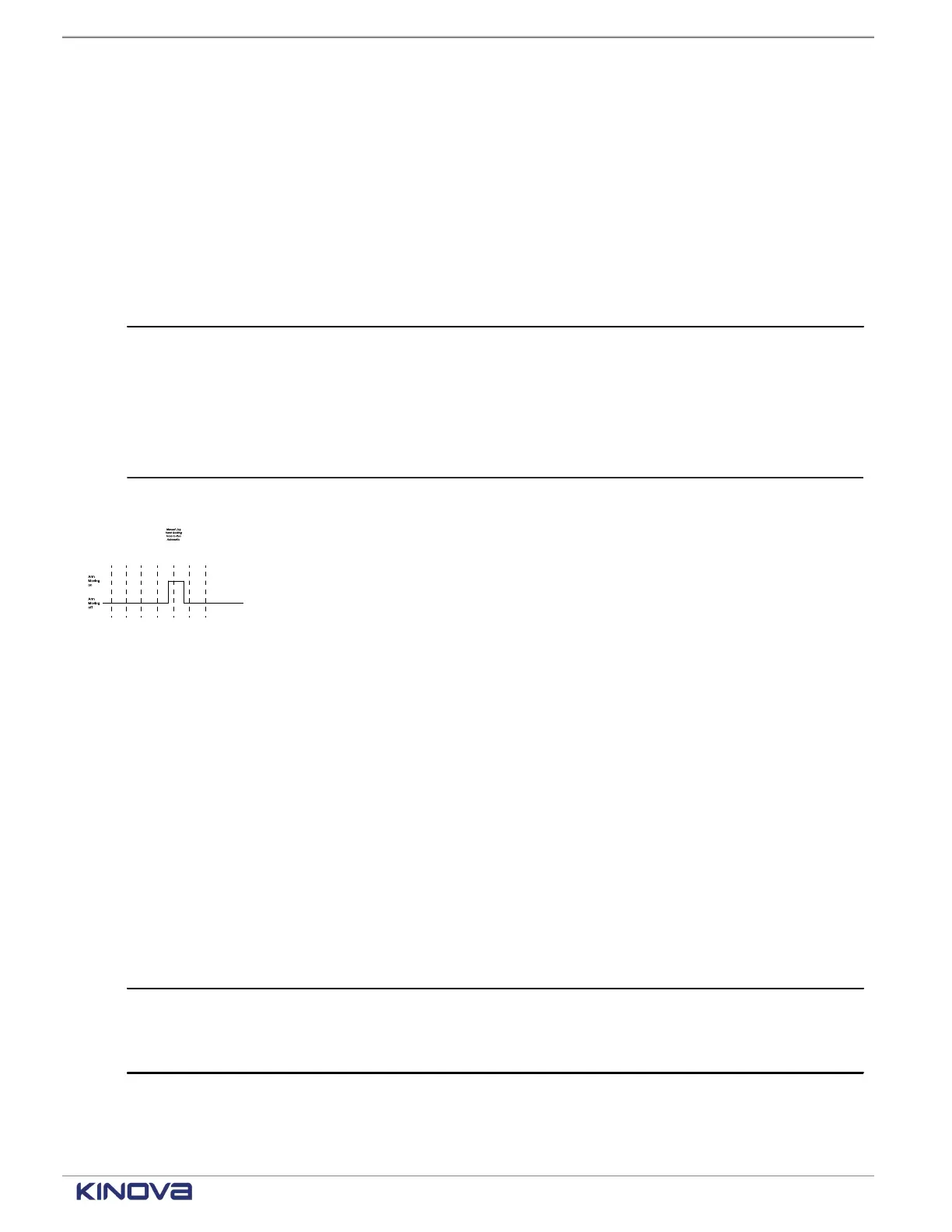
Trigger on The arm must be operational and the robot must be in one of the
operating modes to enter the Arm Moving state.
• Automatic
• Hand Guiding
• Hold-to-Run
• Manual Jog
Figure 68: Timeline for the safety output Arm Moving
State timeline for the safety output Normal Speed Mode
Each safety output enters one of two states during operations.
Safety Mode is defined as either Normal speed or Reduced speed. To know the status of the
Normal Speed Mode, look at the Safety Mode drop-down in different areas of KortexWebApp.
• Safety > Joint Limits > Speed Limits
• Safety > TCP & Elbow Limits > TCP Limits
• Safety > TCP & Elbow Limits > Elbow Limits
• Programs > <select a program>: the Program speed control area of the Robot control panel
Table 59: Normal Speed Mode timeline
Delay of trigger 0.02 s
Trigger off
• Reduced is selected from the Safety Mode drop-down or in
the Program speed control of the Robot control panel.
• The safety system is set to Reduced.
+1 514-277-3777 kinovarobotics.com
© 2022 Kinova inc. All rights reserved.



 To Next Page