EN UG-020 Link 6 user guide r1.0 84
Table 57: Safety output states that are described as safety function
Safety output state Corresponding safety function
Unassigned n/a
Emergency Stop SF01 Emergency Stop
Protective Stop SF02 Protective Stop
Monitored Stop SF05 Monitored Stop
Arm Moving n/a
Normal Speed Mode n/a
Note: The safety output state Unassigned indicates that no safety output is assigned to
the channel.
Related topics
SF01 Emergency stop timeline on page 58
SF02 Protective stop timeline on page 59
SF05 Monitored stop timeline on page 62
State timelines of safety functions on page 57
State timeline for the safety output Arm Moving
Each safety output enters one of two states during operations; it depends on the current state of
the arm and the current mode of operation.
Equally important in knowing the timeline of a safety output is knowing where to find the current
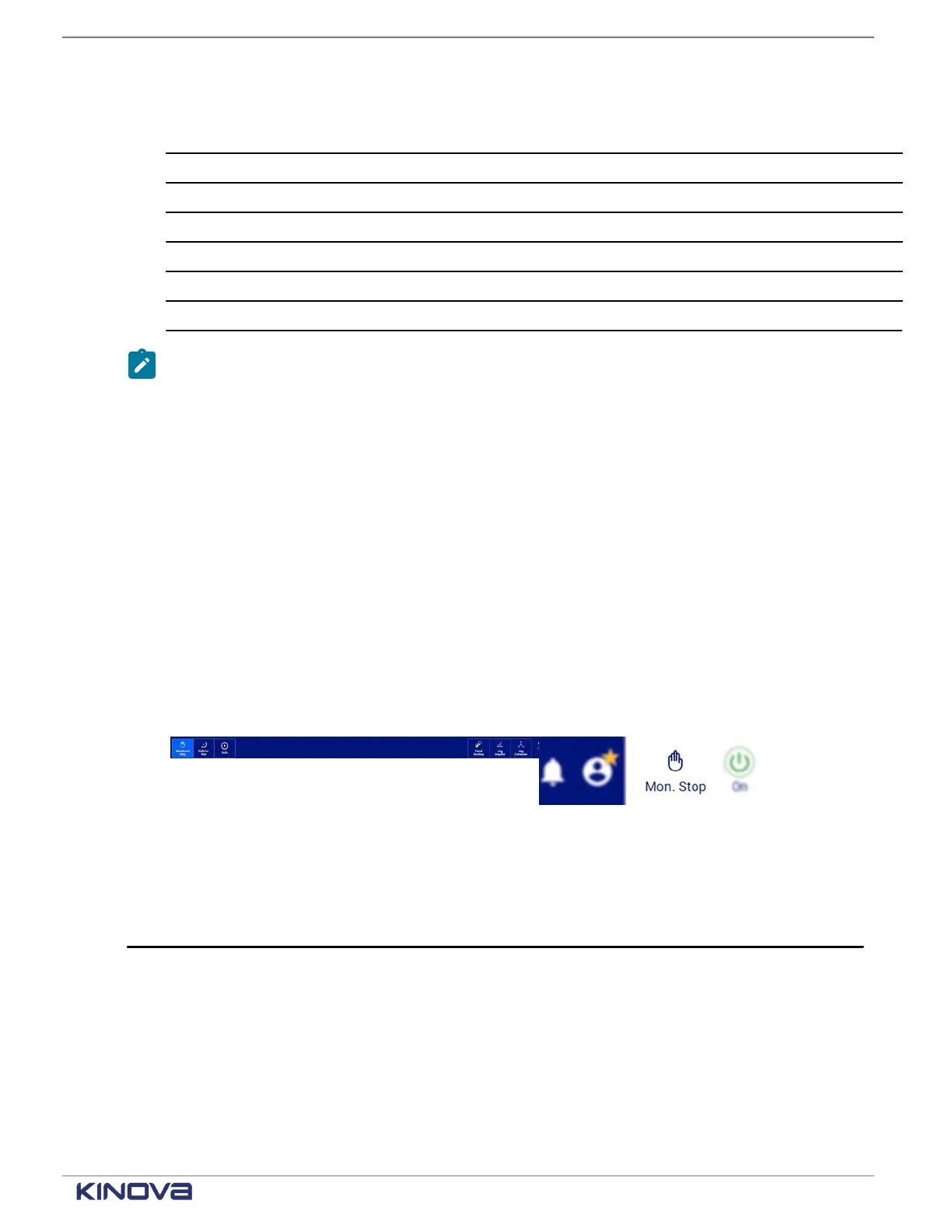
safety output status. To know the status of the safety output Arm Moving, look at what is
highlighted in the Robot control panel or the robot status button in the robot status area. The
current operating mode reflectsthe current status of Arm Moving.
Figure 66: Robot control panel
Figure 67: Robot status button
Table 58: Arm Moving timeline
Monitor frequency of trigger 0.02 s
+1 514-277-3777 kinovarobotics.com
© 2022 Kinova inc. All rights reserved.



 To Next Page