EN UG-020 Link 6 user guide r1.0 250
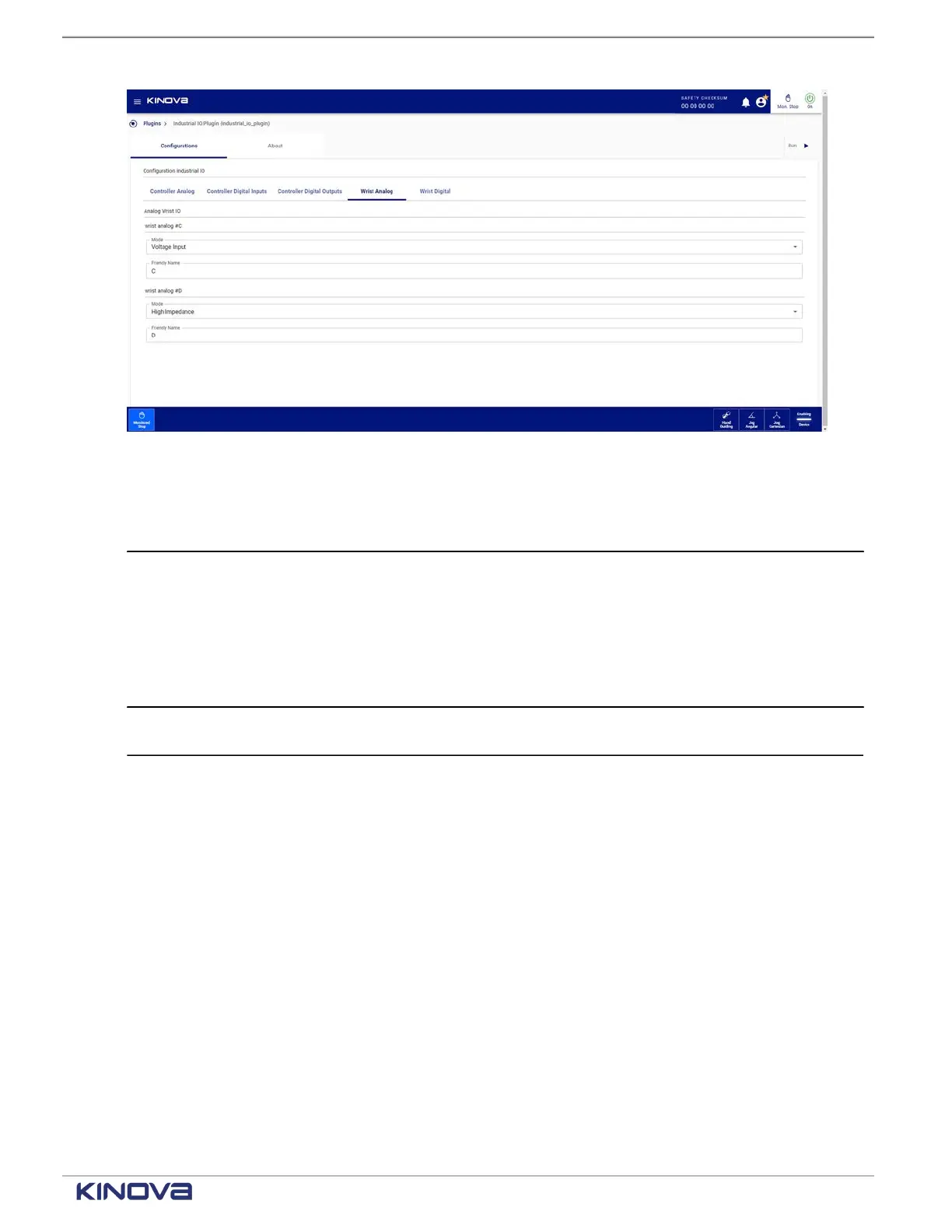
Figure 207: Wrist Analog pane with Mode drop-down
Table 95: Wrist analog configurations
Parameter Description
Mode Select a mode.
• High Impedance (disabled)
• Voltage Output
• Current Output
• Voltage Input
• Current Input
Friendly Name Enter a meaningful name for that specific analog input or output for the
controller.
Wrist digital on the Industrial I/O plugin page
All digital inputs and outputs for the wrist must be configured on the Wrist Digital pane of the
Industrial I/O plugin page
Each digital input and output of the wrist is defined independently from the other digital input and
output of the wrist.
+1 514-277-3777 kinovarobotics.com
© 2022 Kinova inc. All rights reserved.



 To Next Page