EN UG-020 Link 6 user guide r1.0 182
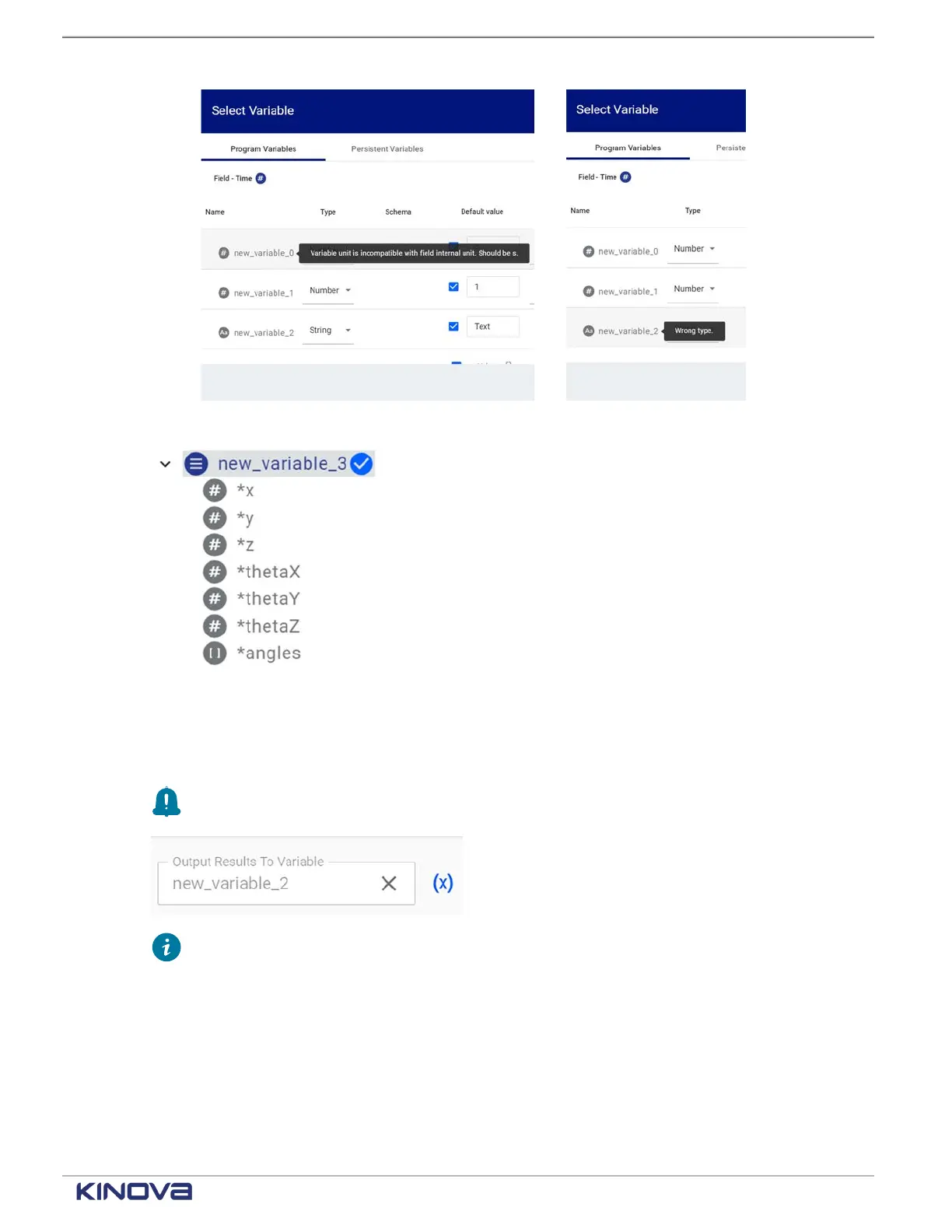
The name of the variable is highlighted and a check mark displays beside the name.
Tap on the small arrow beside the variable name reveals the content of that variable
4. Tap SELECT.
The Select Variable page closes.
The name of the selected variable displays in the Output Results To Variable text box.
Remember: The name of the selected variable is in the text box where the Select
Variable is invoked.
Tip: Clear any text field that is filled with a selected variable or selected variable
element by tapping the X beside it.
Deleting a variable that is being used in a program
When you duplicate a program to speed up program creation, you may find that some variables
are not needed for your new program. You need to delete the variable, but only from the program.
+1 514-277-3777 kinovarobotics.com
© 2022 Kinova inc. All rights reserved.



 To Next Page