EN UG-020 Link 6 user guide r1.0 184
Core tiles
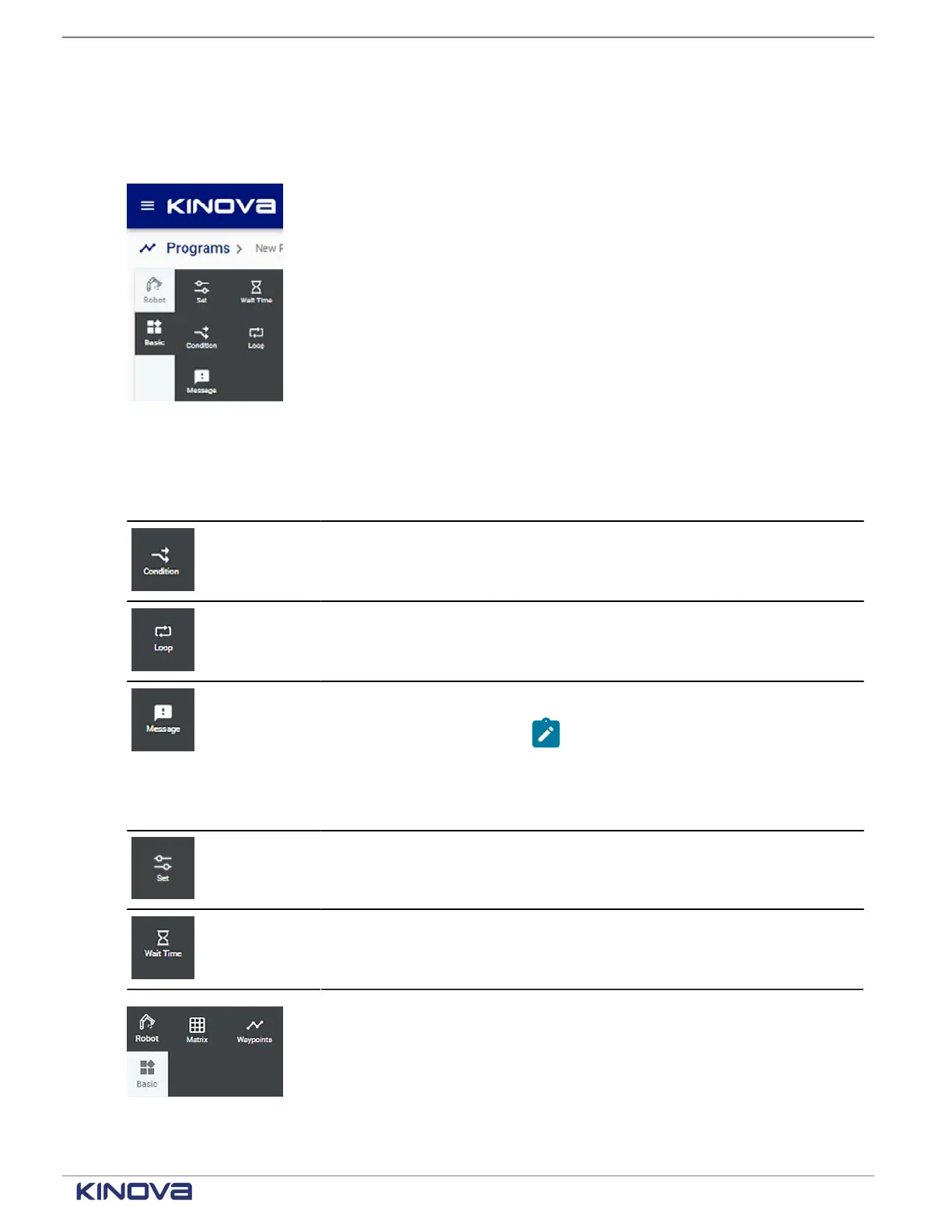
The Programs page has a set two sets of core tiles that are used to drag and drop into the
Sequence editor pane to help create programs.
Figure 149: Base tiles
Table 70: Tiles that belong to the Base
Tile Tile name Description
Condition Create a condition in the program.
Loop Create a loop in the program.
Message Create a message in the program.
Note: Runtime values of
variables can be printed in
messages by using the syntax
${variable_name}
.
Set Set the value of a variable. If there is a default
value, Set overrides the default value.
Wait Time Introduce a period of time to wait before
proceeding to the next step in the program.
Figure 150: Robot tiles
+1 514-277-3777 kinovarobotics.com
© 2022 Kinova inc. All rights reserved.



 To Next Page