EN UG-020 Link 6 user guide r1.0 59
Note: SF01 is inactive when the arm is in the state Fault power off only when it is initiated
by stop category 0 or stop category 1 only.
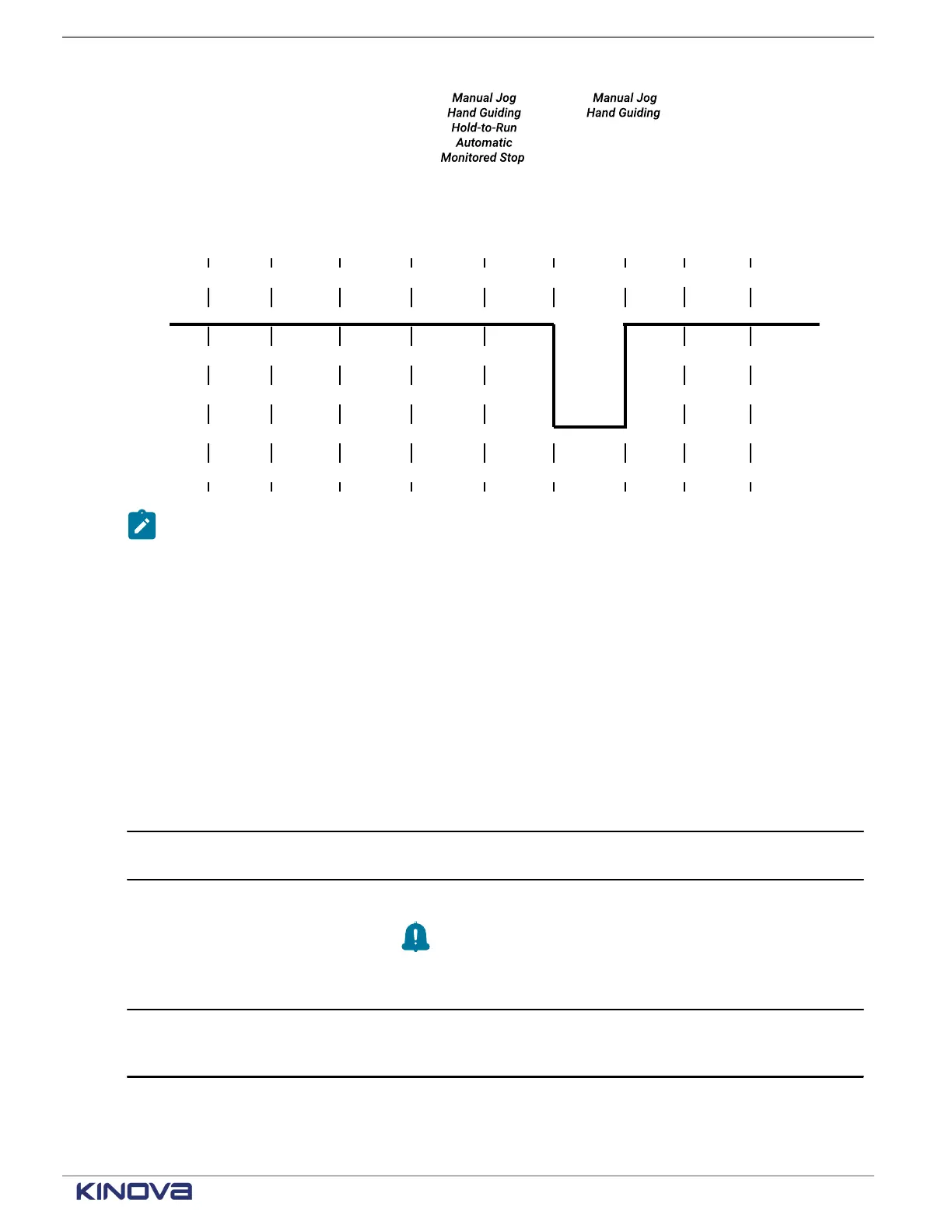
Figure 42: Timeline for SF01 before and after being triggered
SF02 Protective stop timeline
The triggers for and the recovery from the Protective stop function changes the state of the
function.
Equally important in knowing the timeline of a safety function is knowing where to find the
current safety function status. For the status of SF02 Protective stop function, there is one place
to look in KortexWebApp: Diagnostics > Status > Safety Functions.
Table 40: SF02 trigger and action timeline
Monitor frequency of trigger 0.01 s
Trigger One of two channels of the Protective stop safety input sends the
signal to the controller .
Trigger results
• stop category 2 is deployed.
Remember: The operating mode is Monitored Stop.
• The operating mode cannot be changed.
• The arm is Operational.
Reset conditions - Automatic The function resets automatically when all the channels of the safety
input that are configured for Protective Stop with Automatic Reset
signals the controller.
+1 514-277-3777 kinovarobotics.com
© 2022 Kinova inc. All rights reserved.



 To Next Page