EN UG-020 Link 6 user guide r1.0 82
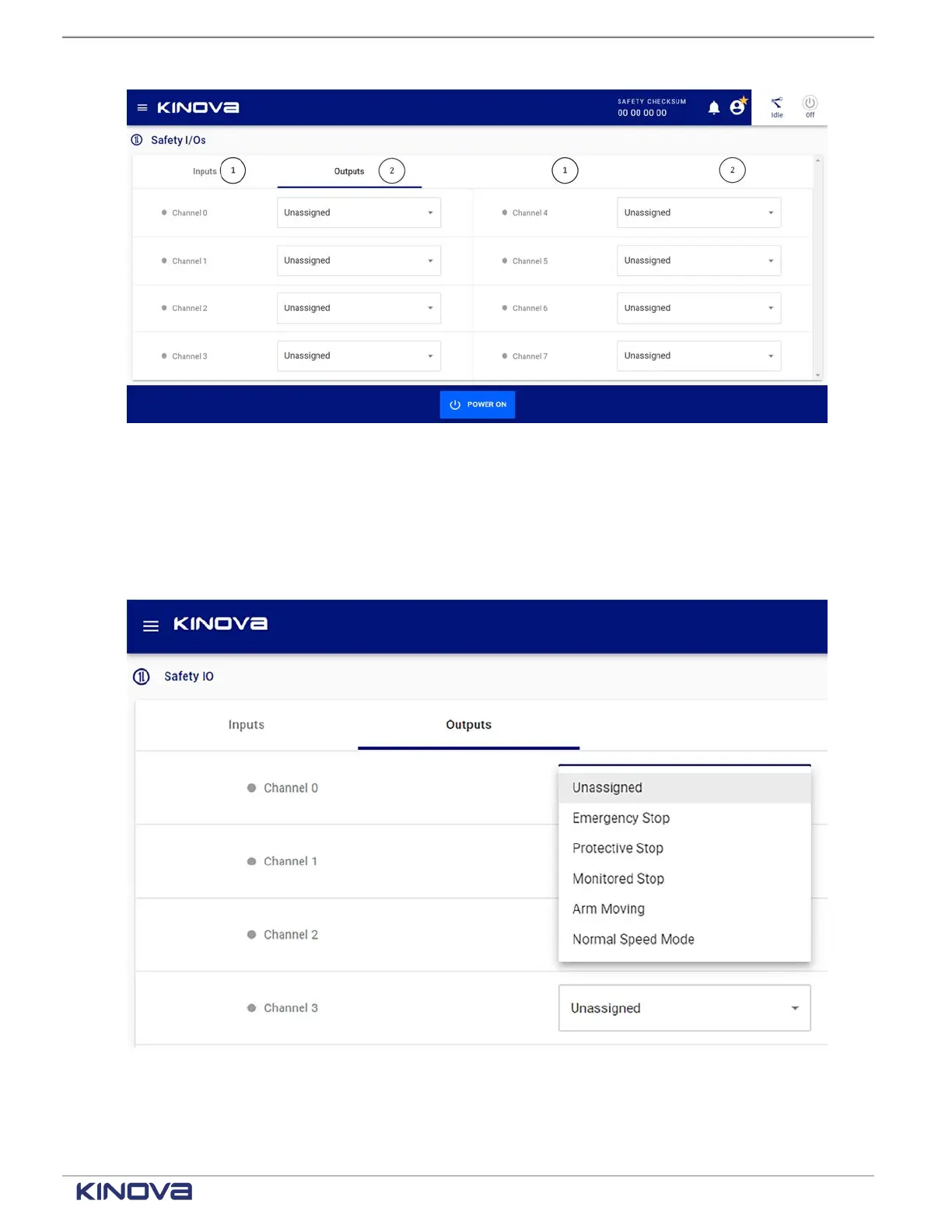
Figure 64: Safety outputs pane
1 Output channel 2 Safety behavior
Each safety output monitors a specific condition. The different conditions are listed in the safety
output menu. Connect Safety Output channels to external Safety monitoring devices, such as a
PLC, to obtain live feedback on the state of safety functions.
Figure 65: Safety output functions
+1 514-277-3777 kinovarobotics.com
© 2022 Kinova inc. All rights reserved.



 To Next Page