SETUP – Configuring Monitor Parameters
5867B_002-626e-04.16 Page 95
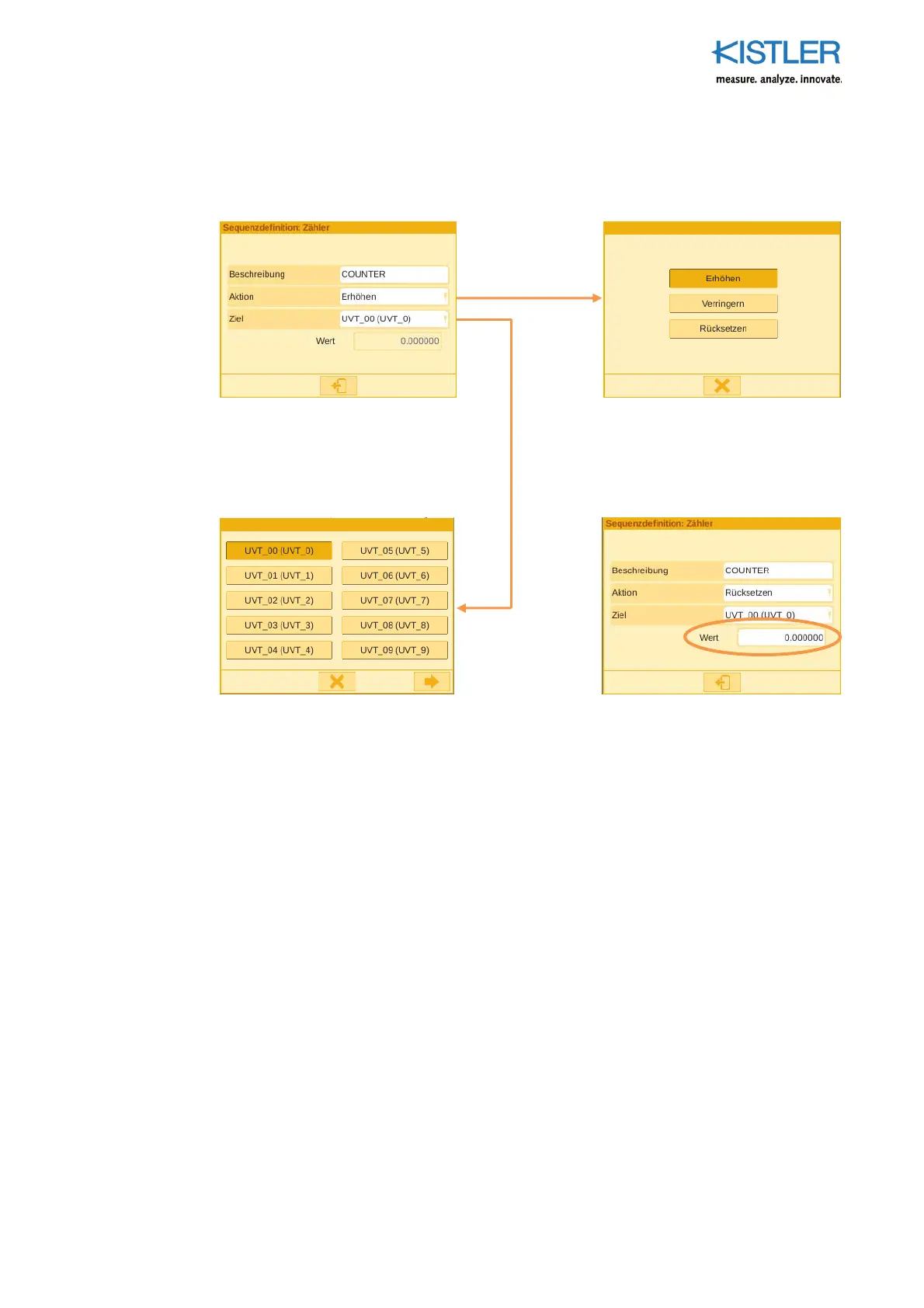
4.4.9.4.9 COUNTER Element
The COUNTER element is used for counting (+ or -) events. The counter value is stored in
the desired UVT.
Under Action you s
ecify if the counter
is supposed to count up or down or to
reset the count.
If you want the counter to act as a
resetter, you can specify to which value
you want the counter to reset the count.















 To Next Page