For detailed description please see Section 5.6.2. Alarm Input Type
Ethernet
For remote access to the video images from your cameras via LAN or the Internet, please
connect the standard RJ-45 twisted-pair Ethernet cable to the Ethernet connector.
USB
For connecting the mouse, USB flash drive, USB portable HDD, USB portable DVD
Recorder (for the list of compatible HDDs see Appendix 3, for the list of compatible
DVD Recorders see Appendix 4).
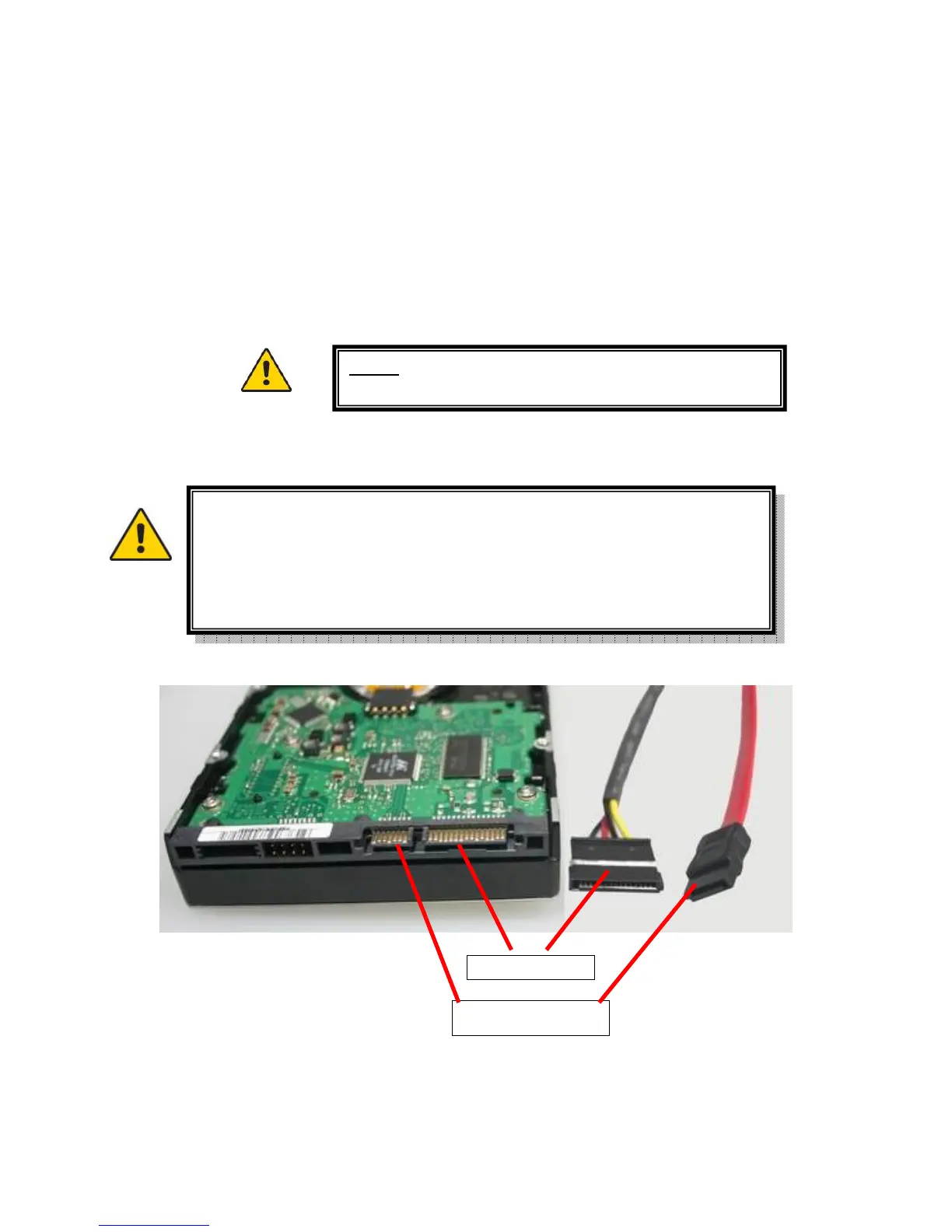
3.6.2 Installing Hard Disk Drive
Before you can record onto your HDD it should be formatted by the DVR
system, because standard PC formatting is not compatible. It can be done
in the Maintenance Tab of the Tool Bar Main Menu. Please refer to
Section 7.5.3 HDD Manage for the detailed description of this process.



 To Next Page