5.7.2 Upgrade
To upgrade your software version, please use this function. The device supports software
updates from a USB drive and IE Remote Software. Before upgrading please make sure the
USB device is connected properly and the upgrade application has been copied into the USB
drive root directory (ie. F:\XXXXX.tar.gz). If no USB connection is found, a pop-up window
will appear, informing you that there is no available device.
Please follow the prompts to upgrade your software version. After completing the upgrade
process, you will need to restart the system. Pressing the Confirm button will restart the
system.
5.7.3 HDD Manage
This option on the Maintenance Tab will help you accomplish this task.
Please press the [>>] button in the HDD Manage field.
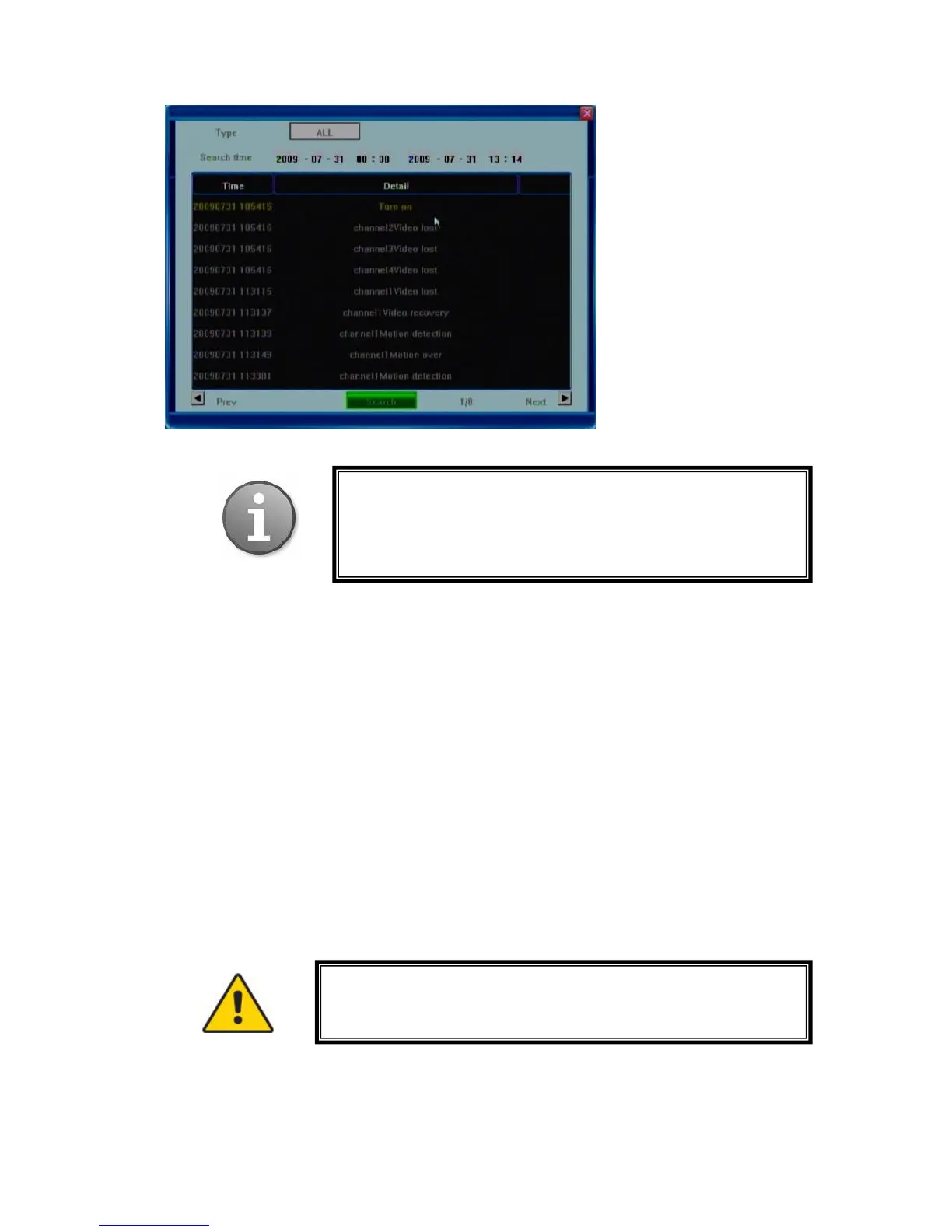
Note: The maximum number of entries currently supported is
3000. When the database becomes full, the overwrite function
kicks in and the earliest entry will be replaced with the
newest one.
Prior to recording video and audio feeds your HDD must be
formatted by the DVR device. You must be logged in as
Administrator to format HDD.



 To Next Page