To return back to previous menu, please right click or press ESC on front panel/remote
control.
5.4.7 Mosaic (Privacy Mask)
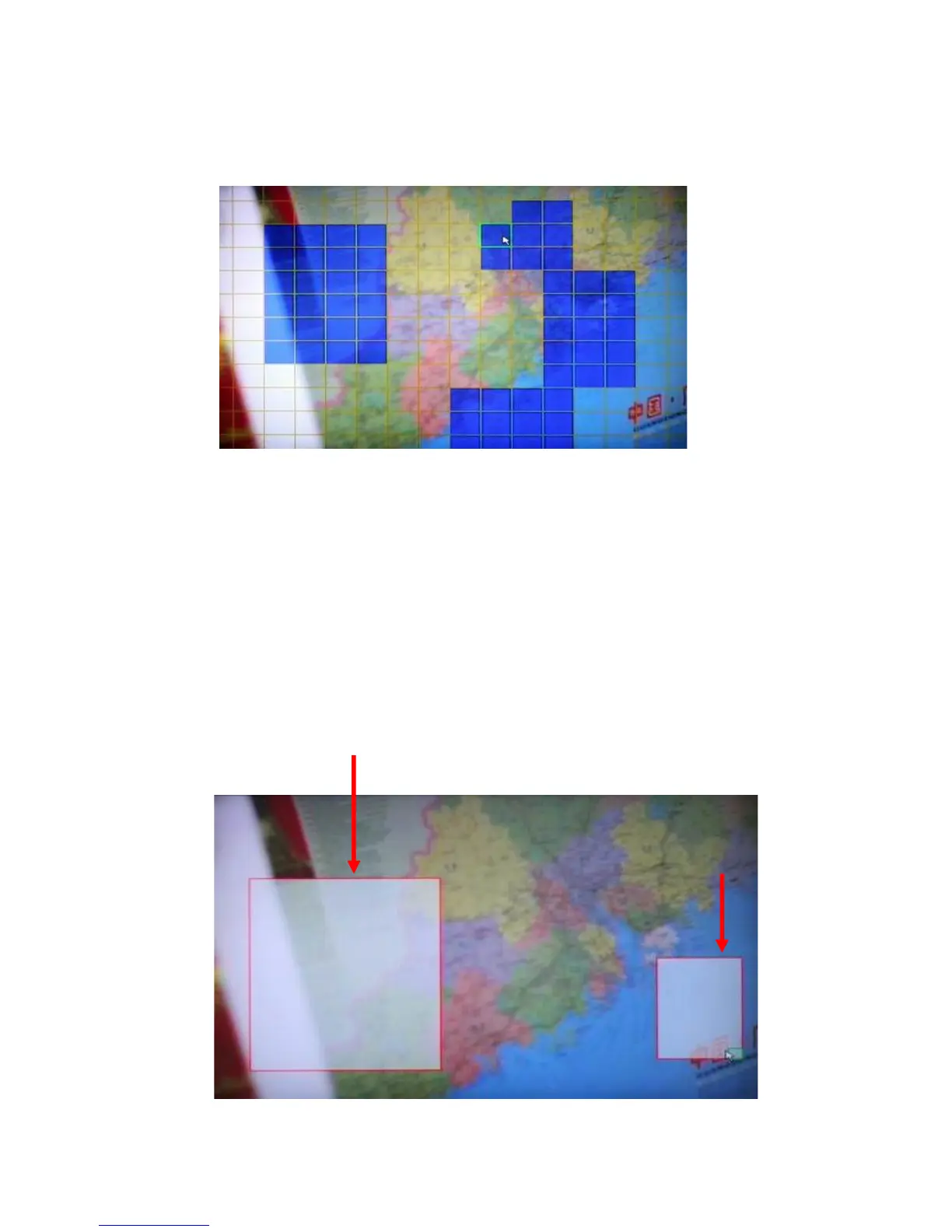
Sometimes you need to have certain areas within the scope of a camera view to be
unmonitored for privacy protection, for example when it shows windows of an apartment
building together with the monitored area. Thus, you can choose to not record these select
multiple regions.
You can turn t h i s op t ion ON or O F F i n the Camera menu and you can manually setup privacy
areas. Press the [>>] button at the right end of the Mosaic field to bring up the full-screen
image of the camera feed. You can select any area to be grayed out on the live feed from the
camera (and, consequently, from the video recording made on this channel). Left-click and
drag to select the desired area. Right-click on the screen anywhere but the selected area to go
back to the main menu window. To apply the changes you need to save and exit.



 To Next Page