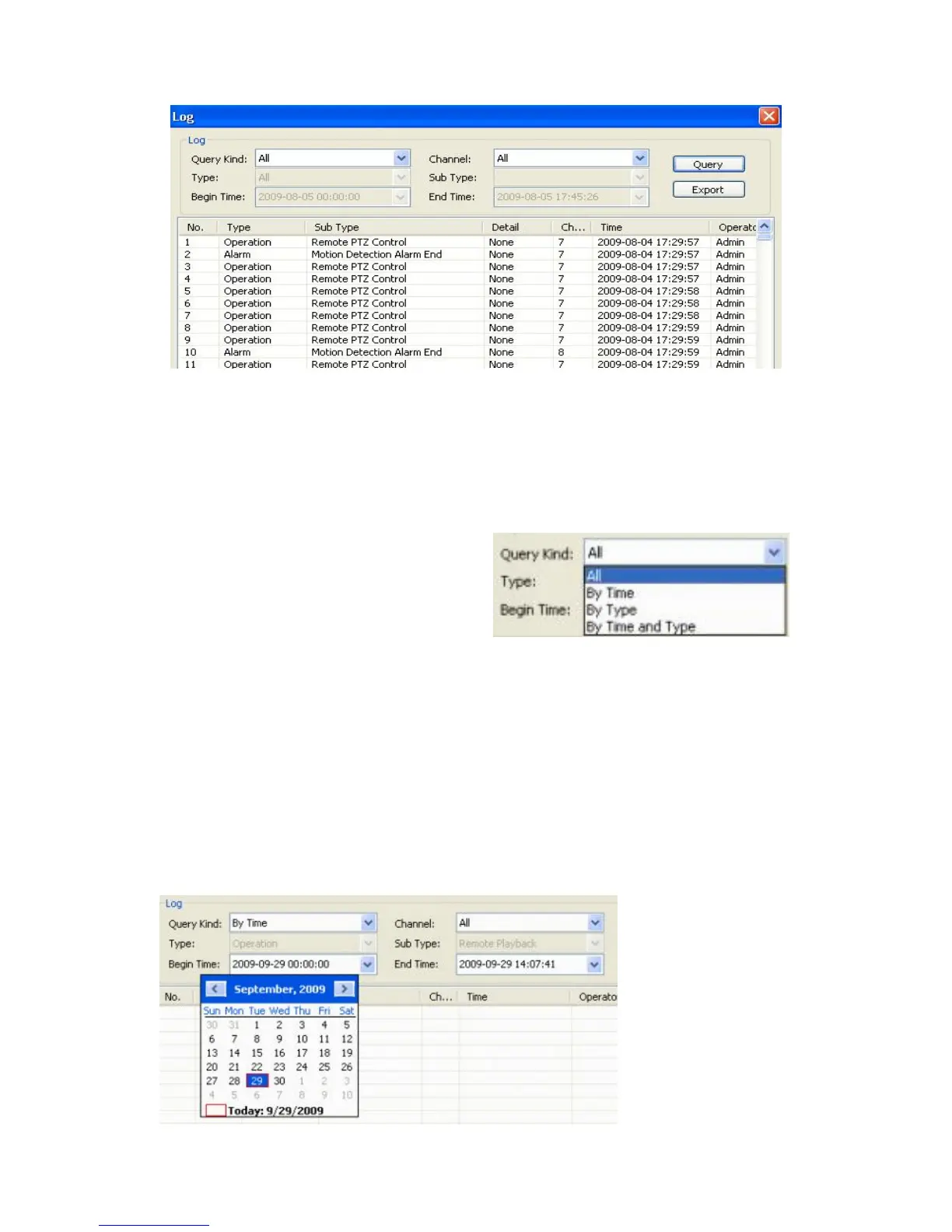
This button on the Tools Menu will bring up the Device Log window. This function is similar
to the one accessible from the DVR under the Maintenance Tab of the Main Menu (see
Section 5.7.1 Log View).
You ca n s e l e ct ev e n t s (in v a ri o u s combinations) the logs of which you would like to view.
Please read the description of the available options below.
Query Kind: dropdown menu offering the
choice of the kinds of logs: All, By Time, By
Type, and By Time and Type
Channel: choose the channel for viewing a respective log (All or individual channels 1-4/*8
depending on the model of your DVR).
6.4.4.1 All Query Kinds
If you choose to view All logs from all channels or one channel, all other options (Type,
Sub-Type, Begin Time, End Time) are not activated.
6.4.4.2 Query Kind by Time



 To Next Page