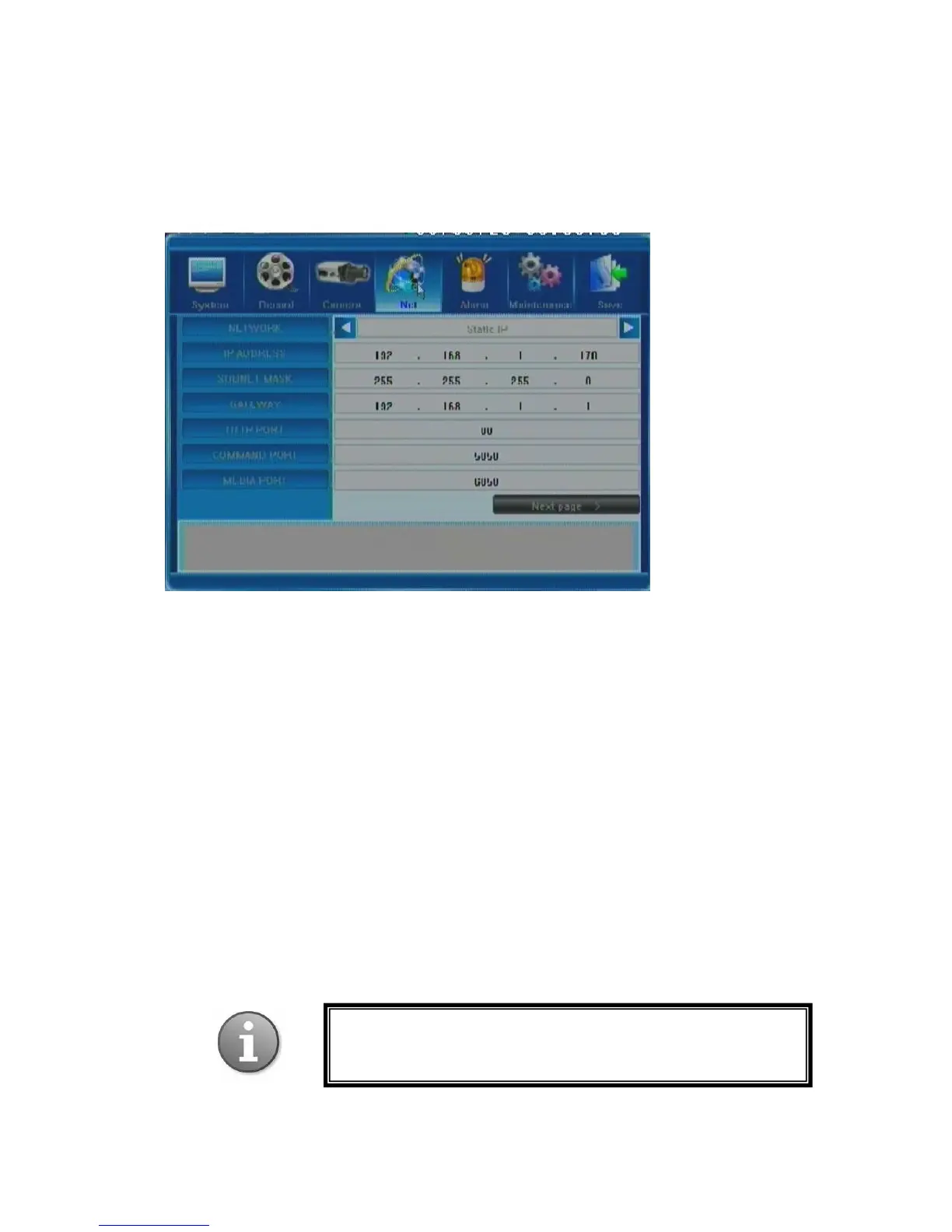
5.5 Net Settings
Next tab will help you set up network preferences for such activities as working with e-mail
or sharing files over a network.
Below you can find the detailed description of each option present in this menu.
5.5.1 Network
You r DVR supports several methods of being viewed online. No matter which method is
used, your DVR must first acquire an IP address, which it does via 2 different methods.
- Automatic acquisition of the IP address by the DHCP client model.
- Manual indication of the IP address by the Static IP model.
Thus, this field offers two options: Static IP and DHCP. Toggling these will either make the
three following fields changeable (in manual mode) or not (in auto mode); these fields are: IP
Address, Subnet Mask and Gateway.
For exact data on your network and explanation of network settings, please contact your
network administrator or Internet service provider.
PPPoE settings for ADSL dial-up connection are also
supported, please go to the next window of the Net Tab by
clicking Next Page.



 To Next Page