speed you will have to use the Fast Rewind button
Fast Rewind (options include – if going back from Fast Forward: 16X 8X
4X 2X Normal 1/2 1/4 1/8 1/16 (this option, as well as the
previous one, cannot be looped, and to return to Normal speed step by step, you
will have to use Fast Forward button
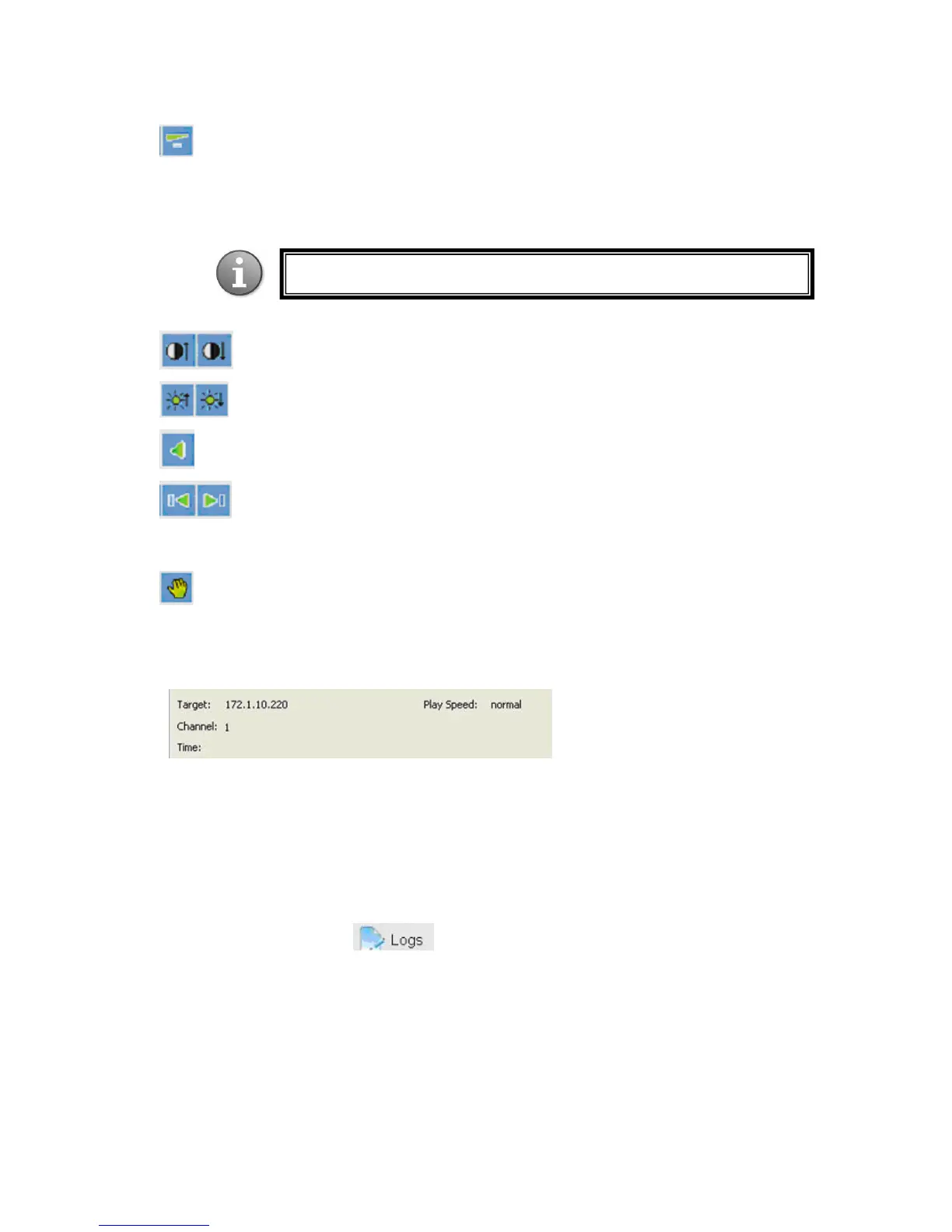
Decrease/increase contrast
Decrease/increase brightness
Mute sound
Arrow buttons will take you to the next/previous file in the list of the files
selected for playback. Available only when multiple files are selected for
playback.
Hand button – Snapshot - calls up the local storage window
Under the control panel you can see the information on the currently played file:
Target: IP address of the source file
Channel: channel number from which this feed was recorded
Time: time frame for the currently played file (Start - End) in the YYYY-MM-DD
HH:MM:SS format
Play speed: see the description of the Fast Forward / Rewind functions above
6.4.4 Device Log
Note: the playback speed is displayed under the time line (see below)



 To Next Page