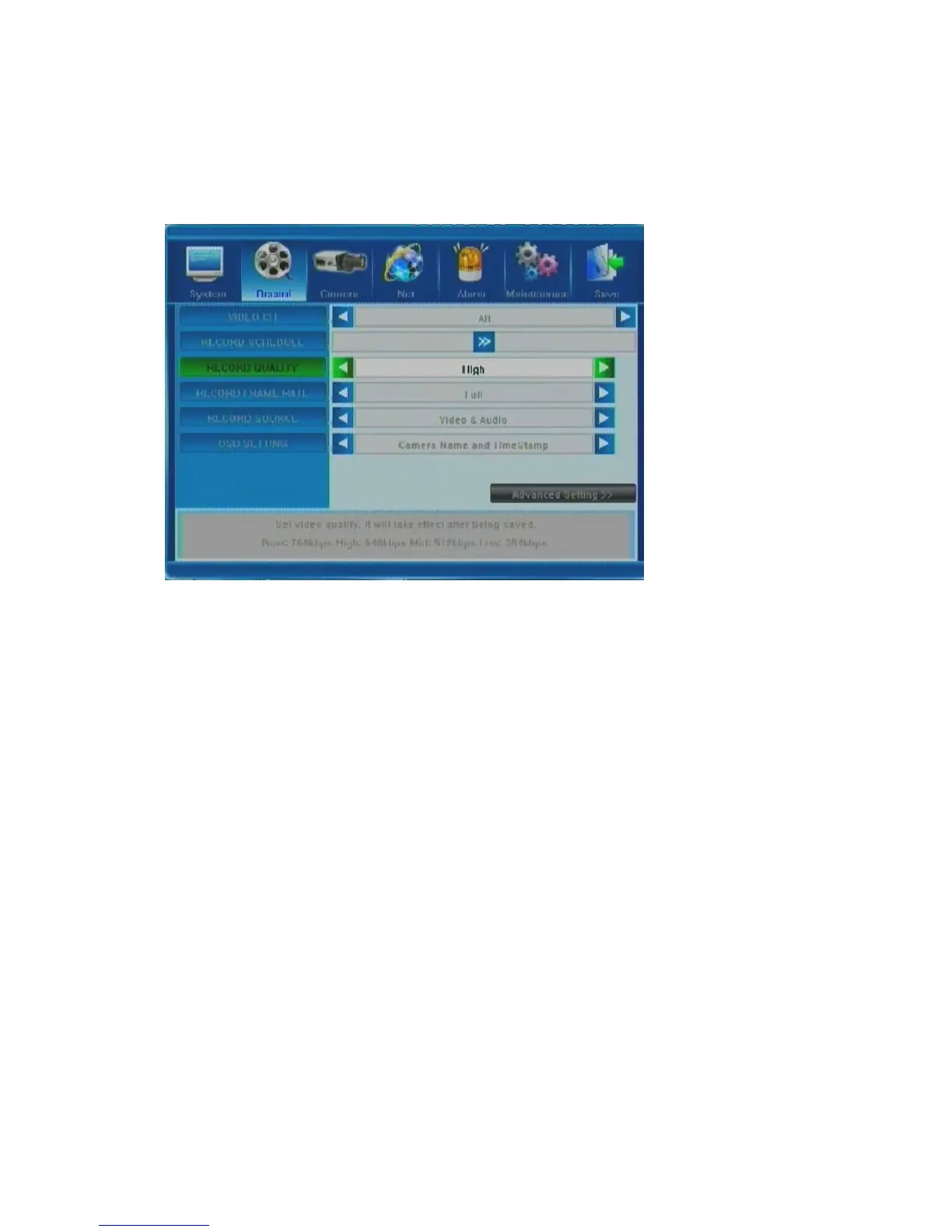
5.3 Record Setting
Menu items in this tab allow you to adjust settings related to recording the CCTV camera
images onto the HDD. Following is the description of the possible options.
5.3.1 Video Channel
This option allows you to select the camera (channel) number whose settings you want to modify.
If you want the changes to apply to all available channels, you need to select “All”. Make the
selection by pressing the arrow buttons; the options run in a loop: 1 2 3 4 All 1,
etc.
5.3.2 Record Schedule
This setup function allows you to create a schedule for recording tasks throughout the week, so
that only certain selected events are actually recorded on the HDD. For example, you may set up
the system to record non-stop during normal business hours, record only alarm-triggered events
during lunch time (meaning no recording will occur unless an alarm event happens), and record
only motion-triggered events at night time.
Please note that manual recording overrides all record settings and will be carried on until
stopped by the operator.



 To Next Page